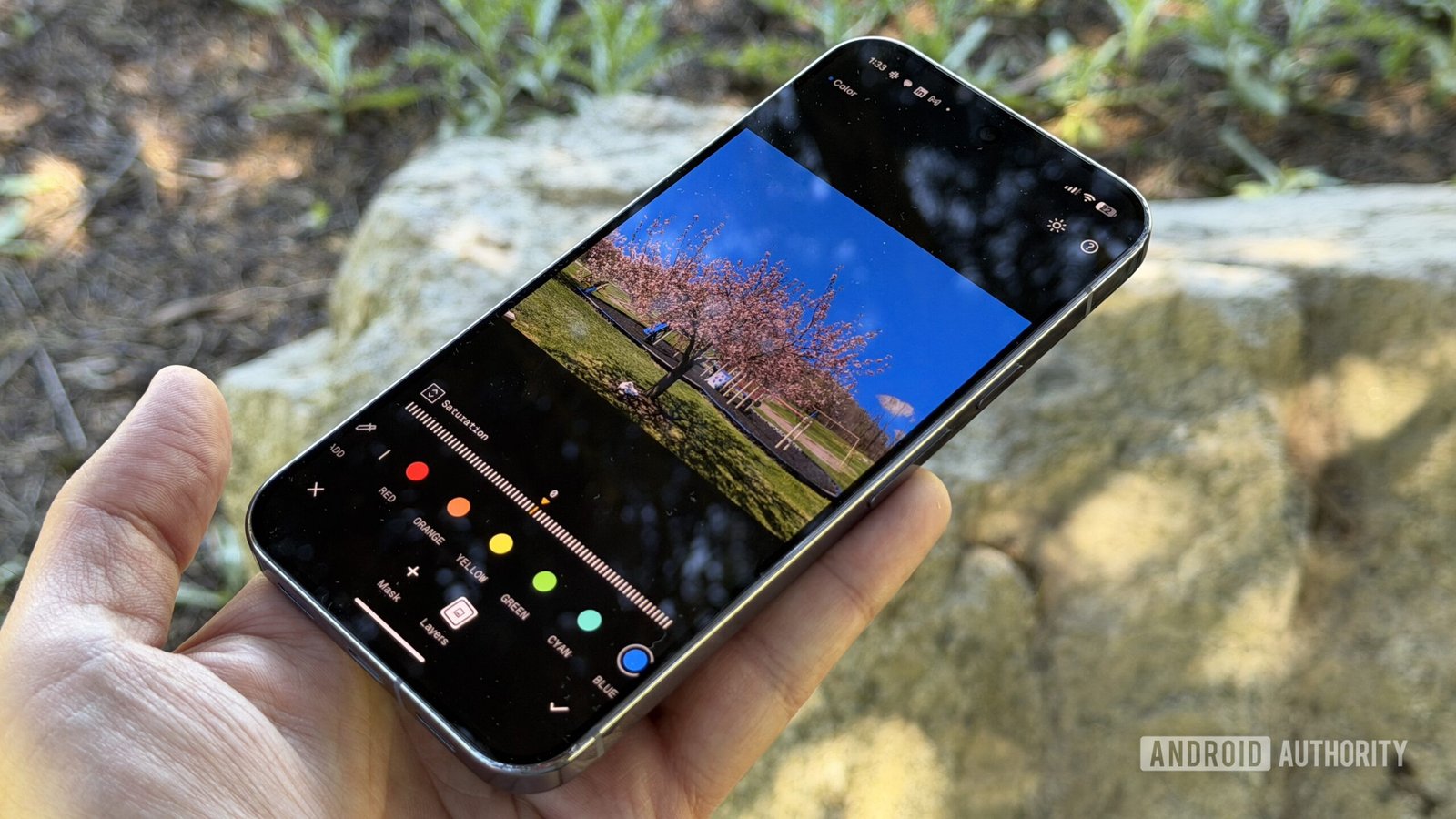
Snapseed’s latest update finally introduces geotagging

Stephen Radochia / Android Authority
TL;DR
- Snapseed is rolling out two new toggles in Camera Settings for geotagging and saving original photos.
- The toggles are currently live in version 4.1.1.948762742 of the app.
- This update comes on the heels of Snapseed gaining new camera tools and support for additional RAW formats just this month.
The Snapseed 4.0 update in May brought a trove of new additions to the Android app. Since then, we’ve seen the app gain new camera tools, as well as support for more RAW formats last week. We can now add a couple of more features to that list.
A Snapseed update has introduced fresh new toggles to geotag images and save original photos. These inclusions also mean the understated Camera Settings page in Snapseed is getting a little crowded. The “Location Metadata” toggle is disabled by default, and enabling it will require the user to grant the required location permissions (via 9to5Google).
On the other hand, the “Capture original for re-editing” toggle will be on by default. This ensures photos you take using any of Snapseed’s multiple Film Styles are also saved in their original, unfiltered form. Enabling this toggle lets you save both image types in folders of your choosing using Android’s familiar file picker interface.

Chethan Rao / Android Authority
The ability to geotag images is a useful addition to Snapseed’s camera tools, though we’re surprised it has taken the team this long to implement it. Meanwhile, saving a copy of the original image would be a welcome addition for users who routinely experiment with a number of Film Styles in their photos.
I’m seeing these new toggles on my Pixel phone, featuring Snapseed version 4.1.1.948762742, and they should be widely available to all users. If you’re on the latest version of the app and still aren’t seeing these toggles in Camera Settings, we recommend force-closing and reopening the app.
There was a general sense that Snapseed’s Android app was being neglected, particularly as iPhone users got first dibs on its new features. However, the long-overdue 4.0 update changed that, while the Snapseed team has since been busy rolling out a number of other camera tools and quality-of-life updates to the app.
Thank you for being part of our community. Read our Comment Policy before posting.