My decade-old laptop was dying until I ditched Chrome for these lightweight alternatives
I refuse to let go of old technology. Sure, nostalgia plays a big part in why, but more so, because I believe old hardware can still be used or repurposed. My MacBook Pro (2015) has remarkably held up well over the years, and I can’t bring myself to part with it — after all, it has helped me graduate through school and even college.
Even though all I do with the machine these days is surf the web, the 8GB of RAM has started to show its age, since browsers like Chrome take a huge chunk out of that memory.
I am debating whether to let the machine finally rest because the limited RAM hurts my productivity. So, I decided to part ways with Chrome and replace it with a few lightweight browsers; it’s safe to say my decade-old MacBook got yet another wind.
Brave
Built-in blocking keeps RAM free for your tabs

Even though Brave is a Chromium-based browser, it’s tons better than Google Chrome in resource management. Brave itself has claimed up to one-third less memory consumption than Google’s browser. One reason is that Brave, by default, blocks most trackers, background scripts, and ads that add overhead on your memory and CPU. For laptops, this also means extended battery life.
This also improves the browsing experience, since you won’t need to install third-party extensions to block annoying ads or trackers, thanks to Shields. Brave is also open-source, and the transparency makes it a great option for privacy. I’ve been using Brave on my MacBook Pro (2015) lately, and it flies on my old computer without me having to compromise performance for privacy or vice versa.
Midori
A veteran lightweight browser built on Gecko

Midori is one of the lightest browsers that is built around privacy. The open-source browser started nearly two decades ago on Linux, but since then has made its way to Windows and macOS. Since Midori is based on Firefox’s Gecko engine, it uses about 60% less memory and is around 3X faster than most browsers.
On top of that, Midori has minimal built-in services and zero telemetry to respect user privacy. The UI is pretty clean, and you get a built-in VPN and a tracker blocker. Midori’s default search engine, AstianGO, also claims not to collect or sell user data from queries. The performance and privacy features alone make it a viable option for any aging laptop. I’ve tried Midori, and it’s a strong contender for my default browser.
LibreWolf
Firefox but with telemetry and bloat stripped

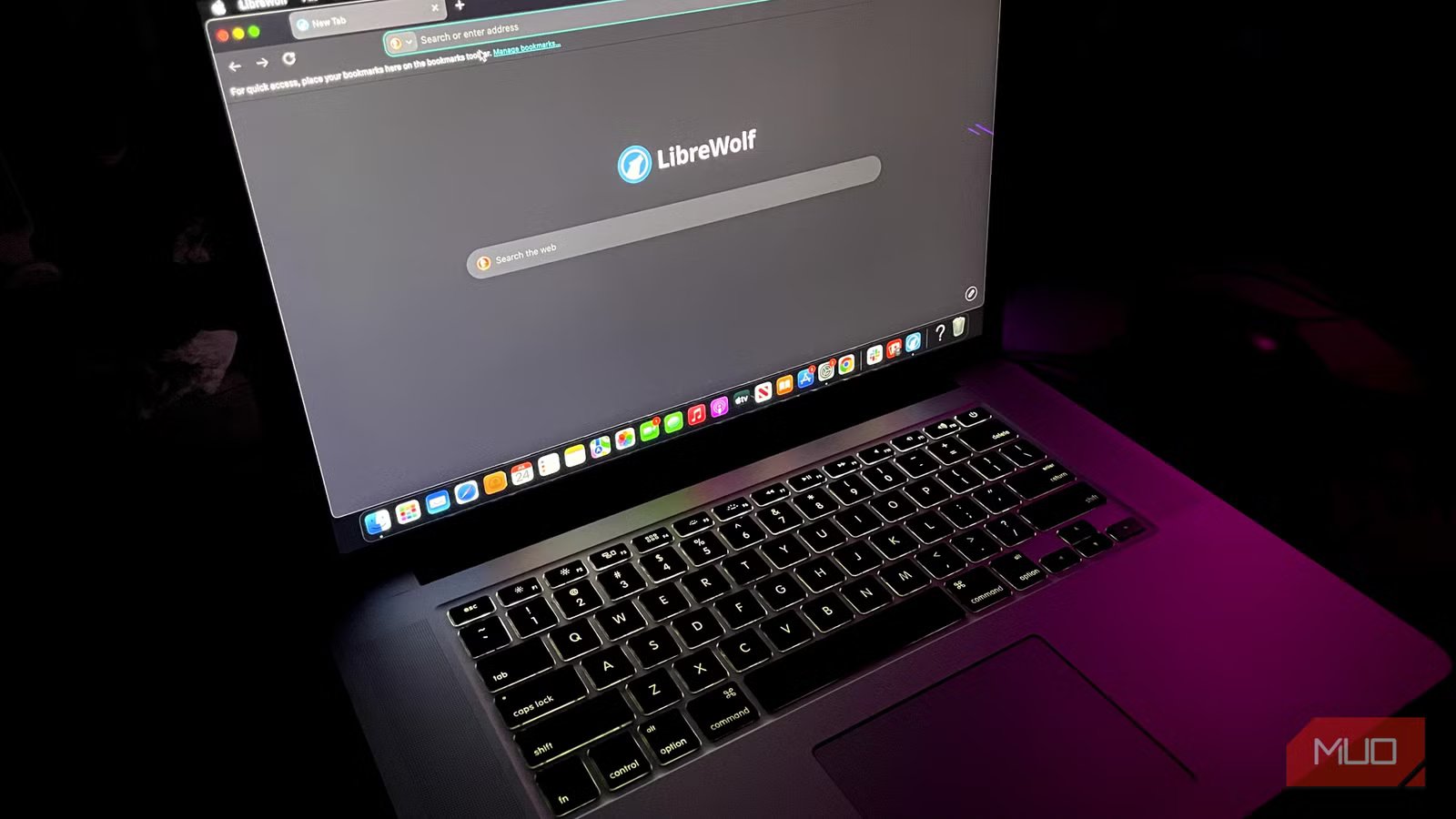
LibreWolf is Firefox in sheep’s clothing (quite literally). It is based on Firefox but with a few nuances. LibreWolf is built around a privacy-first approach, which is why the browser strips out Firefox’s practices in collecting data, telemetry, and advertisements. For performance, LibreWolf might be the most lightweight browser on this list. The floor for LibreWolf is 2GB of RAM, which can make nearly any PC run the browser, although for more tabs and heavy websites, you will need more RAM.
Out of the box, it doesn’t need privacy configuration: uBlock Origin is already installed in the browser; it has fingerprinting protection settings, natively uses search engines like DuckDuckGo, and it goes deeper with other protections that make it secure.
Microsoft Edge
One of the most efficient browsers for Windows that’s already on your PC
If you told my past self that I’d be recommending Microsoft Edge as a browser, let alone a lightweight one, I’d laugh in your face. Fortunately, times have changed for the better, and Microsoft Edge got tired of being the browser used to install other browsers. Microsoft heavily modified the Chromium engine for the browser and optimized it for lower-end systems, discarding some resource-heavy background services. This is why the browser uses up to 30% less RAM than Chrome, which makes a big difference for setups with lower configurations like my MacBook Pro (2015).
Other than that, features like efficiency mode and sleeping tabs smartly distribute system resources for the browser and don’t hog it all up. You can also strip out more performance-intensive features like the notorious Copilot, shopping, and Discover, to keep only what you want from the browser — nothing more. For Windows, it is built directly into the OS, and you can expect much better performance on the platform.
Which lightweight browser should you pick?
Whether you want to opt for a familiar ecosystem like Librewolf (built on Firefox), try a completely different browser like Midori, or finally give Microsoft Edge a second chance, all of these browsers are great options for older systems, although their platform availability varies; I didn’t just mention browsers on macOS explicitly.
Nevertheless, you can narrow down these options for the best features, or if you’d want a more privacy-driven approach, but one thing’s for sure: switching to any of these browsers will make you forget about RAM consumption for good.