3 Linux distros that run on 2.8GB of RAM when even the ‘lightweight’ ones choke
I’ve usually trusted the word “lightweight” on a Linux distro’s homepage. Pick anything with that label, drop it on old hardware, and it should run fine, or so I assumed. Now I’ve actually tested the assumption on my 2012-era HP Pavilion m6, and one distro built specifically to be tiny still fell apart the moment I opened a real browser.
Getting the machine to a clean 2GB should have been the easy part, but boy it wasn’t. The usual `mem=` kernel parameter crashed the bootloader every time on this hardware, so I fell back on `memmap=` instead, which landed at a stable, repeatable 2.8GB, close enough that I decided to report the real number here rather than fake a tidier one. Once I figured that out, I put every distro through the same process: install it fresh, let it sit idle for a minute, then open the same five tabs I actually use, MUO’s homepage, Gmail, YouTube, a news site (TechCrunch, if you must know), and a Google Doc, and see what the memory looked like once the browser was fully occupied.
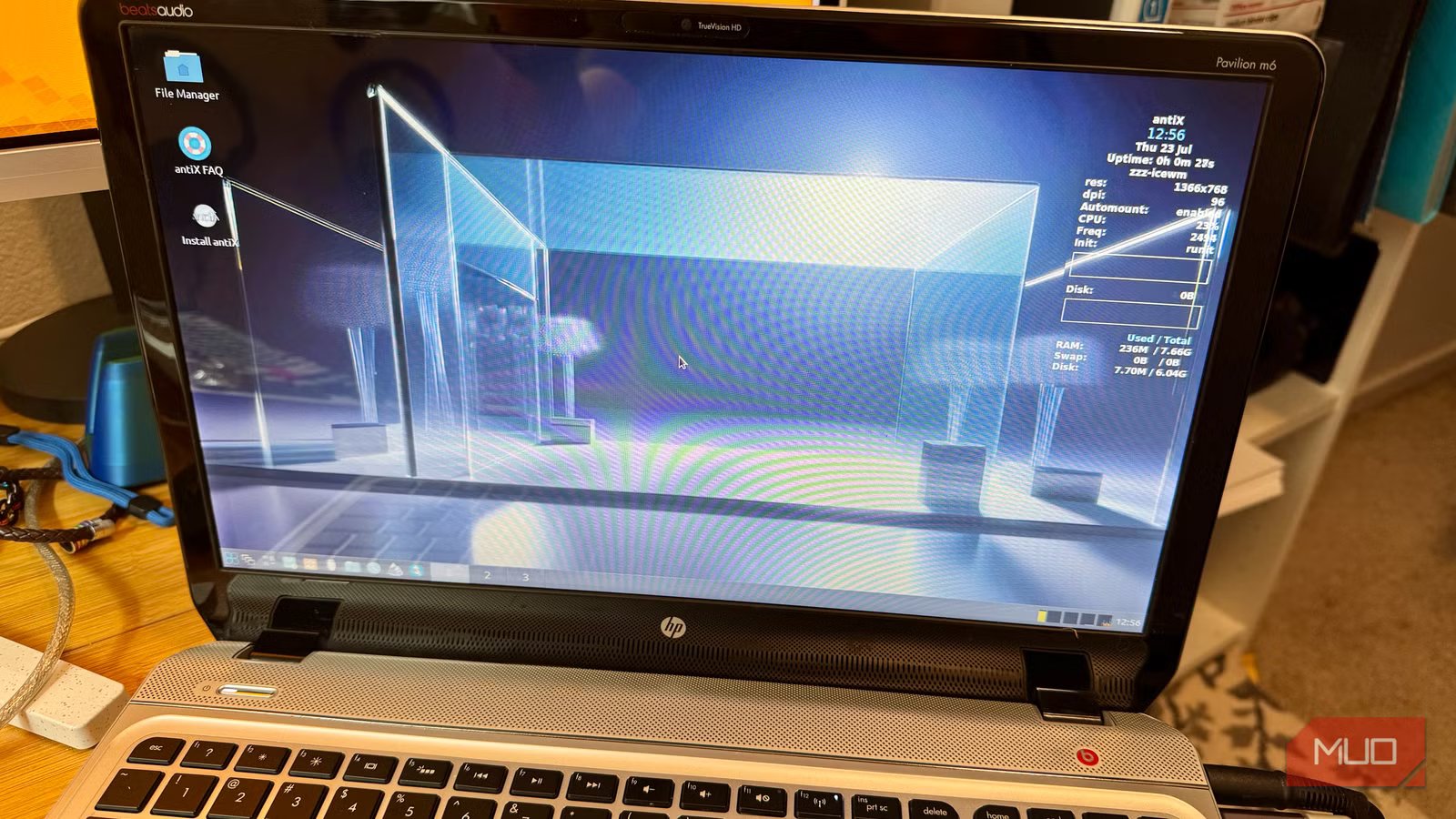
antiX barely noticed it only had 2.8GB
No lag, no hesitation

antiX officially recommends just 512MB of RAM, and testers have found it consistently outperforms other lightweight options on old netbooks and low-RAM laptops, so I expected it to do fine. What I didn’t expect was for it to feel completely unremarkable in the best way. It idled at 475MB used, and after loading all five browser tabs, it climbed to 2.3GB used with swap usage under a megabyte. Switching tabs felt exactly as responsive as it does on my modern Windows machine, with no stutter and no delays redrawing the screen. Available memory dropped to around 529MB by the end, so it didn’t have a whole lot of room to spare, but it never had to compensate for anything either.
Bodhi Linux matched a modern PC, even running a heavier browser

Bodhi’s Moksha desktop idled at 296MB used, which was the leanest of everything I tested. What surprised me is that Bodhi ships Chromium by default, not Firefox, and Chromium typically eats more memory per tab. I expected that to work against Bodhi here. Instead, loaded memory came in at 1.9GB, lower than antiX’s loaded total, with swap usage staying light at 54MB. Tabs and content loaded quickly, with no slowdown, even with the heavier browser doing the work. The Moksha desktop is fairly Windows-like, too, though it took me a hot minute to realize the terminal was called Terminology, as the standard Ctrl + Alt + T didn’t bring a terminal up as I expected.
MX Linux held up, but it worked for it
Real swap use with no stutter

MX Linux is a joint project between the antiX and MX communities, and its installer looked and worked just like antiX’s, with the same steps and options. That shared collab didn’t carry over to memory use, though. MX idled higher, at 924MB used, and once loaded it climbed to 2.6GB used with 973MB of real swap engaged. It felt a little slower than a modern PC, tabs took a beat longer to settle, but nothing stuttered. MX Linux isn’t a bad choice at 2.8GB, it handles the same workload as the other two, it just pushed the system a little more to do it.
The one that choked: Tiny Core
Small on paper and slow in practice

Tiny Core is about as minimal as Linux gets, and on paper it should have won this test outright. Instead, it reported an oddly low 915MB of total memory on this same hardware (with the same BIOS cap as the other three), a discrepancy I never fully resolved. Tiny Core Linux exhausted its swap under the identical five-tab test, and visibly lagged opening new tabs. Getting a browser onto it took real effort too, since it doesn’t come with a default browser and it didn’t detect my Wi-Fi card. It took me a little bit of research to figure out how to install Firefox, which then tossed warnings about missing graphics libraries in the background. Its theoretical footprint is the smallest of anything here, but its real-world result was the worst.
That doesn’t mean Tiny Core is bad software, because it wasn’t built for basic desktop work. Mostly, it was created for embedded devices and rescue media, not for someone (like me) who wants to open Gmail five minutes after installing it.
What I’m keeping installed
I didn’t expect the distro with the least memory overhead on paper to be the one I’d actively avoid. antiX and Bodhi both handled a real workload as smoothly as my current daily driver, and MX wasn’t far behind, it just showed its work a little more. Tiny Core’s advantage evaporated the moment I asked it to do something a real person would actually do with a laptop. “Lightweight” on a download page tells you almost nothing until you’ve loaded five tabs and watched what actually happens to the memory. I’m leaving Bodhi installed on the Pavilion for now, though I wouldn’t have minded antiX, either. Bodhi, though, looks a little more modern and feels good to use. Imagine how much better it will be when I remove the memory cap and use the installed 8GB on the Pavilion.