Cat6 is fine, but this is what I’d actually run through my walls today
I wired the basement of our new build myself, and I ran Cat6 to every drop. It was the right cable then, and I’d still tell most people to skip Cat5e and run Cat6 without a second thought. The runs work. Every wired device gets its full gigabit, and nothing about the network has ever pushed me to open those walls again. So this isn’t a confession about a mistake. It’s the one call I’d change if I could pull those runs a second time. Cat6 handles what my house needs today. Cat6A handles what it’ll need in ten years, and the walls are the only place that difference gets expensive to fix later.
Cat6 still covers what most homes need today
The ceiling only shows up when you push past gigabit
Cat6 carries a full gigabit across the longest run you’ll find in a house, and it does that whether the cable is 10 feet or 100 meters long. That’s plenty for 4K streaming on every TV in the place, with headroom left for gaming. Large local file transfers already feel instant. For the way most people actually use a wired connection, there’s no ceiling to hit. It’s the same reason I tell people that a wired connection beats Wi-Fi for almost any device that stays put, regardless of the category stamped on the jacket.
The real limit sits further out than most people expect. Cat6 only holds a 10-gigabit link out to about 55 meters, then it steps down to a slower negotiated speed. Pack several runs tight in one wall cavity and that distance shrinks, since the cables start leaking interference into each other. At gigabit speeds, none of this shows up. It surfaces the moment you push for more than a gigabit, and that’s the corner a lot of homes are about to turn.
The cable inside a wall is the one part you can’t swap later
I built my basement runs for right now, not for 2035
Every other piece of my network is easy to replace. A patch cable between the switch and a device comes out in about five seconds. The switch and router upgrade whenever something better lands, and the access points come down off the ceiling just as easily. I’ve already ditched my ISP-provided modem-router combo and rebuilt everything around UniFi once, and I’d do it again without hesitating.
The cable buried in the wall is the exception. When I wired the basement, I fished the runs through joist bays and stapled them to framing before closing drywall over the whole path. Getting any of it back out means cutting into walls, which nobody does on a whim. So the in-wall run carries a 10- to 15-year lifespan that none of the swappable gear does, and I made that call optimizing for the speeds sitting in front of me rather than the ones on the way. Cat6 was cheaper and easier to bend around corners, and it handled everything a gigabit house asked of it. I picked the cable that solved that week’s problem.
What Cat6A adds once you get past gigabit
Full 10 gigabit to 100 meters, and cooler PoE

Cat6A fixes the exact limit Cat6 hits. It holds a full 10-gigabit link across the entire 100-meter run instead of tapping out around 55, because it doubles the bandwidth to 500MHz and shields against the crosstalk that builds up between bundled cables. That alien-crosstalk control is the whole reason for the “A.” It keeps the signal clean at 10-gigabit speeds even in a wall stuffed with other runs.
Speed headroom isn’t the only draw. My access points pull power over the same Ethernet cable that carries their data, a setup known as Power over Ethernet (PoE), and Cat6A’s thicker 23AWG conductor runs cooler while delivering it. Heat is what wears down a PoE run over the years, so the cooler cable ages better under load. The cable is only half the equation, though. You still need a switch and devices that speak 10 gigabit, and some gear caps lower than you’d guess. I found several of my TVs stuck at 100Mbps despite modern ports on the back. Cat6A earns its place with the hardware that genuinely moves data, like a NAS shuffling large files between rooms or a Plex library feeding several streams at once. That’s what fills a wired link, and what I’d want the walls ready for.
Cat6A costs more and fights you a little
Where I’d still reach for Cat6

Cat6A isn’t a free upgrade, and the tradeoffs are physical. The cable is thicker and stiffer, with a wider bend radius that turns tight corners into a wrestling match. Terminating it takes more patience, since there’s more copper and often more shielding to wrangle inside the jack. On a long pull through finished framing, that friction adds up.
It costs more too. A 1,000-foot spool of Cat6A riser cable runs $120–$180, against roughly $70–$100 for the same length of Cat6. That works out to 40–60% more for the box. Across a whole house that’s real money, but spread over a decade it lands close to a rounding error.
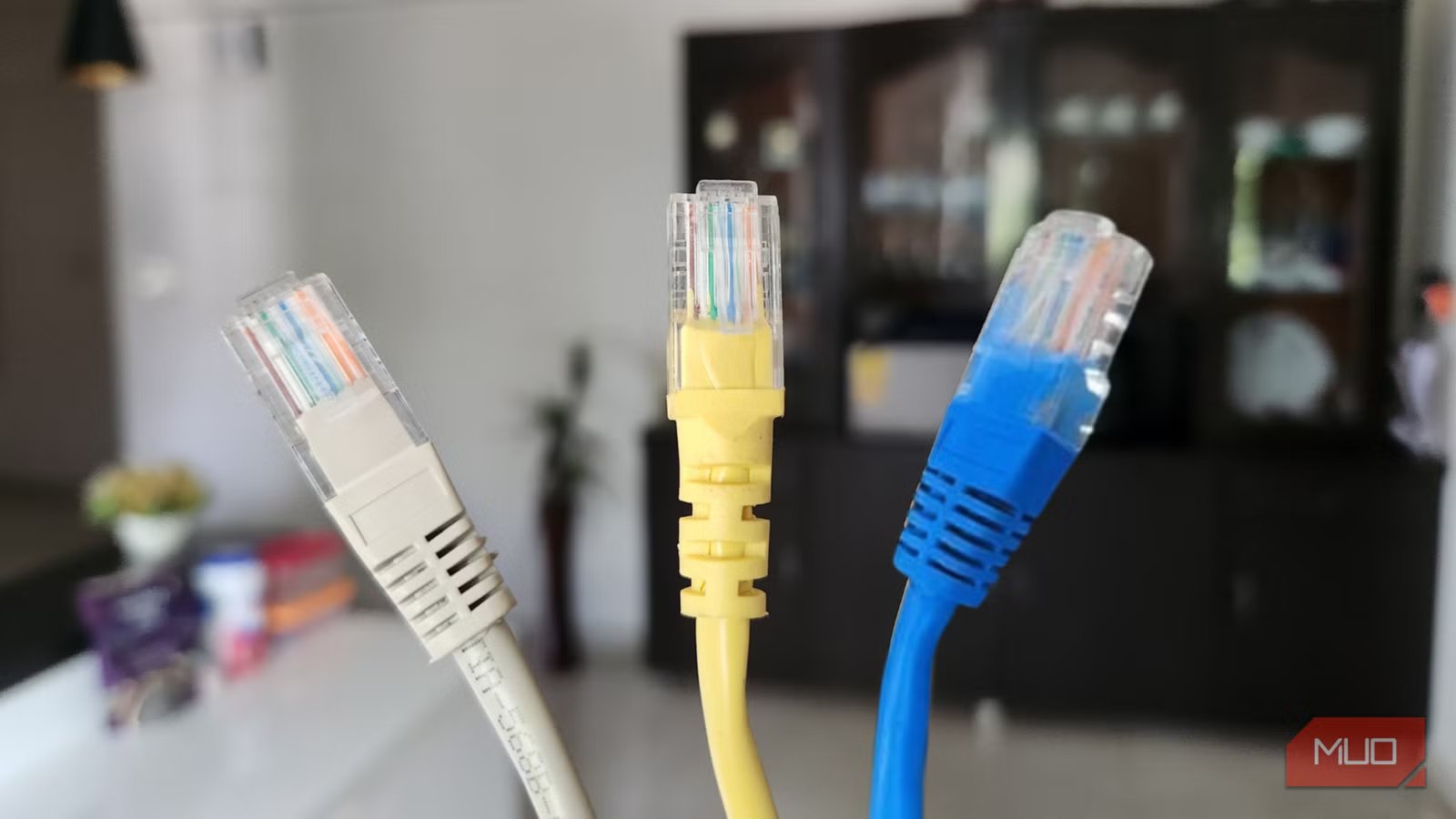
None of this makes Cat6 the wrong answer everywhere. For patch cables between a device and the wall jack, Cat6 wins every time, since those runs are short and pull out in seconds. The same goes for any run you can still reach without a drywall saw. The rule I’d follow now is short: Cat6A for anything sealed inside a wall, Cat6 for everything I can still get my hands on.

- Brand
-
True Cable
- Length
-
1000 ft
What I’d pull through the studs if I did it again
If I could rewind to the week I wired that basement, I’d load the spool with Cat6A and run it to every sealed drop without overthinking it. Not because Cat6 let me down, but because the walls are the one place I can’t easily revisit, and 10-gigabit headroom is worth locking in while the drywall is still open. For the patch cables and the runs I can reach, Cat6 stays right where it is. The cable behind the wall is a decade-long bet, and it’s the one spot where paying a little more today buys the most peace of mind later.