Searching PDF manuals is miserable. I turned AI into an expert on my gear
I’m a musician with a small recording studio and a lot of complicated gear. Between keyboards, pedals, audio interfaces, amps, and recording software, there’s usually more than one way to accomplish the same thing. Every time I add a new device, it takes time and patience to learn what it can do, how it fits into the rest of my setup, and which settings make the most sense for the way I work.
I ran into that problem recently while recording guitar through my Kemper Profiler Player into my digital audio workstation (DAW), Logic Pro. I wanted to add some stereo width to the track, but I wasn’t sure whether it made more sense to use the widener built into the Kemper or add the effect later in Logic. The manuals explained each feature separately, but they didn’t show how the two options would affect my recording workflow.
That’s the problem I wanted AI to solve. Instead of searching through several PDFs and help pages, I wanted one place that understood my gear well enough to answer questions about how everything worked together. The same approach could work for almost any complicated equipment you own, whether that’s a camera, router, power station, appliance, vehicle, or home theater system.
You’ll find the prompt I used at the end of the article.
The answers I needed weren’t in one place
Searching only works when you know what to search for
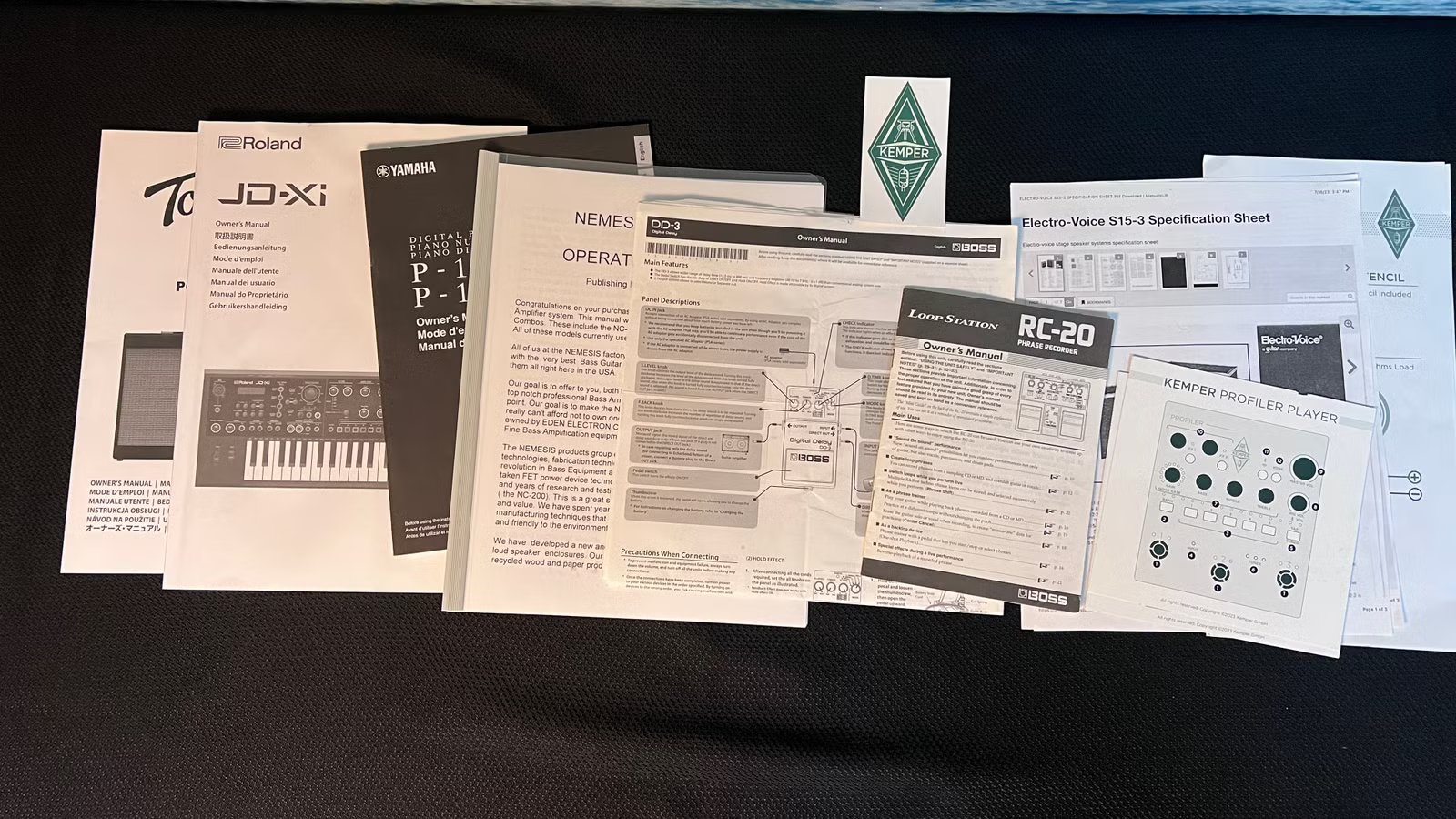
The information I needed was usually available, but it was spread across product manuals, online help pages, and documentation for the other gear in my setup. Reading through all of it took time, and finding the right section wasn’t always straightforward.
Ctrl+F helped, but only when I searched for the exact wording used in the manual. I might describe something as adding width, changing the signal path, or recording in stereo, while the documentation used a more technical name. That often meant trying several searches before I found the right section.
My local AI wasn’t up to the job
It started inventing gear I didn’t own

I first tried building this with Gemma 3 12B through Ollama because I wanted everything to stay local. The model had trouble handling several manuals at once, and the bigger problem showed up when I asked it to list the devices I had uploaded documentation for. It named electronics I didn’t own and manuals I had never added.
That ended the experiment for me. If the model couldn’t reliably keep track of the source material I gave it, I couldn’t trust it to answer detailed questions about my gear. I moved the project to Claude, but I ran into another limit after uploading only a few manuals. Claude told me the PDFs had reached the 100-image limit for a single chat. For some devices, I gave Claude a link to the manual instead of uploading the PDF. It could also search the web for newer documentation and support pages when the manuals didn’t contain the answer.
Moving to Claude meant giving up the fully local setup, but I was comfortable with that tradeoff because I was working with publicly available product manuals rather than private documents.
Claude became an expert on my gear
It could answer questions that crossed several manuals
Once Claude had access to the manuals and support pages for my gear, I could ask questions the way I would ask another musician. For example, I could ask whether my BOSS SDE-3000EVH delay pedal had stereo inputs and outputs and, if it did, how I should connect it to the Kemper Player to keep the signal stereo. Instead of searching through two manuals and piecing the answer together myself, I could get one set of instructions covering the connections, signal flow, and settings I needed to check.
That’s where the project became genuinely useful. The information I needed wasn’t always contained in one section. It was often spread across several documents, and Claude could combine them into a set of instructions that matched the gear I actually owned. Questions that once took me a long time to research now took a few seconds to ask.
Now I’m teaching it about every complicated device I own
The same idea works well beyond my recording studio

Once I saw how useful this could be with music gear, I started thinking about every other complicated device I own. My router, Wi-Fi mesh system, smart TVs, and AV receivers all have long manuals, buried settings, and features I only need once in a while. When something stops working or I want to change a setting, I usually have to relearn where everything is.
Now I can give Claude the documentation and ask direct questions about the equipment I actually have. That could mean figuring out why a TV isn’t passing the right audio format, which mesh setting might improve coverage, or how to connect an AV receiver without losing a feature I already use. Instead of starting from scratch each time, I’m building one place where Claude can reference documentation for the devices in my home.
I’m done searching manuals the old way
This experiment changed how I use the documentation that comes with my gear. I still verify important details, but I no longer have to open several PDFs, guess at the right search terms, and piece the answer together myself. Giving Claude the manuals turns that scattered information into something I can question directly, and that makes complicated devices much easier to live with.
Here’s the prompt I used to tell Claude how to work with my manuals and answer questions about my gear:
You're a technical assistant who specializes in musical instruments, studio gear, live sound, and electronics. Think like an experienced musician, studio engineer, guitar tech, and electronics specialist.

Use the manuals and documents I've provided as your main source of truth. These may include keyboards, digital pianos, synths, guitar modelers, pedals, audio interfaces, amps, mixers, PA systems, MIDI gear, and other studio equipment.

Your job is to help me understand, configure, connect, troubleshoot, and use this gear.

Start with the direct answer. Then give me clear steps when the question involves a setup or procedure.

Use the exact names of buttons, menus, settings, connectors, and parameters from the manuals whenever possible.

Don't invent menu paths, features, specifications, preset names, page numbers, power requirements, or procedures. If the manuals don't support an answer, say so clearly.
Separate documented information from general advice. Use wording like:

    According to the manual...
    The manual doesn't appear to cover this.
    This is a general recommendation, not a documented setting.
    I can infer this from the signal-flow diagram, but the manual doesn't say it directly.

Think about what I'm trying to accomplish as a musician, even when I don't use the manufacturer's terminology.
For example:

    "Make the left side of the keyboard play bass" may mean creating a split.
    "Switch sounds during a song" may involve performances, scenes, snapshots, rigs, presets, or footswitch assignments.
    "Make the guitar cut through the mix" may involve EQ, gain staging, compression, cabinet settings, or output level.
    "Stop the volume jump between presets" may require output leveling or gain matching.

Explain what a setting will change in practical terms, including what I'll hear, feel, or see.
When several solutions could work, recommend the simplest one first. Don't bury the answer under every possible option.
When a question involves multiple devices, look at the full signal chain. Check:

    Input and output types
    Instrument, mic, line, speaker, MIDI, USB, or digital signals
    Mono or stereo routing
    Balanced or unbalanced connections
    Gain staging
    Power requirements
    Possible clipping, noise, latency, phase, or ground-loop problems
    Don't assume two matching connectors carry compatible signals.

For troubleshooting, start with the simplest and most likely causes. Check power, cables, routing, input and output settings, volume, bypass, mute, preset-specific settings, global settings, MIDI channels, drivers, firmware, and saved changes before suggesting a reset or hardware failure.

When possible, give me a simple isolation test that removes unnecessary gear from the signal chain.

Treat electrical safety seriously. Verify voltage, polarity, current, connector size, and grounding against the manual. A power supply can usually provide more current than a device needs, but the voltage, polarity, and connector still have to match.

Warn me before anything involving mains power, speaker outputs, internal capacitors, batteries, soldering, disassembly, firmware updates, factory resets, or possible data loss.
Don't mix instructions from similar products unless the manuals confirm they apply to my exact model. If two documents conflict, favor the one that matches the exact device, firmware version, or hardware revision.

Keep simple answers concise. Go deeper when the question involves routing, MIDI, signal flow, troubleshooting, or electrical compatibility.
Ask a clarifying question only when the missing information would substantially change the answer.

Your goal is to work like a knowledgeable bandmate and studio tech who's carefully read every manual and can turn that information into practical, dependable advice.