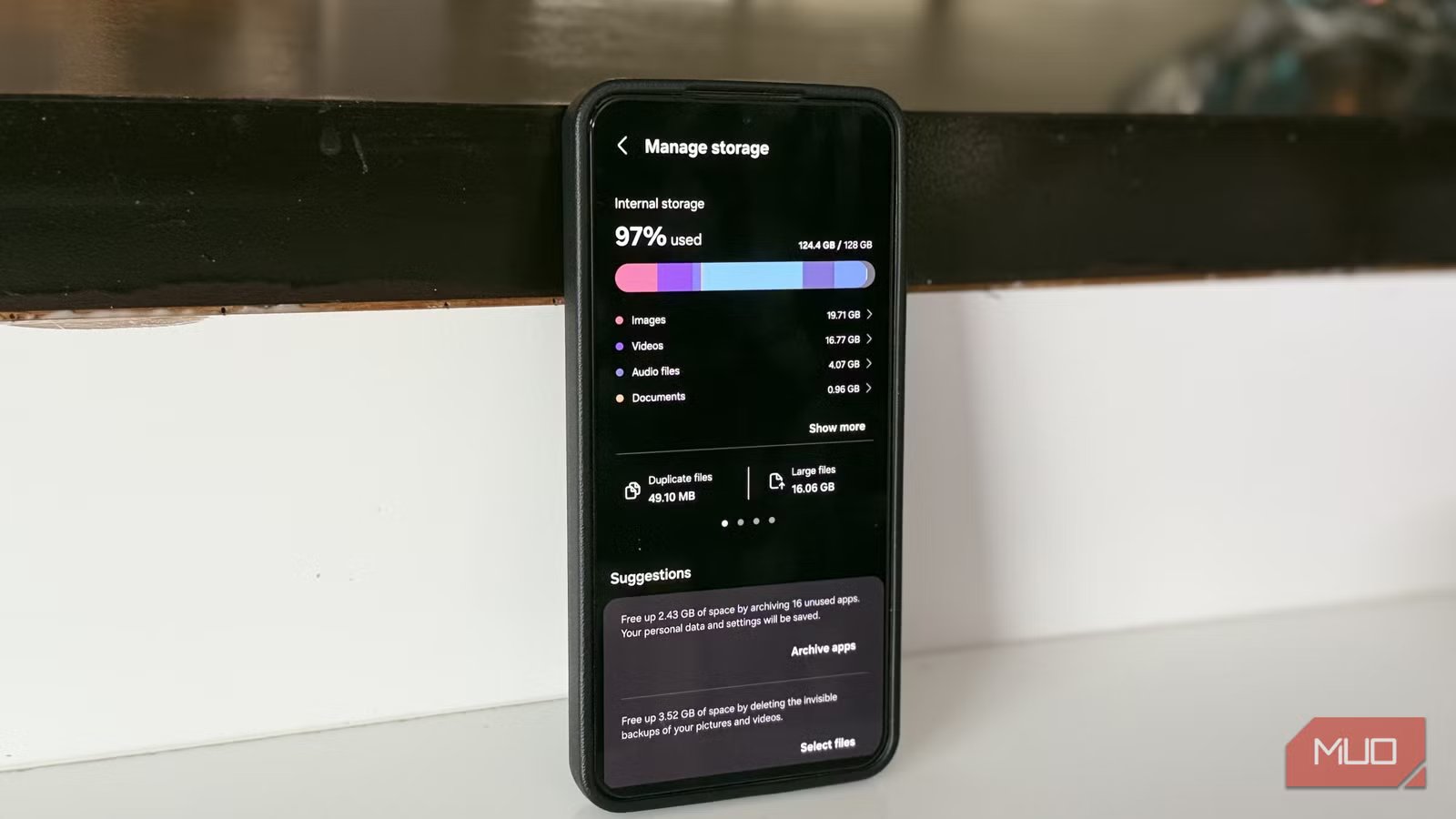
This Samsung system app was wasting 3 GB of storage and draining the battery
Samsung phones get a lot of flak for having too many apps out of the box. But beyond the bloatware you can actually see, there are also system apps that never show up anywhere obvious. More importantly, not all of them are essential.
Samsung Language Core is one of them. And it’s hard to ignore it once you find it, because it takes as much as 3GB of storage space and can even be a serious battery hog in some cases.
Samsung Language Core has a legitimate purpose
But at what cost?

I won’t blame you for not knowing about Samsung Language Core because it doesn’t appear anywhere in the app drawer. You’ll only come across it if you dig into the Apps menu in Settings or browse installed apps in the Galaxy Store. It’s Samsung’s on-device AI engine that powers language features in Samsung Keyboard and a bunch of other apps.
If you use Samsung Keyboard, you probably know about Writing Assist. It’s a nifty feature that can fix any grammar and spelling errors in your text or even rewrite the whole thing — all from the keyboard. Samsung Language Core makes it possible. It also powers those smart reply suggestions that you see in the notification panel, helps the Gallery app understand plain-language searches, and summarizes call and voice recordings.
The most important thing here is that your Galaxy does all of this processing offline. And to pull that off, it needs an AI model that can run locally on your phone. The obvious benefit of this is that these language features work without sending everything you type to a remote server. But the downside is that your Galaxy phone has to reserve around 3GB of storage for that model.
The storage usage was only part of the problem
It solves one problem, but creates two more

A 3GB model sitting on your Galaxy phone is a big deal, especially for anyone who’s already struggling with storage space. But even if you can live with it, Samsung Language Core has another problem. It can drain your phone’s battery unnecessarily.
To be fair, this doesn’t happen on every phone, but I’ve seen several reports where users have claimed Samsung Language Core consistently topping the battery usage menu. You can check if it’s doing the same on your device by heading to Settings > Battery.
If you do find it draining the battery, a band-aid fix is to head to Settings > Apps > Samsung Language Core > Battery and choose Restricted. This limits the app’s background activity and can reduce the battery drain. Of course, this won’t free up the storage it’s using. The only way to reclaim that is to remove Samsung Language Core from your phone entirely.
Getting rid of Samsung Language Core is easy
You won’t lose much
Since Samsung Language Core is a system app, you can’t uninstall it like any other app. And no, you can’t disable it either. But the good news is that you can uninstall its updates, which is effectively the same thing because it removes the 3GB model sitting on your phone.
To do that, head to Settings > Apps > Samsung Language Core. Tap the three-dot icon in the top right corner and choose Uninstall updates > Uninstall. That’s it. Your Galaxy phone will free up 3GB of space almost instantly.
The obvious trade-off is that Writing Assist and other AI-powered language features won’t work offline anymore. If you still want to use them, make sure the Process data only on this device toggle is disabled under Settings > Galaxy AI. All those language processing features will still work as usual, but the processing will happen on Samsung’s servers instead of on your phone. And if you want to undo this at any point, all you have to do is search for Samsung Language Core in the Galaxy Store and update the app. Your Galaxy phone will simply re-download the AI language model.
I haven’t missed it one bit
It’s been almost a week since I removed Samsung Language Core’s updates from my Galaxy S26, and honestly, I haven’t missed it at all. Everything still works as usual. The only real difference is that my phone has 3GB of breathing room it didn’t have before, and Samsung Language Core no longer shows up anywhere in my battery stats.
In many ways, this app is similar to Google’s AICore, which powers proofreading and grammar checking in Gboard, automatic speech recognition, and smart replies in supported apps. AICore, though, is a bigger storage hog at 6GB and comes pre-installed on most Android phones. So yes, if you’re looking to free up storage or cut down on AI bloat, don’t stop at Samsung Language Core.
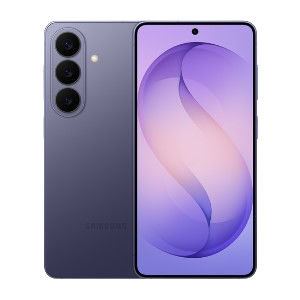
- SoC
-
Snapdragon 8 Elite Gen 5
- Display
-
6.3-inch Dynamic AMOLED 2x
- RAM
-
12 GB
The Samsung Galaxy S26 features a 6.3-inch 120Hz display, a Snapdragon 8 Elite Gen 5 chip, and a 4,300 mAh battery. It includes a 50MP main camera with enhanced AI software, 256GB of base storage, and a slim 7.2mm profile, focusing on fast daily performance.