There are some files you don’t want anyone to open, and this Android app takes care of them
Our phones go everywhere we go, and they carry digital copies of some of the most important documents. Every phone has one folder that contains our IDs, driving licenses, screenshots of bank details, and other images and videos you don’t want to show anyone. Most people securely store them in a dot-prefixed folder or rely on Android’s built-in Private Space. But the reality is that none of the options actually encrypt anything. They just make the files harder to stumble upon.
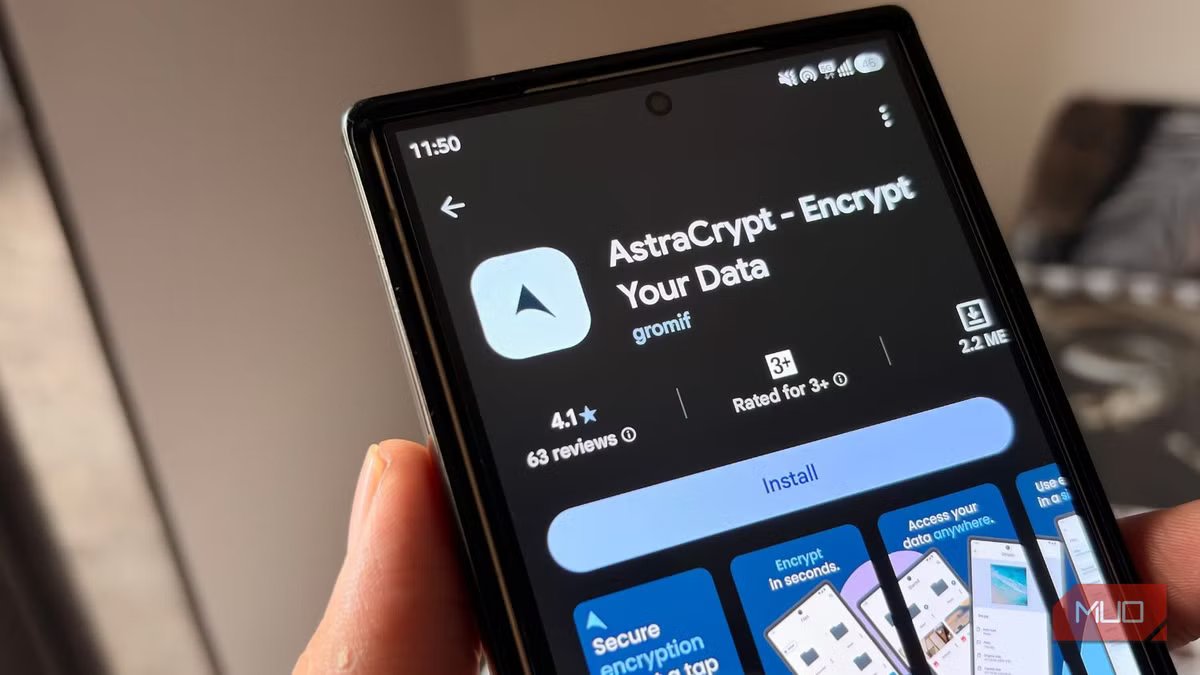
AstraCrypt is different. This free and open-source Android app not only hides your important files from everyone’s eyes, but it also locks them behind real encryption.
AstraCrypt actually encrypts your files
It is a vault, not just a hiding spot

When you go to the Google Play Store and search for a file hider, you will get numerous options. Some apps will give you a private folder to keep things, while others will give you a gallery app that won’t scan with the standard gallery. But that is not a safe way to keep your important files.
AstraCrypt does something different. It encrypts the files and stores them inside a locked container on your device. You can store your images, videos, documents, and notes inside it, and you can apply an optional security layer on top of your phone’s own lock.
So, even if someone goes past your fingerprint sensor, they still won’t be able to see what’s inside. While many other apps throw the word “military-grade encryption” quite casually, AstraCrypt actually brings a top-notch level of encryption.
According to its GitHub listing, AstraCrypt uses AES256-GCM and other Authenticated Encryption with Additional Data (AEAD) algorithms. Additionally, it also supports layering multiple algorithms on the same files. In short, even the US government trusts it for its own sensitive data.
Setting it up barely takes much time
From download to hiding your first file in five minutes
The good thing about this app is that although it may sound like a very technical app (which it is, but that works in the background), installing and using the app is quite easy. Here’s how you can use AstraCrypt on your phone:
- Download the AstraCrypt app from the Google Play Store on your phone. Alternatively, you can grab the APK file from GitHub and then sideload it on your phone.
- Open the app and tap on the Files button on the bottom bar.
- Tap the plus (+) button to start adding your files. You will be asked to choose a photo, video, folder, music, or scan your entire storage. When you select a category, you will be prompted to choose if you want to save or delete the original file.
- After you upload the file, head to Settings and tap on Encryption. You can choose among different types of encryption.
- Then tap on Authentication and choose the option to set a password.
- There is also the option to camouflage the app with the Calculator app.
The last step is crucial, and most people skip it. If you keep the original files out in the open on your phone, anyone can access them, even if you have put them away in AstraCrypt. Do note that if you think deleting them is too much, then you should store them securely somewhere else outside your phone.
AstraCrypt’s open-source nature actually matters
You are not just trusting the developer’s word for it

With most file-hiding apps casually using word encryption, AstraCrypt doesn’t throw that word lightly. It tells you not to rely on the developer’s word and to check for yourself whether it has military-grade encryption.
This is because it is an open-source app, and anyone can read the code and confirm whether it does what it says. Its Play Store listing also confirms that the app does not collect any data and does not share any data with third parties.
If you are on Samsung, you already have access to Secure Folder, which locks all your files behind Samsung Knox security. This means even if someone unlocks your phone, they won’t be able to access the Secure Folder without its PIN, pattern, or your biometrics. This is a good option, and you should try it first. If your phone doesn’t come with any such security option, then AstraCrypt is at your disposal.
It’s not perfect
Some Play Store reviews mention that large batches of photos and videos occasionally fail to import or crash the app. Though the developer has responded and pushed fixes, it is something you should know about. Also, the Play Store version installs a slightly different version than the one you get from GitHub to comply with Google’s norms. If you want the original version, you should grab the APK file from the GitHub repository. Overall, if you are not hiding state secrets, which most of us aren’t, and you only have the ordinary sensitive stuff, you should give AstraCrypt a try since it hides your files with top-level security encryption.