5 LM Studio alternatives that made me rethink my default local AI app
Local AI has come a long way, and so have the apps that make it easy to run large language models on your own computer. While many people start with LM Studio, it doesn’t have to be where your journey ends. As I spent more time experimenting with different local AI tools, I realized that each one is built with a different type of user in mind. Some are better for power users, others focus on speed, and a few are designed to fit into larger AI workflows.
Ollama
It’s the obvious choice if you want a simple way to run local models

Whenever someone asks me for an alternative to LM Studio, Ollama is the first name that comes to mind. It’s probably the most popular option for running local AI models, and for good reason. Installing a model usually takes a single command, and updating or switching between models is just as straightforward.
I also like how well it integrates with other tools. I’ve connected Ollama with Open WebUI, Logseq, and a few other self-hosted apps without much effort. If you plan to build your own local AI workflow instead of just chatting with a model, Ollama gives you a lot of flexibility. It’s an obvious choice for anyone who wants a reliable foundation for running local LLMs.
Msty AI
It made using multiple AI providers feel effortless
Msty AI stood out to me because it goes beyond running local models. Instead of focusing only on Ollama or LM Studio, it lets me access local models and cloud AI services from the same interface. I can switch between different providers without constantly changing apps, which makes my workflow much smoother. The interface also feels polished and beginner-friendly, so I didn’t spend much time figuring things out.
Another feature I like is its built-in knowledge base support, which lets me chat with my own documents without extra setup. That makes it useful for researching articles, reading documentation, or summarizing PDFs. Even though I still prefer dedicated tools for some tasks, Msty AI is one of the easiest ways I’ve found to manage multiple AI models in one place. If you regularly use both local and cloud AI, it’s definitely an alternative to LM Studio worth checking out.
TurboLLM
It focuses on getting the best performance from your hardware

TurboLLM caught my attention because it’s built with performance in mind. While LM Studio is designed to be beginner-friendly, TurboLLM gives me more control over how local models run on my hardware. I noticed it does a good job of making efficient use of available system resources, which can help improve response times on supported setups. The interface is simple enough to navigate, but it also exposes more settings for users who like to fine-tune their experience.
I wouldn’t recommend it as the first app for someone completely new to local AI, but once I became more comfortable with running models, I appreciated having those extra options. If you’re the type of user who enjoys tweaking settings to squeeze out better performance, TurboLLM is worth a look. It’s a solid alternative to LM Studio for users who want more control over their local AI setup.
Jan AI
It feels the closest to a ChatGPT-style desktop app

One of the things I liked most about this app is how much it feels like using a polished AI desktop application rather than a tool built mainly for developers. The interface is clean, conversations are organized well, and getting started with local models doesn’t take much effort. I also like that it supports connecting to different model providers, so I’m not limited to running models on my own PC. If I want to switch between a local model and an API-based one, I can do that without leaving the app.
Moreover, it is open source, so it’s constantly improving through community contributions. While it doesn’t have the huge ecosystem around Ollama, I found it to be one of the most user-friendly alternatives to LM Studio. If you want a familiar ChatGPT-style experience with the flexibility to use both local and remote models, Jan AI is well worth trying.
KoboldCPP
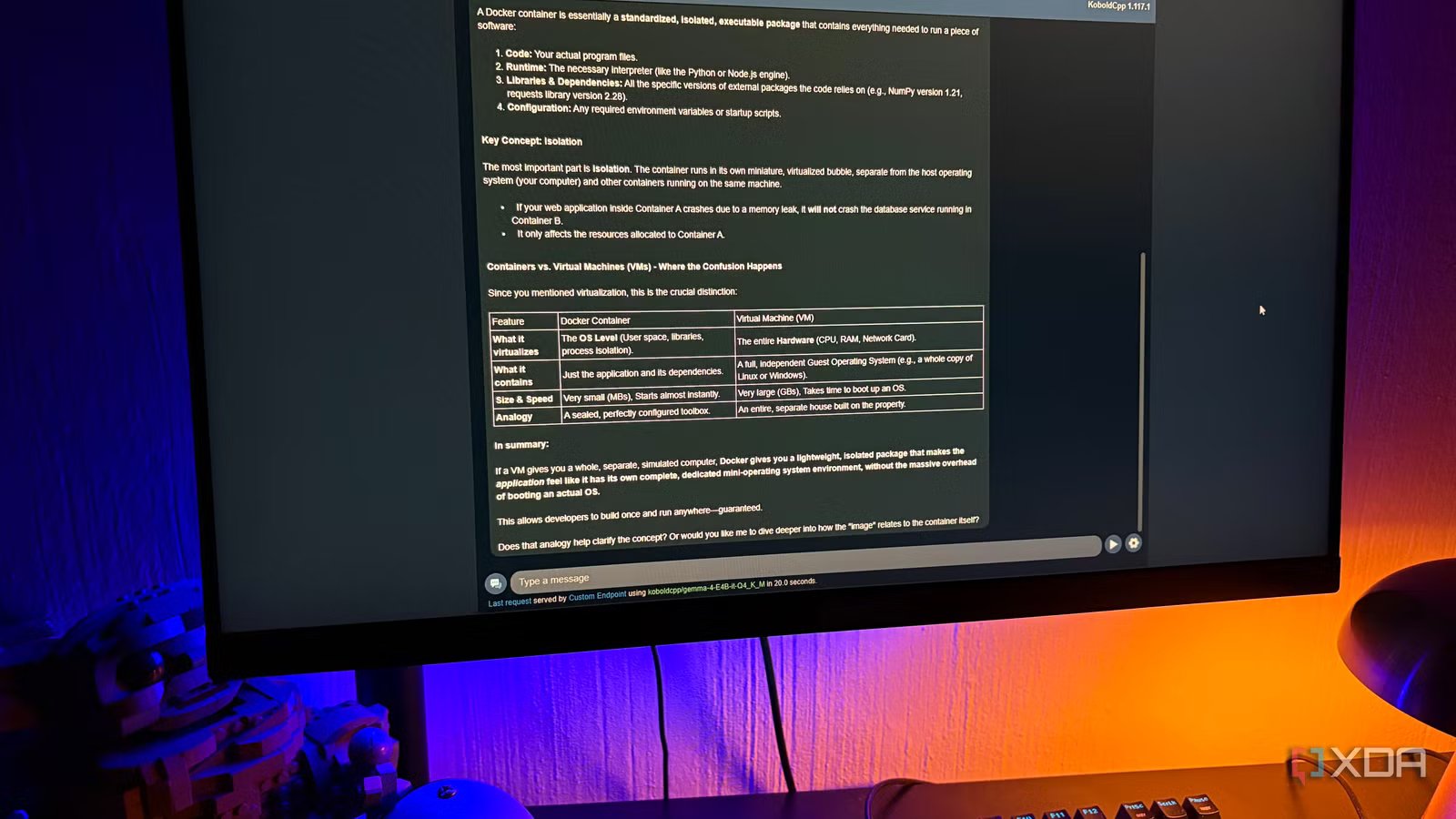
What impressed me most is how little setup it requires to get a local model running. Unlike some tools that require installing multiple components, I could download a single executable, load a GGUF model, and start chatting within minutes. That makes it a great option if you want something lightweight without spending time on configuration. It also includes a built-in web interface, so I don’t need a separate frontend to interact with my models.
Even though it was originally popular among AI storytelling enthusiasts, I found it works just as well for general chatting, brainstorming ideas, and testing models. It also gives me access to useful performance settings without making the interface feel overwhelming. If your goal is to run GGUF models as quickly as possible with minimal setup, KoboldCPP is definitely an alternative to LM Studio that’s worth trying.
The best alternative is the one that fits your workflow
LM Studio is still one of the easiest ways to get started with local AI, but it’s far from your only option. As you spend more time running models, you’ll probably discover that different tools excel at different things. Some prioritize simplicity, others focus on flexibility, while a few give you more control over performance and integrations. That’s why it’s worth trying a few instead of sticking with the first app you install. The good news is that most of these tools are free to use, so you can experiment and build a local AI setup that works the way you want.