I tried self-hosting email and quickly remembered why people don’t
I self-host almost everything. I have a half-dozen Raspberry Pis, two PCs, and an old thin client running most of my digital life. The services range from a Pi-hole with Unbound, fully redundant VPNs, a file server, a Google Photo replacement, Joplin, and a dozen AI services.
I love self-hosting, in all that entails. However, a recent quick attempt at self-hosting email quickly reminded me why it is a really terrible thing to self-host.
Why self-host an email in the first place?
The temptation to self-host everything is inescapable

Email, like a phone number, is your gateway to the digital world. You use it to log into websites, get important notifications, and communicate personally and professionally.
Every time I consider it, a number of things occur to me that make me want to do it.
- Nobody reads my mail — No provider scanning messages, no ad profiling built from my inbox, and no AI training.
- No arbitrary limits — My storage and domains would be my own.
- No monthly fee — No extra costs besides the server and the domain name.
Despite the appeal, self-hosting email is also a monumental task—probably the most difficult thing you can self-host. That itself makes it appealing in a way, a bit like climbing the self-hosting Everest.
Self-hosting email is a headache
Multiple things need to work together perfectly
Most self-hosted services are relatively simple to get up and running. They’re usually one, maybe two, services, and there are often all-in-one installer scripts that guide you through every important decision related to the service’s behavior. Email is a very different story.
When I started going through the process of self-hosting email again, I was quickly reminded that a big part of the difficulty was just how many components needed to work together to create a functioning email. There are:
- The MTA — Handles the actual sending and receiving of mail over SMTP.
- The IMAP server — Stores your mail and lets your phone and PC actually read it.
- Spam filtering (like SpamAssassin) — Tries to keep the spam and nonsense out of your inbox.
- The authenticator — Ensures it together so only you can send and email as you.
And then there are some other considerations. You need Sender Policy Framework (SPF) to prevent spoofing, DKIM to cryptographically sign your outgoing mail, and DMARC to handle exceptions.
If you make a mistake, it could completely break your email or partially break your email, and it may take a while for you to notice.
There are bundles like Mailcow, Mail-in-a-box, and Mailu that aim to streamline the process by packing everything together, but you still face the same fundamental problem: Reliable email requires a ton of parts working together flawlessly. Individual parts could fail while others work as they should, which can cause bugs you might miss at first.
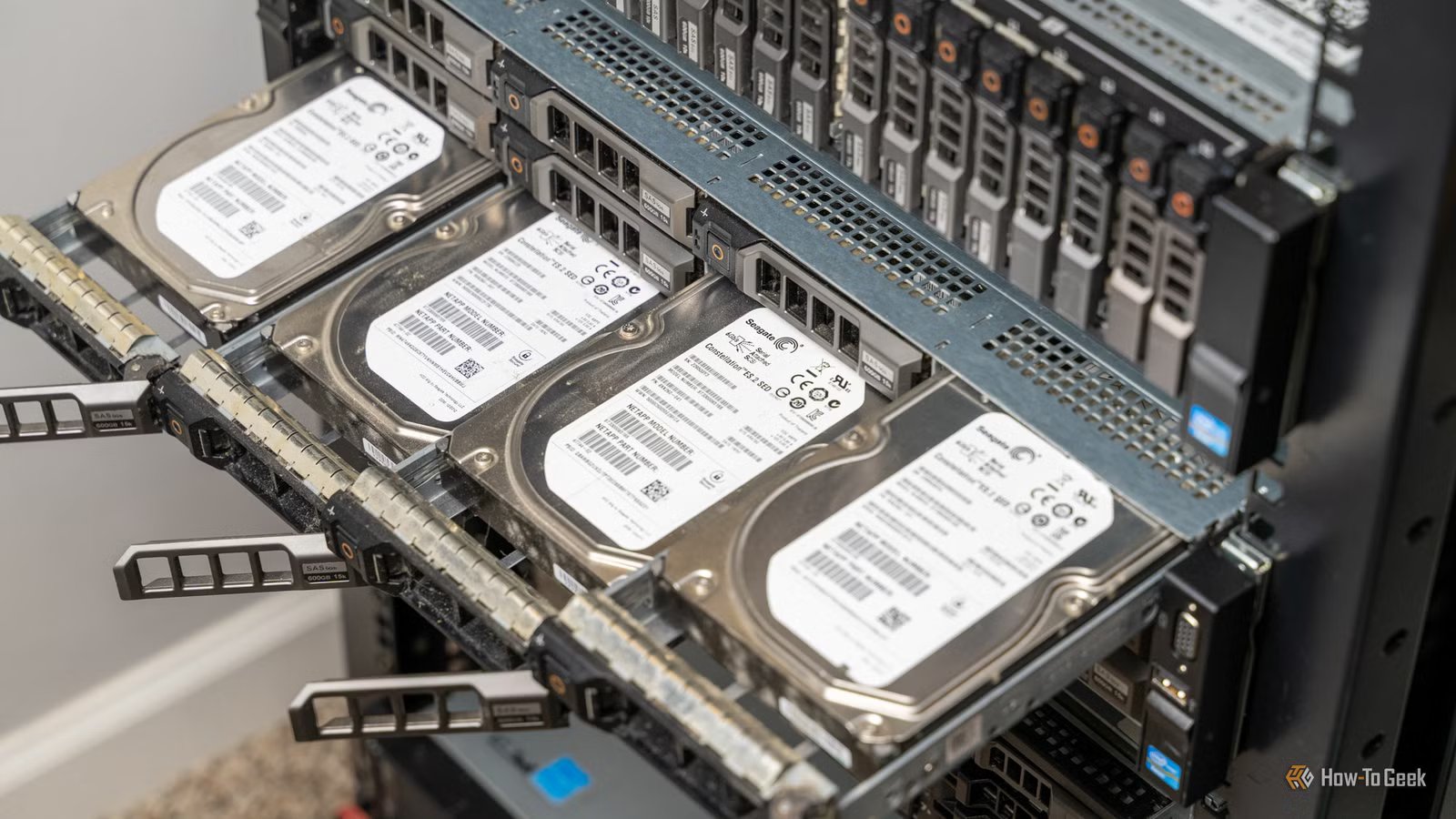
And then, on top of that, you need physical hardware that is reliable with extremely robust backup measures, so you don’t lose any of your emails.

- Storage Capacity
-
2 – 26TB
- Workload
-
550TB/yr
- Suitable for
-
NAS
Western Digital’s Red Pro NAS hard drives come in sizes from 2TB to 26TB.
Email is so easy to break
You might not even be at fault

Unfortunately, even if you do everything correctly, you’re still vulnerable to outside forces that you have no control over.
Google, Microsoft, and Yahoo cover most of the world’s emails, and they’re famously leery of other email providers—especially if they originate from an unexpected IP address—and for good reason. Email is a popular vector for all sorts of cyberattacks.
That could mean you get blocked right out of the gate. Even if you do manage to successfully deliver emails, one bout of “unusual” behavior could lead to your IP getting blocked by Google or Microsoft. At that point, you’re stuck, unable to send emails, which almost completely defeats the purpose of self-hosting an email server.
If Navidrome crashes, I miss out on music; if email crashes I lose everything
Not only is email difficult to self-host, the stakes are quite high. If I lost access to my email, I’d lose the ability to log into dozens of services, recover passwords, and receive 2FA codes. It would be unbelievably annoying to work around.
I built a self-hosted Navidrome server to replace Spotify, and it works better than I expected
$20 in parts and an hour can get you your own Spotify alternative.
Beyond simple inconvenience, there is also the problem of lost information. If your email server goes down, and you receive a message, SMTP will try and ensure you get it eventually. However, that doesn’t solve your immediate problem during an outage: You have no access to your email. And an outage might not even be your fault. A bout of freezing rain could knock out your home email server for hours or even days.
Email is just not worth the trouble
Self-hosting is a great hobby, and I’m constantly tempted to try self-hosting an email server just for the experience if nothing else. However, the difficulty combined with the risk ultimately makes it not worthwhile.
Running a reliable email server is a full-time job, and I’m going to leave it to the professionals.