Apple releases public beta for iOS 27, macOS 27 Golden Gate, iPadOS 27, and more OS’

Siri AI is no longer something you have to take Apple‘s word for. The company has released the public betas for its OS 27 lineup, which means anyone with an Apple ID can now install the rebuilt assistant that was announced, delayed, mocked, and re-announced over the better part of two years. No developer account needed. Just a sign-up page and a device you’re willing to gamble on.The release covers iOS 27, iPadOS 27, macOS 27 Golden Gate, watchOS 27, tvOS 27 and visionOS 27. The builds are based on developer Beta 3, which shipped on July 3, with iPadOS and macOS getting a slightly newer revision. The finished software lands in the fall. Until then, this is Apple asking the public to poke holes in it—worth remembering before you put it on the phone you use for work.
Siri AI is the reason anyone is installing this beta
The new Siri does something the old one never managed: it remembers what you just said. Ask it to dig out a flight confirmation buried in Mail, then ask a follow-up without repeating yourself, and it holds the thread. It reads what’s on your screen. It takes multi-step actions inside apps. And it can search your messages, photos, notes and calendar—the pitch being that an assistant with private access to your life beats one without.Then come the asterisks. You need an iPhone 15 Pro or newer. It speaks English only. It isn’t launching in the EU. And there’s a waitlist: Settings > Apple Intelligence & Siri > Try New Siri, then wait for the notification. Developer beta testers reported waits stretching close to two weeks, though some public beta users are getting in within the hour.
iOS 27 speed gains and a Liquid Glass slider for everyone else
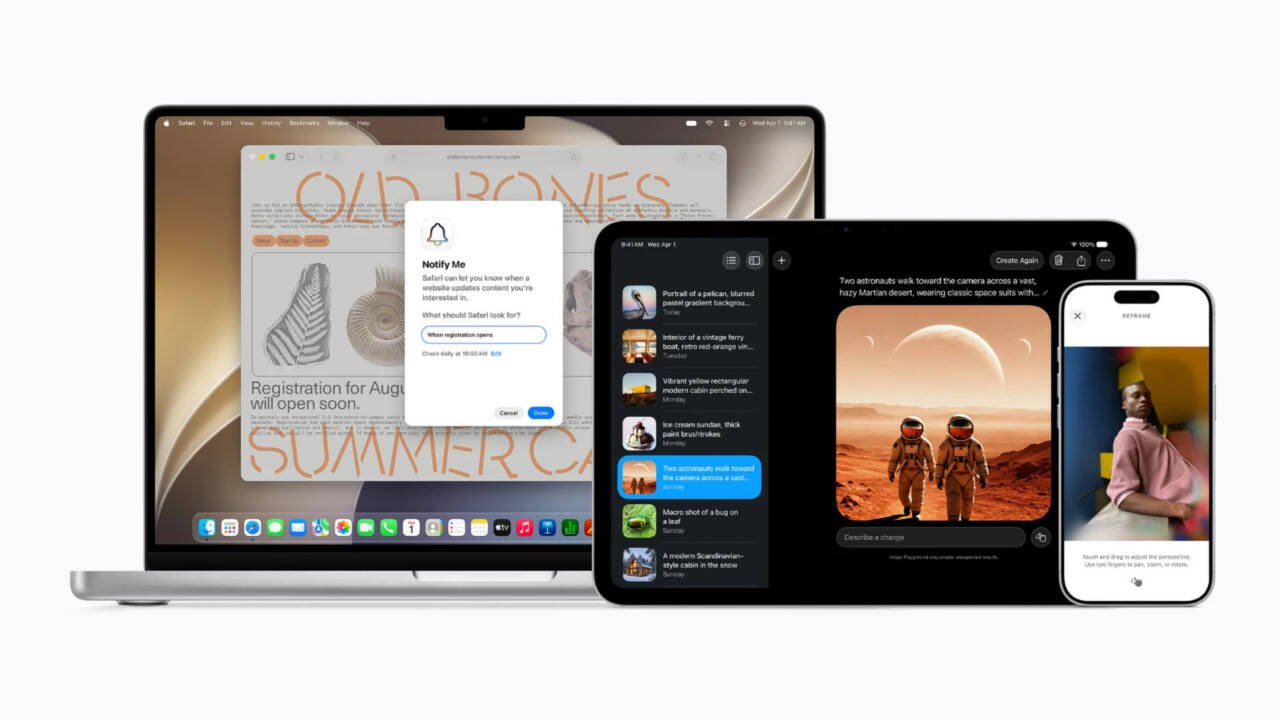
If the AI leaves you cold, iOS 27 still has a case to make. Apple says apps launch up to 30 percent faster, AirDrop moves files up to 80 percent quicker, and new shots appear in Photos up to 70 percent sooner. The CPU scheduler work reaches back to the iPhone 11, so this isn’t a treat reserved for new hardware. Your phone should also stop clinging to a dead Wi-Fi signal on your way out the door.Liquid Glass, last year’s most argued-about change, now has a slider under Settings > Appearance—drag it from glassy to solid. Safari groups tabs on its own and builds extensions from plain-English requests. Photos adds Extend and Spatial Reframing. The Passwords app quietly swaps out weak passwords. AirPods get a custom EQ, finally.
What macOS Golden Gate , watchOS 27 and iPadOS 27 add
On the Mac, Golden Gate sells Siri as a work tool. Summon it from Spotlight, point it at what’s on screen, lean on it for writing. The design changes are quieter: uniform toolbars, edge-to-edge sidebars, cleaner menu bar icons.watchOS 27 puts Siri on your wrist, which is arguably where a voice assistant makes most sense. A Dynamic App Grid surfaces what you’re likely to need. Workout Buddy now runs without an iPhone nearby.iPadOS 27 inherits the iPhone features and adds little of its own, bar two things: Visual Intelligence works with the Apple Pencil—circle something to ask about it—and external SSD transfers are up to five times faster.To install, enrol at Apple’s Beta Software Program page, then head to Settings > General > Software Update > Beta Updates and pick the 27 public beta for your device. Back up first.