How to keep your AI conversations as private as possible
You can share a conversation in Copilot a couple of different ways depending on whether you’re using the website, one of the desktop apps, or one of the mobile apps. On the website or in one of the desktop apps, click the ellipsis icon next to the chat you want to share, select “Send a copy” from the menu, and then click the “Copy link” button.
Also: Windows questions? How Copilot can analyze your PC settings now
In the iOS or Android app, press down on the chat you want to share, select Share, tap the Share button, and then tap the Copy button.
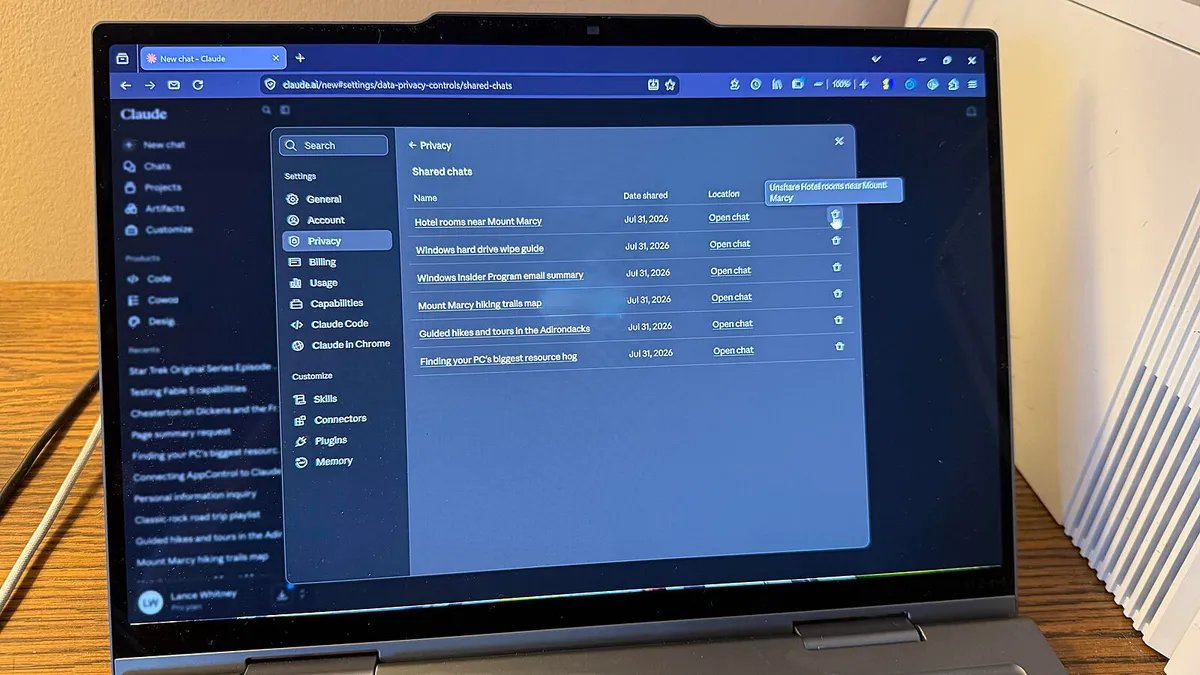
Now, maybe you want to delete the link for a shared conversation without getting rid of the conversation itself. Go to the Privacy screen under Settings and select Manage Shared Links. Select the X or trash can icon next to the conversation and choose Revoke.