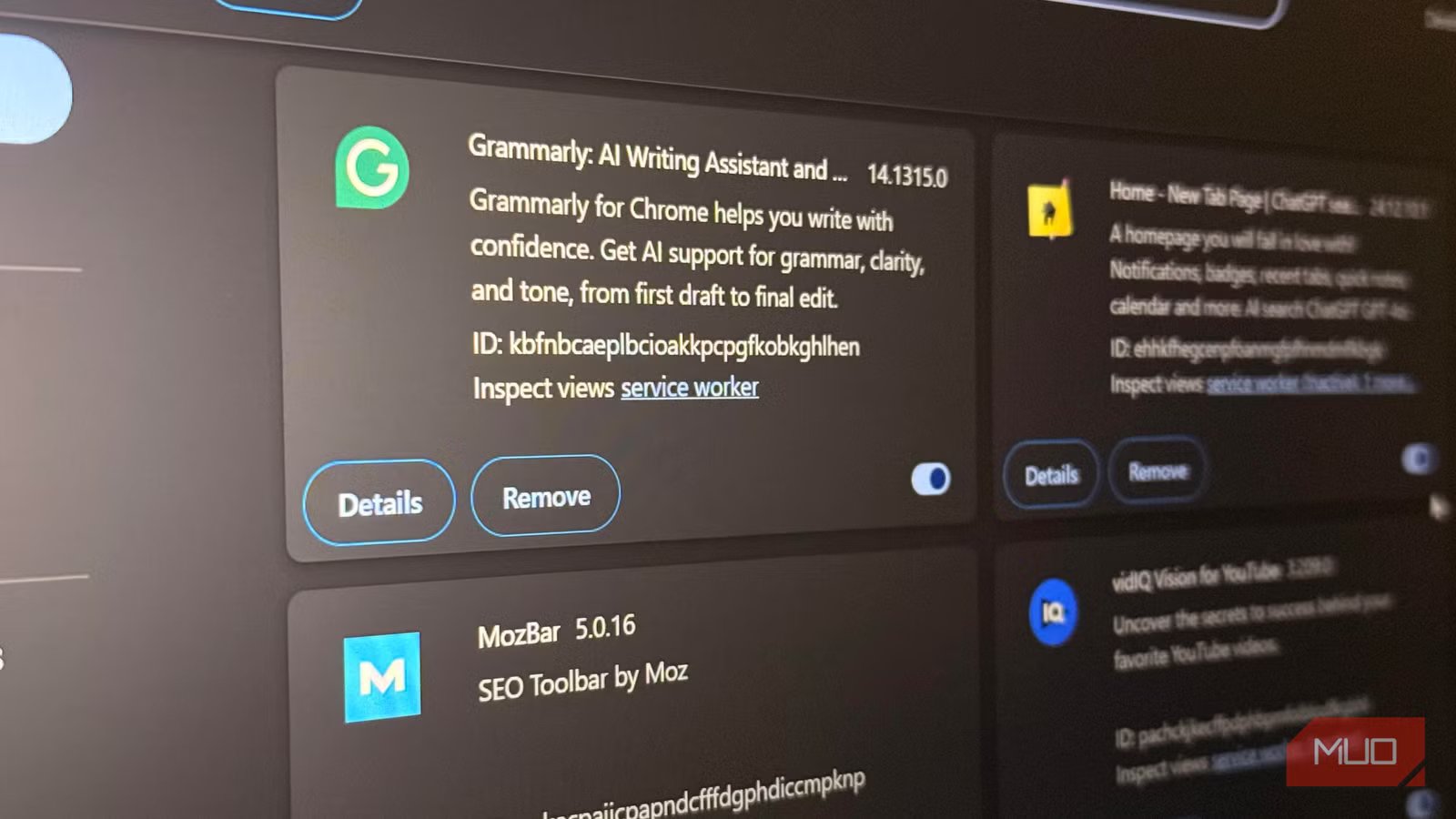
I checked what my browser extensions can actually see, and deleted 3 of them
I have extensions for my password manager, shopping tools, writing assistant, and several other services I use. Each earned its spot, but the moment I stumbled upon my password manager’s privacy policy, I realized I might be granting more access to my data than I was comfortable with. This led me to scrutinize every extension I had installed. For most, the access they had matched what the tool did for me, but three were reaching a bit too far and had to go.
Chrome’s extension page doesn’t reveal enough
The real disclosures were sitting in LastPass’s own privacy policy
I was curious to see a breakdown of what LastPass does with my data, so I opened Chrome’s extension page, searched for LastPass, and clicked Details. All I got were two permissions: “Read your browsing history” and “Display notifications.” This felt too thin; there wasn’t enough to tell me what “browsing history” covered. I couldn’t see the list of data types, and there was no information about what happens after the extension reads a page.
With the browser permissions, I know what the extension may technically access, but the privacy policy tells me what the developer says it can collect and what it does with the data.
I searched LastPass’s own Global Privacy Notice and its Chrome Web Store listing, which listed categories including website content, authentication information, user activity, location, and personally identifiable information. This was more context than “Read your browsing history.”
Of course, the vault itself is zero-knowledge encrypted, which means the company can’t read the content even if it wanted to. It wasn’t that LastPass was hiding anything; the Chrome permissions page simply showed only part of the picture. My attention then shifted to the company’s privacy policy.
Four extensions, four privacy policies, four different answers
What Honey, Rakuten, and Grammarly actually admit to collecting

Once it was clear where the answers were, I went looking for them in the privacy policies of all the extensions sitting on my toolbar.
A few things stood out when I went through Honey’s US Privacy Statement. It lists page views, search queries, products I’ve viewed or bought, the value of those transactions, and whether an order went through or was returned. Also, for personalization, the company can connect these details to my PayPal and Venmo accounts.
The Rakuten Browser Extension Terms also state that the extension automatically collects information about pages I visit, including generative AI sites, regardless of whether I click the extension. However, what stood out was this statement:
…we do not collect or store your chat history as the Browser Extension’s functionality is limited to detecting our Affiliate Stores’ names or associated domains within the generative AI’s output…
I wasn’t comfortable with a tool that could inspect enough of a page to detect merchant names within generative AI output, so I knew I had to uninstall it.
When I went through the updated Grammarly privacy policy, what quickly stood out was that it reads the text I’m actively typing across sites when the extension is active. I expected it, but seeing it spelled out was still unsettling. However, it defined excluding sensitive fields such as names, addresses, passwords, and payment information as something it does on a best-effort basis. Phrasing it as “on a best-effort basis” is not an absolute, ironclad guarantee, so I knew the extension didn’t deserve to stay.
|
Extension |
What it collects |
Source |
Needed for core function |
|---|---|---|---|
|
Honey |
Page views, search queries, purchases, returns |
Oct 2025 Privacy Statement |
Partial |
|
Rakuten |
Merchants, cart, order totals, timestamps |
March 2026 Extension Terms |
Partial |
|
Grammarly |
Text typed on active pages |
July 2026 Privacy Policy |
Partial |
My concern was both what they collected and what they couldn’t guarantee they wouldn’t collect.
Six questions decided what got deleted
The test I ran on every extension before uninstalling anything for good

The question I asked shifted from whether an extension was dangerous to whether it still earned its access. I asked six questions before making a decision:
- Do I use this weekly?
- Does its access match what it actually does for me now?
- Can my browser already do this without it?
- Can I narrow its access instead of removing it?
- Would I even notice if it disappeared tomorrow?
- Is there a replacement that requires less access?
I don’t use the Rakuten cash-back button often, yet the extension is regularly logging cart contents on all visited sites. It doesn’t earn its place for me.
Honey was harder to remove because I needed it every time I made an online purchase. An option in this case is to change its site access from “On all sites” to “On click.” This way, it only runs when you need it to.
Grammarly is also a hard one to replace for most people, but I switched to a self-hosted tool called LanguageTool Server. There were no surprises in LastPass’s privacy policy, but I still switched to an open-source, self-hosted option simply because any activity and datainvolved stayed on my own server.
Read the privacy policy
The main lesson I learned was to actually read the privacy policies. Most of the things I felt uneasy about were spelled out, and I could make a more informed decision regarding what stays and what doesn’t. The extensions I removed are not bad, and you don’t have to make the same choices, but everyone has a privacy threshold. You should let that guide what tools you use or discard.