I paid for a VPN, but my browser was still giving me away
After paying for a VPN, we typically have a sense of security. But where your traffic comes from isn’t the only metric that advertisers and tracking networks rely on. The unique browser fingerprints that websites collect when pages load can also give you away. In fact, if you ever assumed that a VPN alone could keep you anonymous, you may be surprised after running the two-minute test I performed. It showed what VPNs hide and what they miss. You’ll be safer if you understand what VPNs truly do.
One number changed
Everything else about my browser stayed exactly the same
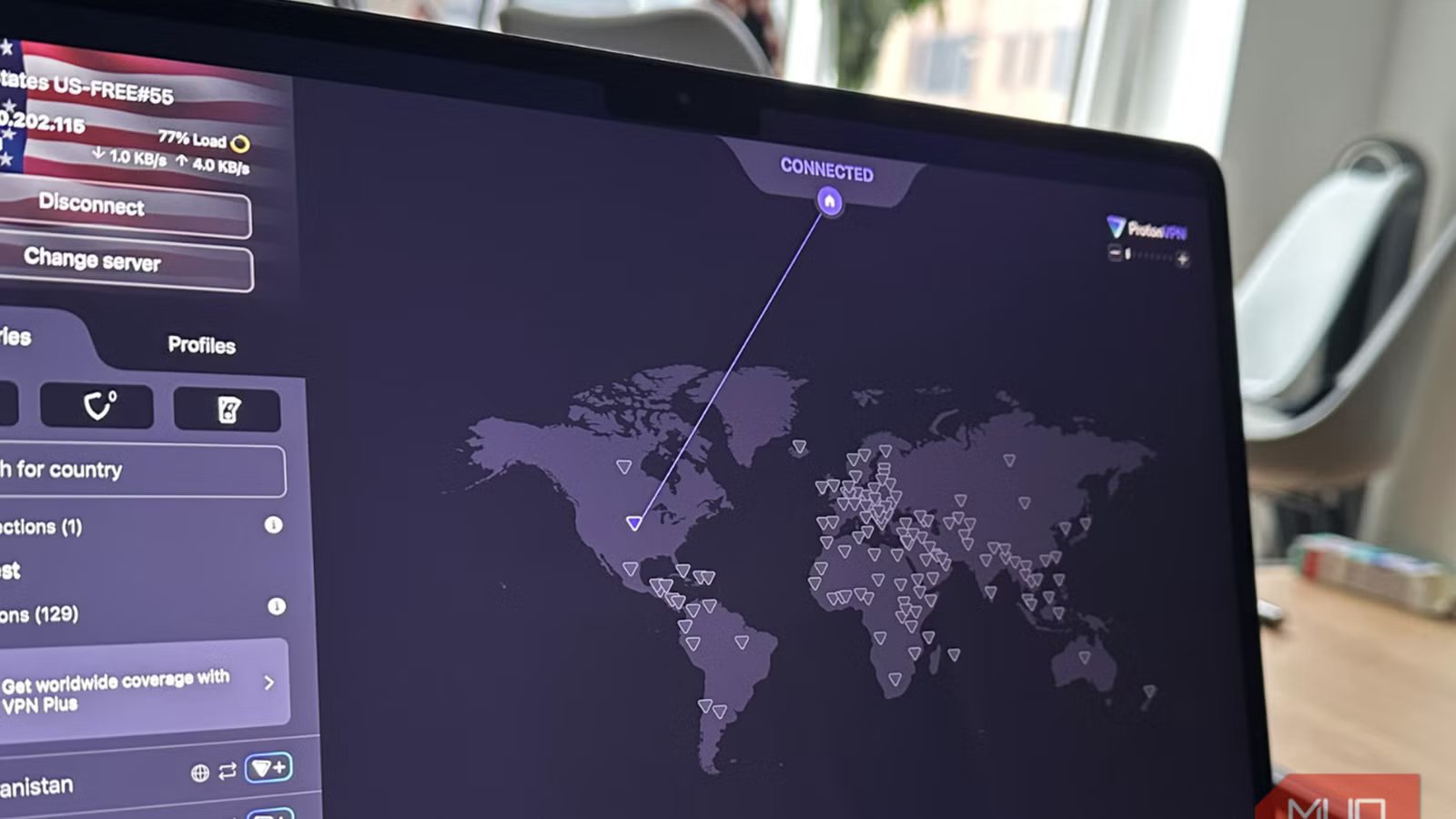
When I turned on my VPN, I waited for the usual signs that my connection had changed. As soon as I saw my new IP and the new country on my VPN, I had some sense of satisfaction. My time zone even came up differently on Google searches. I needed confirmation, so I immediately navigated to IPleak.net.
The results were what I hoped for. My IP had jumped from my current location to an Amazon-owned address in Ashburn, Virginia. It also showed a new ISP, and the time zone changed from GMT to America/New_York. On paper, I’d become a new person browsing the internet from a different country.
Then I opened BrowserLeaks.
The first test I ran was Canvas fingerprinting. When I checked the signature against what I had before turning on my VPN, I realized it was the same string, character for character. Just to be sure it wasn’t a fluke, I did more digging.
Next was the WebGL renderer test, still on BrowserLeaks. It once again showed the same result, reporting the same WebGL renderer string (the browser-reported graphics identifier) associated with my Intel Iris Xe graphics as before I turned on the VPN. Then I ran a fonts test, and once again I saw that my system was still handing over the same 213 fonts and 171 distinct attributes when I was using the VPN.
The last test I ran was Cover Your Tracks. Without a VPN, it showed that my Chrome browser had a unique fingerprint among the 314,315 tested browsers within the last 45 days, and it was carrying at least 18.26 bits of identifying information. With the VPN enabled, it tested me against 314,532 browsers and still returned similar results.
So even though my IP address had moved more than four thousand miles away, to a different continent, my browser did not seem to have moved an inch.
|
Test |
VPN Off |
VPN On |
Changed? |
|---|---|---|---|
|
IP address |
Abidjan, Côte d’Ivoire |
Ashburn, Virginia |
Yes |
|
ISP |
MTN |
Amazon |
Yes |
|
Canvas fingerprint |
Same hash |
Same hash |
No |
|
WebGL renderer |
Intel Iris Xe |
Intel Iris Xe |
No |
|
Fonts detected |
213 fonts, same hash |
213 fonts, same hash |
No |
|
WebRTC leak |
No leak |
No leak |
No leak either way |
A mask, not a disguise
Why changing my IP address didn’t change who my browser is

If the goal is to stay anonymous, wearing a mask hides just the face. But it still leaves several other pointers open. Anyone can still tell your height, notice you walk with a limp, or recognize your voice. Once you know what to look for, with or without the mask, you can still tell people apart in a crowd.
That was exactly what had happened to my browser. The VPN hid where my traffic originated, and the tests I ran showed it did that job quite well. But that was just one element of many. As the pages loaded, the browser was still exposing a whole set of details that the VPN isn’t built to cover. My screen resolution, installed fonts, and the graphics card model that was rendering the page didn’t travel through my VPN’s tunnel. All these elements represent the characteristics of my browser rather than the origin of my traffic.
This was why the Cover Your Tracks results did not change at all. Together, these characteristics create a browser fingerprint. Regardless of where my IP was, Abidjan or Ashburn, the browser produced the same canvas rendering, the same graphics card string, and the same list of 213 fonts.
For reference, fingerprinting is just one of the ways sites keep tabs on you. Logging into an account or carrying the same cookie from a previous visit can also identify you, and a VPN doesn’t affect these either.
|
What a VPN protects |
What it doesn’t |
|---|---|
|
Your IP address |
Your screen and fonts |
|
Your ISP’s view of your traffic |
Your graphics card details |
|
Your general location |
Your browser’s unique combination of traits |
What actually changed after I learned what my VPN couldn’t do

The conclusion of my tests isn’t that the VPN failed. The entire time, it was consistent in hiding my IP address. WebRTC is one of the more common ways a real IP slips out even while using a VPN; my results showed I was protected. My VPN was doing its job, and the only thing that needed to change was my expectation.
After the test, the one change that made a difference was switching to a browser with solid anti-fingerprinting protection. I ran the Cover Your Tracks test on Brave and got a randomized fingerprint, even with my VPN turned on. Adding five separate extensions in Chrome would only have made me more unique and, in some ways, easier to identify.
A VPN isn’t the whole privacy solution
It takes just two minutes to run these tests yourself. It’s probably worth doing if you’ve used a VPN in the hopes of being anonymous on the internet. As your fingerprint returns the same even with your IP changing continents, you’ll understand the limitations of a VPN.
Privacy tools are not often all-in-one fixes. If you use a VPN to protect your connection, you’ll probably also want browser-level protections against fingerprinting. This lesson has improved my privacy more than any paid VPN alone would have.