I thought my home lab needed more hardware – it actually needed fewer services
I was convinced that my home lab had hit a hardware wall. The dashboard felt messy, containers randomly acted up, updates became annoying, and every small slowdown made me think about buying a better mini PC or adding more RAM.
But the deeper I looked, the more obvious the real problem became. My server wasn’t weak. I had simply overloaded it with too many services I barely used.
I mistook clutter for capability
Lack of discipline

When I first started building my home lab, every new service felt like progress. A dashboard here, a monitoring tool there, a file-syncing app, a notes app, an automation platform, a media server, a bookmark manager, and then a few containers that stayed online for months.
On paper, it looked like my setup was becoming more powerful. In reality, it was slowly turning into a mess.
I would read about a new Docker container, spin it up in a few minutes, add it to my dashboard, and convince myself that it made my home lab better. But after a while, I realized I wasn’t actually using half of those services.
They were just sitting there, pulling updates, creating logs, needing backups, and adding one more thing to check whenever something broke.
My home lab didn’t get any better just because it had more icons on the dashboard. It became harder to manage.
My dashboard looked impressive, but felt exhausting
Too many services made maintenance annoying

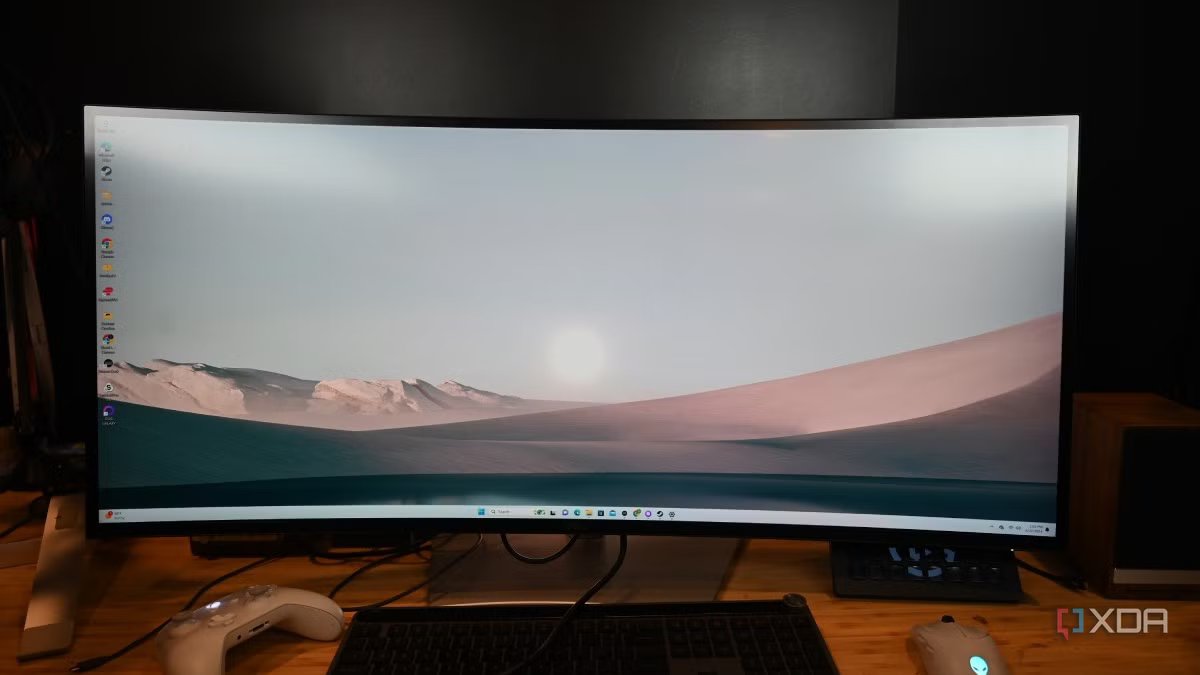
At one point, my home lab dashboard looked like the kind of setup I used to admire online. It had neat icons, grouped services, status indicators, shortcuts, and enough self-hosted apps to make it feel like I had built my own private cloud.
There were services I had opened once, tools that overlapped with better apps, and containers I kept running simply because I had already spent time setting them up.
The bigger problem showed up during maintenance. Each service came with its own updates: a Docker Compose file, environment variables, volume ports, reverse proxy entries, a login page, and backup considerations.
Even lightweight containers weren’t truly free since I had to keep them updated and working.
A random update would break one service. Another app would complain about permissions. Some containers would restart fine, while others needed manual attention.
That’s when I realized every extra service had a hidden cost. It wasn’t just using RAM or storage. It was using my attention too.
Overlapping apps were silently wasting resources
Some services were better as experiments
I was running too many services that did almost the same thing. For example, I had multiple ways to manage files. I was using Nextcloud and Syncthing for the same purpose of syncing files.
For monitoring, I used Uptime Kuma for uptime checks, Netdata for system stats, and, at one point, I was tempted to add Grafana because every polished home lab setup online seemed to have it.
Even automation had overlap, with tools like Activepieces, n8n, and Home Assistant capable of handling similar workflows.
When it comes to personal knowledge management apps, I added several options, such as Outline, Docmost, and Super Productivity.
Then there were dashboards. I didn’t need Homepage, Homarr, and Portainer-style shortcuts all competing for the same job.
I also had to accept that not every interesting container deserves a permanent spot in my setup. Some services are fun to test, learn from, and delete.
Now, when I spin up a new app, I try not to treat it like a long-term commitment from day one. I test it, see whether it solves a real problem, and only keep it if I can imagine using it regularly. That small mindset shift made a huge difference.
The cleanup improved reliability
Security became simpler, too

Once I started removing unnecessary services, my home lab immediately felt more reliable. Fewer containers mean fewer random restarts, fewer failed updates, and fewer logs to inspect.
The apps I actually depended on became easier to monitor because they were no longer buried under a pile of experiments and half-used tools.
The security side also became much easier to manage. Every extra service adds a login page, an exposed endpoint, a set of credentials, and a container image that needs updates.
When I had too many apps running, it was harder to keep track of what was exposed through my reverse proxy and what needed attention.
After the cleanup, my attack surface was smaller and easier to understand. I didn’t need a complex security setup to feel safer.
My home lab needed discipline
My home lab didn’t become better when I added more services. It got better when I started removing the ones that no longer had a clear purpose. That was the real lesson for me.
A powerful server is nice, but it doesn’t fix a messy stack, overlapping tools, neglected containers, or dashboards full of apps I barely open. Once I trimmed things down, updates became easier, troubleshooting became faster, and the services I actually cared about felt more reliable.