Immich 3.0 finally let me delete the Google Photos app for good
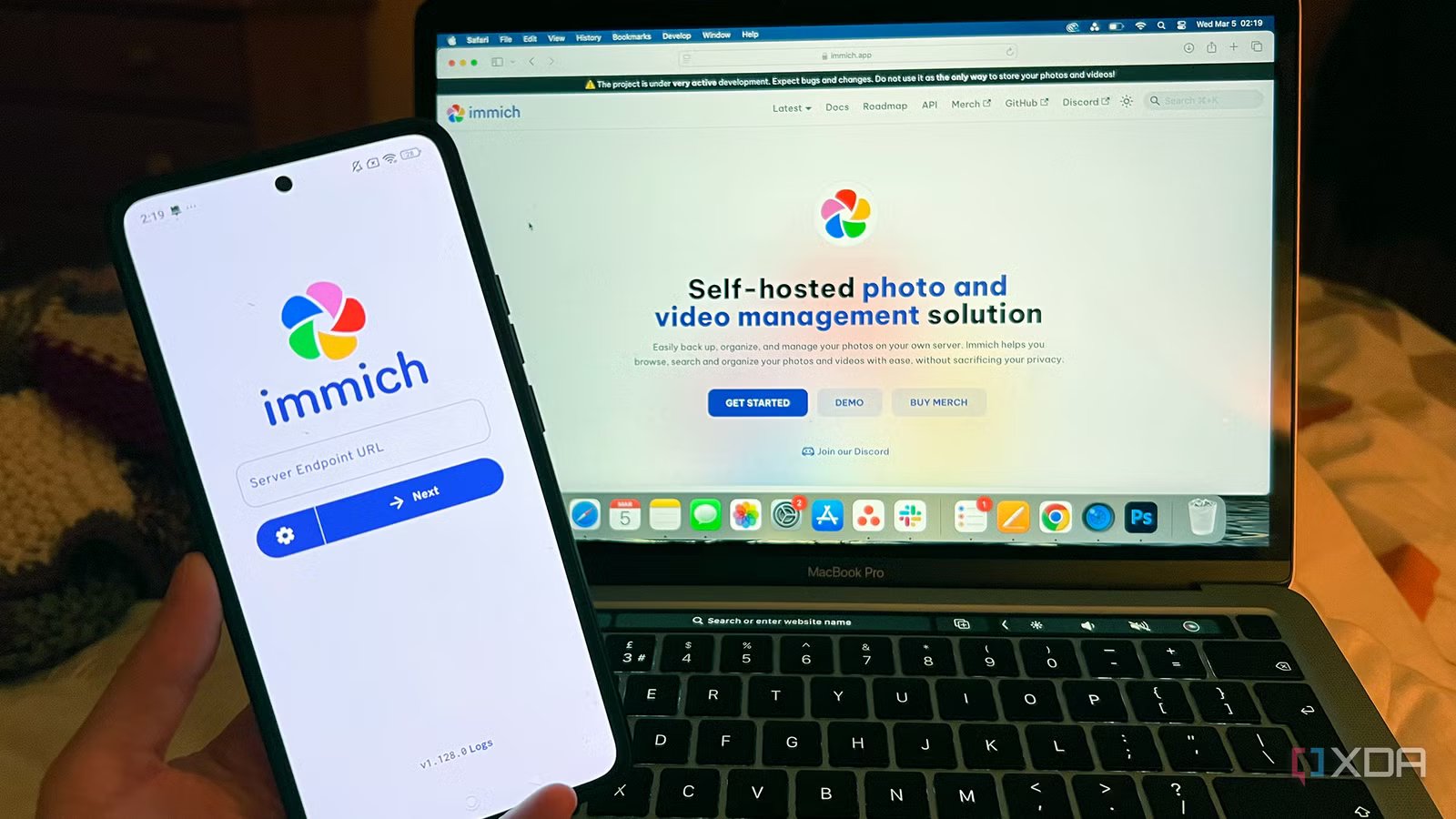
When I started self-hosting my photo library, I eventually found myself in an awkward phase. I had moved everything over to Immich, and I trusted the setup, but I still couldn’t bring myself to delete the old Google Photos app. The icon continued sitting on my phone’s home screen as an insurance policy, in case something about my DIY setup failed. I knew Google Photos worked because I’d used it for years.
That transitional period between the two apps lasted for a while. Overall, I was happy with my Immich experience, but there were three habits that made me reluctant about completely removing Google Photos from my phone. I trusted its background backup more, I still opened it sometimes to make quick edits, and old videos loaded faster. When Immich 3.0 was released, it fixed all those issues at once, and I finally felt comfortable deleting the Google Photos app for good.
Background backup finally works reliably
No need to check on it to make sure everything synced
Sometimes I would go a few days without opening the Immich app, and it was a common occurrence for me to find dozens of photos still sitting on my phone, waiting for me to manually trigger a sync. The app is supposed to run in the background and upload photos to my server back home, but that only seemed to work part of the time. The developers blamed the glitch on iOS being finicky about how it lets apps run in the background, so I chalked it up to that at first. But Google Photos didn’t seem to suffer from the same problem.
For that reason, Google Photos felt more dependable to me, even though I didn’t trust it to keep my data safe forever. Immich 3.0 has addressed the problem, and the pictures are now uploading as expected. I tested this out by ignoring the app for a week. When I finally opened it, my entire camera roll from that stretch of time had already synced without any manual trigger on my part. Immich 3.0 also added integrity checks to the maintenance page, which scan your library on a schedule and flag missing files or checksum mismatches. Between those two features, I now have confidence that my photos are making it onto my server, and I don’t feel the need to double-check anymore.
Small photo edits can now be done within the app
Plus, videos play without stuttering

Immich added support for mobile editing earlier this year, but it would create a whole new asset instead of editing the photo in place. Small edits like rotating or cropping a photo would create duplicates in my library, which often felt like more hassle than it was worth. So whenever I wanted a quick crop before sending a photo, I’d just open Google Photos instead. It was faster, and I trusted the result more, knowing that it wouldn’t clutter up my library. There was also a problem with photo edits on my phone not syncing with the web version.
The new mobile editor in 3.0 brings non-destructive in-place edits, and it stays in sync with the web version. That means the original files never get touched, and any photo I edit on my phone shows up with the same changes when I open it from the web. It’s the same kind of functionality that I relied on Google Photos for, except now I can accomplish it without handing over a copy of my photo to Google.
Video playback also got fixed in the new release. Older clips used to stutter when I scrubbed through them, unless Immich had already generated an offline transcode, which usually wasn’t the case for files that I hadn’t touched in a while. Immich 3.0 introduces real-time HLS (HTTP Live Streaming) transcoding, which transcodes videos as you’re watching them and can automatically (or manually) switch quality during playback. The feature is labeled as preview/experimental right now, but it’s working well for me, and signals that the dev team is at least working on smoother video playback. It’s limited to the web version for now, but is expected to make it onto mobile soon.
Immich still has a long way to go
It doesn’t yet rival some of Google Photos’ features

For an app that’s billed as a Google Photos replacement, Immich still can’t replicate some of its competitor’s best features. Google’s Ask Photos makes finding a photo or pulling information that you captured in one so intuitive, and it’s thanks to powerful cloud AI that Immich doesn’t have. Even if it did, it would require self-hosters to possess the hardware necessary to run such a robust local model equivalent, and I’m sure plenty of people can’t. Immich is also lagging behind on photo editing, only allowing users to perform basic adjustments, and the in-place editing only became available weeks ago.
Despite some of its shortcomings, Immich still offers something that Google can’t ever match: privacy. It’s undoubtedly the main reason that people switch to Immich in the first place. That, and self-hosters are the type of crowd that want to be in control of their own data. I don’t want thousands of my photos sitting on Google’s servers for their AI to scan, and I don’t trust Google to keep my irreplaceable files safe. With Immich being the best alternative around, I’m willing to let go of a few of Google’s best features in favor of privacy and control. If history is any indication, a lot of those features will make their way into Immich eventually, anyway.
The Google Photos icon is no longer on my phone
I’d kept Google Photos around because I saw it as the more reliable and convenient backup app. Immich 3.0 changed that perception, and I’ve begun trusting it as the exclusive library to house my most precious memories. My photos only exist on my server now (and on several backups), because I no longer need Google for something I can just protect myself.

- Key highlights
-
Self-hosted
- iOS compatible
-
Yes
- Android compatible
-
Yes
Immich is a self-hosted photo and video backup solution.