Phantom power drain could be costing you hundreds every year—here’s how to spot and stop it
Standby mode is both a blessing and a curse. Fast startup times and background processes are convenient, but have you ever stopped to ask how much these services are worth to you per year?
Like it or not, you’re paying for them.
What is phantom power drain?
Some things suck up power, even when they’re off
Phantom power drain refers to the amount of power consumed by devices that are plugged in and turned on at the wall, but aren’t necessarily in use. A device doesn’t necessarily need to have a standby mode to consume small amounts of power; this can happen in the “off” state too.
According to the Department of Energy (as reported by institutions like Columbia Climate School), these “vampire” devices could be adding between five and 10 percent to your power bill. For many families, this adds up to hundreds of dollars per year—the more devices you have, the greater the drain (even if you don’t use them all that often).
Devices with an obvious standby mode are some of the biggest culprits. This includes smart TVs, games consoles, audio-visual equipment like receivers and soundbars, and smart home devices like smart speakers that are always listening for a wake word. Choosing to use energy-efficient modes where possible can greatly cut passive power consumption, but not eliminate it entirely.
Some of the devices responsible for phantom power draw will surprise you. For example, phone chargers that aren’t actually plugged in to a phone will still waste small amounts of energy. Kitchen appliances like microwaves, which most of us would never turn off at the wall, do the same. Anything with a display—like an oven—that operates when your device is “off” will do it.
While most of us have made peace with trading power drain for convenience, the problem can be hard to ignore once you consider the bigger picture. This “death by a thousand cuts” approach can really add to your yearly power bill.
Smart plugs can identify and fix the problem
Energy monitoring or not
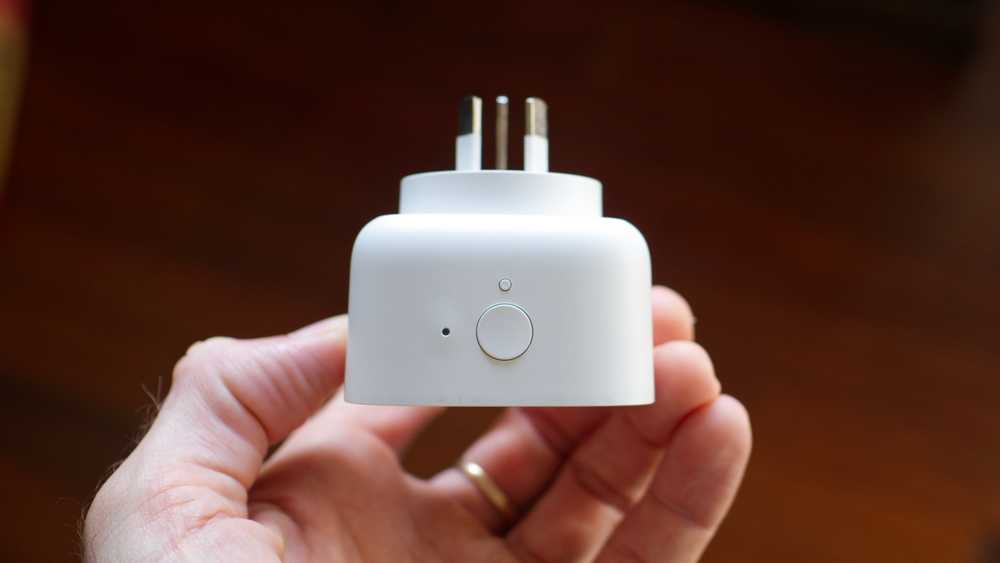
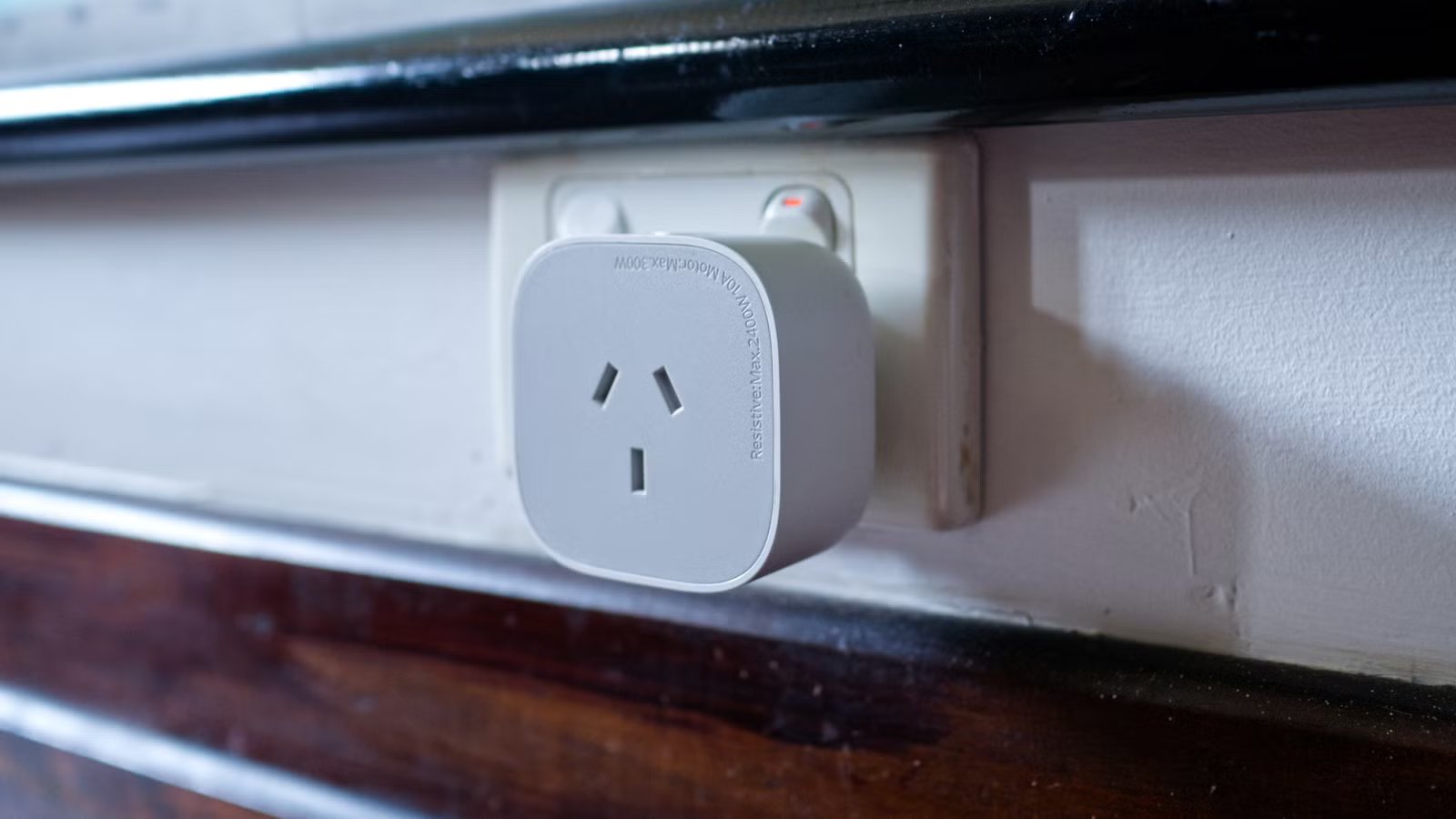
Energy-monitoring smart plugs are the most capable smart plugs you can buy. As the name suggests, these devices detect how much power draw is running through the plug at any given time. You can use a smart home system like Home Assistant or a proprietary app to gather data and provide an estimate of how much power is being used by a device over time.
This can be useful for gauging cost, but it has other benefits. For example, detecting when your washing machine is running lets you receive notifications when the cycle has finished. You don’t have to plug a single device into a smart plug either; you can connect a power strip safely as long as you don’t exceed the total permitted power draw (plus there are heavy-duty plugs available for more demanding appliances).
Connecting your entertainment center or homelab power strip to an energy-monitoring smart plug is a nice way to tell how much power is being used when everything is off. Whatever reading you get, there’s only one fix: turning the plug off when these things aren’t in use.
For that, even the cheapest and most basic smart plug will do the job.

- Dimensions
-
2.36 x 2.76 x 1.52 inches
- Hub Required
-
No
The latest Eve Energy HomeKit smart plug supports Matter and Thread networking, a protocol that extends the range of your smart home devices. It can also monitor energy usage.
Not all devices should be cut off
Pick your battles wisely

Like it or not, some devices are better left permanently plugged in and switched on even if they’re costing you money. A good example of this is a modern OLED smart TV or monitor. These displays use a pixel refresher process to reduce the chances of image retention, which usually runs after-hours when a threshold has been met. Standby mode is necessary to keep the panel looking good.
Games consoles that are used frequently might also be worth leaving on. Modern Xbox, PlayStation, and Nintendo consoles download firmware and software updates in the background, and having your console ready to go when you turn it on can be a godsend. You can even initiate downloads remotely for some devices, which is great for getting a game ready while you’re out so you can play when you get in.
If you’re keen to reduce phantom power draw as much as possible, you’ll want to cleverly separate your devices into power strips that remain on and those that can be turned off. There are all sorts of ways to automate this process, for example:
- Turn off strips when you activate a “good night” scene.
- Use time triggers to automatically turn on these devices in the morning before you need them.
- Use device triggers, like an Xbox or PlayStation power trigger, to supply power to your TV and soundbar.
- Use presence detection based on devices like smartphones to turn these strips on and off depending on who is out of the house.
- Tie power status to holiday modes, for easy savings when you’re away for extended periods.
It should go without saying that the one device you don’t want to turn off automatically is your Home Assistant server (or smart home hub of choice)!
Looking for more ways to get creative with smart plugs? Check out why a smart plug is the ultimate upgrade for your home router.