Siri AI beta now available: 7 new features every iPhone user should try
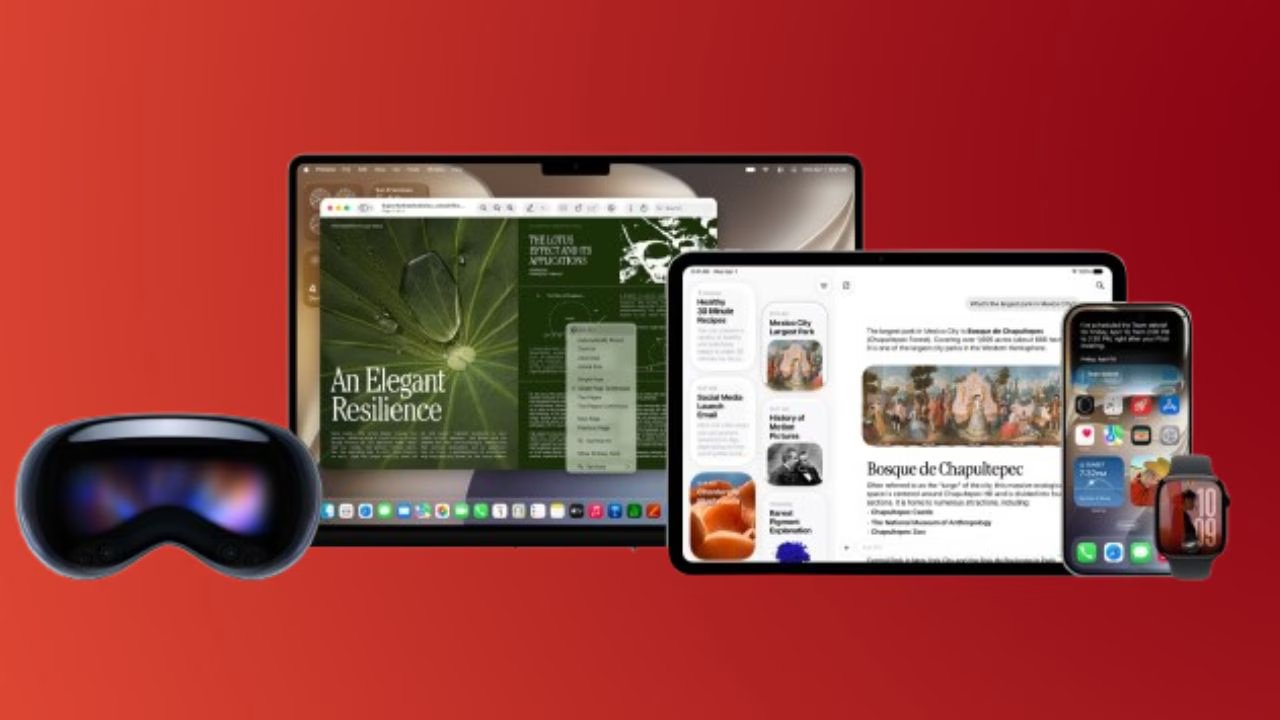
Apple has finally rolled out the much awaited first public beta of iOS 27. It brings some of the major upgrades to its Siri AI, company’s virtual assistant. The tech giant has revamped its Siri, and hence, it no longer limited to answering simple voice commands. The company has integrated it across iOS and including features like photo editing, advanced writing, productivity features, and image generation. It now debuts as a standalone app.  Also Read: Apple could charge for advanced Siri AI features: Here’s what it means for iPhone users
While the newly launched AI powered experience is currently unavailable in most European countries and China due to regulatory issues, uses who are living in supported regions can explore a range of capabilities and features. Also Read: Apple Siri to feature auto-chat deletion feature like Messages app?
Here are top 7 features that are worth trying
You can use Siri AI as a standalone app
It’s the first time since Siri launched in 2011 that Apple has launched its own dedicated Siri AI app. Also Read: Siri AI Upgrade Missed The Mark In First Attempt – Apple’s Software SVP Craig Federighi
The standalone app works much like popular AI chatbots such as ChatGPT, Gemini and Claude. They can initiate conversations through typing or speaking, review previous interactions, and pose more specific or context-specific questions than Siri could offer.
It’s also a more powerful digital assistant, thanks to Siri’s ability to respond to personal inquiries by pulling information from the supported apps, including Mail, Notes and Calendar.
How to explore visual intelligence
Visual Intelligence is one of Siri AI’s most helpful features, as it enables users to make inquiries about anything that is shown on their iPhone.
From watching a video on YouTube, browsing a webpage, or viewing a picture, Siri AI can identify what it is, and give you information about the current content, or answer questions about it.
This is also for the Camera app. You point the camera at an object, landmark or product and Siri AI can recognize it in real-time and give you relevant information.
Make realistic images using Image Playground
Apple has significantly enhanced its in-built AI image generator, Image Playground.
While previous versions of Siri AI were primarily known for their cartoon-like drawings, the new version allows the AI to create more realistic images, ranging from landscapes and futuristic scenes to imaginative works that can be created using text prompts.
They can also follow up generated images by adding instructions to edit or enhance the image, without having to generate it all over again.
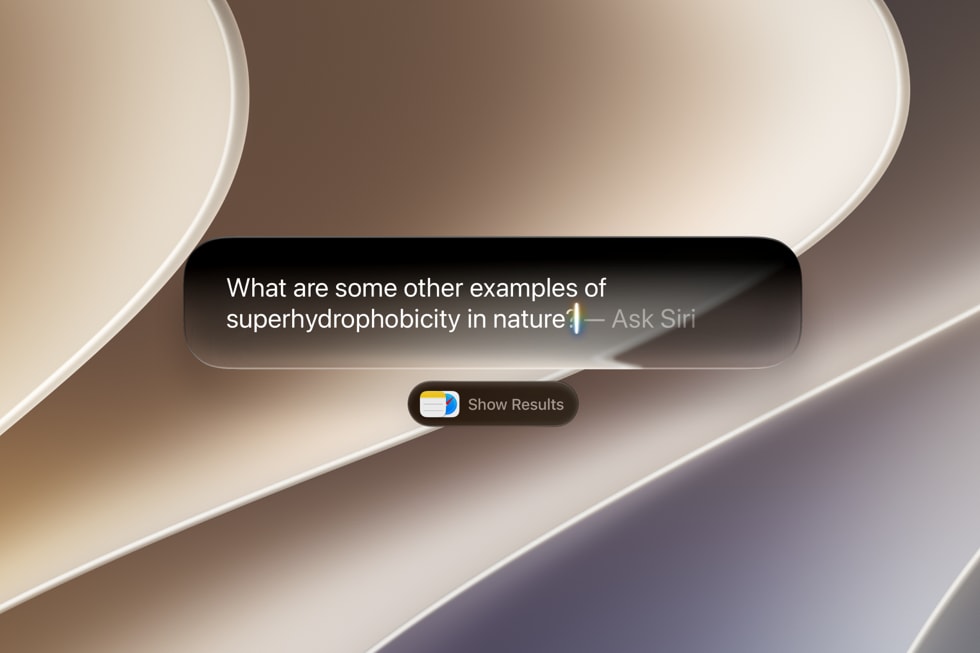
Utilize AI for editing images
Siri AI adds several AI editing features to the Photos app.
In addition to the current Clean Up tool to delete objects you don’t want, Apple has added:
- Extend: This extends the edges of an image by using generative AI to create a broader scene.
- Reframe: changes the composition or frame of a picture after it has been taken.
This can vary from one image to another, but both offer users more creative editing options within the Photos app.
Voice to Text – Use ‘Write with Siri’ to type out what Siri says
Siri AI has been added to Apple’s writing apps, making it easier to write content in supported applications.
For example, in the Notes app, users can use the Write with Siri feature to have Siri create text from simple prompts, rather than typing everything themselves.
The feature can even summarize information, draft emails or notes, generate image prompts from selected text and even help solve maths problems.

Use Calendar events and reminders
Apple has added Siri AI’s natural language understanding capabilities to Calendar and Reminders.
Cards can be created either manually or with the help of Siri AI, which can automatically generate an event by using a description like: “Dinner with Sarah tomorrow at 7 pm”.
You can use the same functionality in Reminders: dates, locations and schedules from voice commands are recognized by Siri AI.
Create shortcuts using simple words.
With Siri AI, the Shortcuts app on Apple makes a lot more intuitive to use.
Users can just write what they want their iPhone to do instead of doing it manually, with complex automations. The shortcut is then automatically created by Siri AI.
For instance, users can enable an automation that plays a notification when the iPhone battery drops below 90% and then automates a few different actions with a single voice command, minimizing much of the complexity of Shortcuts.
Availability
The Siri AI features are available via iOS 27 public beta. As per Apple, the rollout will remain currently limited to certain regions. If you are resident of China and Europe, you will not be able to access new features due to regulatory requirements. However, Apple has indicated progress on resolving these issues.

The new Siri AI is company’s biggest overhaul of Siri since its launch since its launch in 2011, when Apple introduced it as a flagship feature on the iPhone 4S. Now, a decade after, the tech giant transformed its assistant from a voice based helper to an AI system which is deeply integrated across iPhone ecosystem.