These 4 AI apps save me 20 hours every week on my Android phone
There has been an onslaught of useless AI apps recently. Search any app store for AI, and you will find hundreds of wrappers, questionable photo generators, and tools solving problems that never really existed in the first place. However, we have also got some genuinely useful AI apps that make everyday tasks considerably easier. I am not talking about the obvious options, like ChatGPT, Claude, or Gemini. All three are useful, and I think most of us have at least one general-purpose AI chatbot installed on our phones by now.
The apps that interest me most are the niche ones. Over the past few months, I have discovered a handful of AI apps that have genuinely changed how I use my phone, and between work, research, writing, and everyday life, they easily save me more than 20 hours every week.
Wispr Flow has almost replaced typing for me
It saves me hours every week

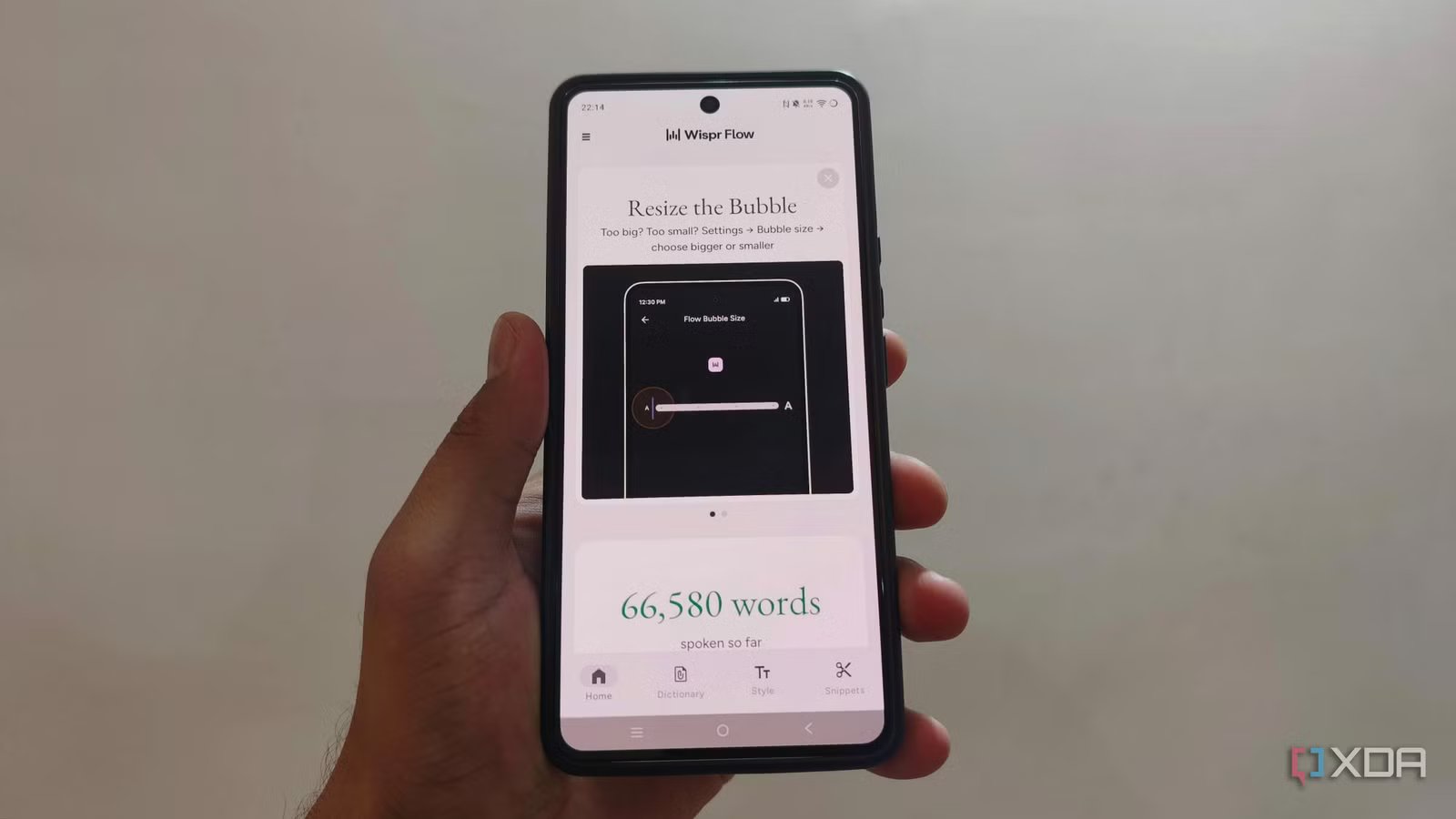
Wispr Flow has been one of the most useful AI apps I have downloaded this year. I dread typing anything long on my Android phone. I can type, obviously, but I am nowhere near as fast as I am on a proper keyboard, and writing something like a long email becomes frustrating very quickly. Wispr Flow removes most of that friction because I can simply say what I want to write.
Calling it voice-to-text undersells what it does. Regular dictation gives you a transcript and leaves you to clean it up. Wispr Flow understands that spoken language is messy. I can pause, repeat myself, change my mind halfway through a sentence, or say something like, “Let’s meet on Tuesday, actually Wednesday,” and it understands that I only want the corrected version. It also removes filler words, handles punctuation, and can turn a spoken list into an actual formatted list.
The output changes depending on where I am writing. An email should look different from a WhatsApp message, and I do not want every casual text to suddenly look as though a corporate communications team reviewed it. On messaging apps, I prefer lighter punctuation because perfectly structured sentences with commas and full stops make a normal text look strangely formal. Flow gives me enough control to make that distinction. In fact, I am using Wispr Flow right now to write this article.
NotebookLM lets me do research when I cannot sit down and read
It’s research on the go

I spend a ridiculous amount of time reading for work. I regularly have to go through reports, product documentation, PDFs, websites, videos, and whatever other source material a topic throws at me. The problem is that most of this work traditionally requires me to sit in front of a large screen and actively read. NotebookLM has made my phone far more useful for this.
My favorite workflow is to collect material around one topic and throw it into a notebook. NotebookLM supports sources including PDFs, websites, YouTube videos, audio, Google Docs, and several other file types, so I can build a fairly comprehensive research pile instead of repeatedly jumping between browser tabs. Google has continued expanding the supported sources, including newer additions such as Sheets, images, Drive URLs, and DOCX files.
When I find something useful on my phone, I can share it into NotebookLM instead of telling myself I will read it later and inevitably forgetting about it. I can then ask specific questions across the material, get answers grounded in those sources, and follow the citations back when something actually matters.
However, Audio Overviews are what make NotebookLM indispensable on a phone. I can take a pile of material I was supposed to read and turn it into something I can listen to while doing something else. The mobile app supports background playback and offline downloads, so these overviews behave much more like actual audio content than a desktop AI gimmick.
OpenClaw through Discord gives me access to a real agent
One of the best setups you can have on your phone
OpenClaw is the weirdest app on this list because, technically, I am not really using a conventional phone app at all. I run OpenClaw on my own machine and communicate with it via a private Discord server. That setup completely changes what an AI assistant on my phone can do.
A normal chatbot on my phone can answer questions. My OpenClaw setup can work with an agent that exists outside the phone and has access to the tools and environment I deliberately connect to. OpenClaw is a self-hosted gateway that connects messaging platforms such as Discord, WhatsApp, Telegram, Slack, and others to AI agents running on your own machine or server.
For me, Discord is the front end. I can be away from my MacBook, open Discord on my phone, and send a task to the agent running back on my computer. Since I already use CLI agents for work, that bridge is ridiculously useful. I can ask an agent to inspect something, work with files, continue a technical task, or handle a job that would otherwise require me to open the laptop and re-enter the entire context.
OpenClaw can also integrate with coding-agent harnesses and other tools, although exactly what it can do depends entirely on how you configure your setup. I also prefer Discord because channels make it easy to keep different types of work separate.
Cal AI finally removed the worst part of calorie tracking
You can track calories by clicking pictures

I have always understood why calorie tracking works for people, but I have also understood why people stop doing it. You eat something, search for every ingredient, estimate quantities, adjust serving sizes, and repeat the process several times every day. The tracking itself becomes another job.
Cal AI reduces that process to taking a picture. I open the app, photograph what I am eating, and it tries to identify the individual foods before estimating calories and macros such as protein, carbohydrates, and fat. The app is explicitly built around photo-based logging and lets users add their own foods and recipes. Cal AI lowers the effort required to maintain a food log for more than three days. It does that better than the traditional trackers I have tried because taking a picture requires almost no mental negotiation.
However, I absolutely do not trust every number it gives me. A photograph cannot reliably tell how much oil went into a stir-fry, how much butter is hidden in mashed potatoes, or what is buried underneath the visible layer of food. This becomes especially obvious with homemade meals, where casseroles, sauces, dressings, and portion sizes are difficult to infer visually.
Your phone is no more useful than ever
2026 is the year when the phone becomes more useful than ever because we finally have a better way to control what happens on it. I’ve always found using workspace apps and getting serious work done on a phone much harder than on a computer, but that is starting to change. You can now set up automations and use different tools that make it much easier to work from your phone. In many cases, you don’t even have to touch the actual interface. These agents can go in and do things for you.