This ESP32 flight tracker shows what’s in the sky around you, and it installs from a browser
Summary
- Build a standalone flight radar on a $35 ESP32 touchscreen – no soldering, Raspberry Pi, or subscriptions needed.
- You can flash and install it from a browser and connect via Wi-Fi – no accounts or API keys required.
- It shows up to 80 aircraft and refreshes every 8s, with a range of 10-250 NM.
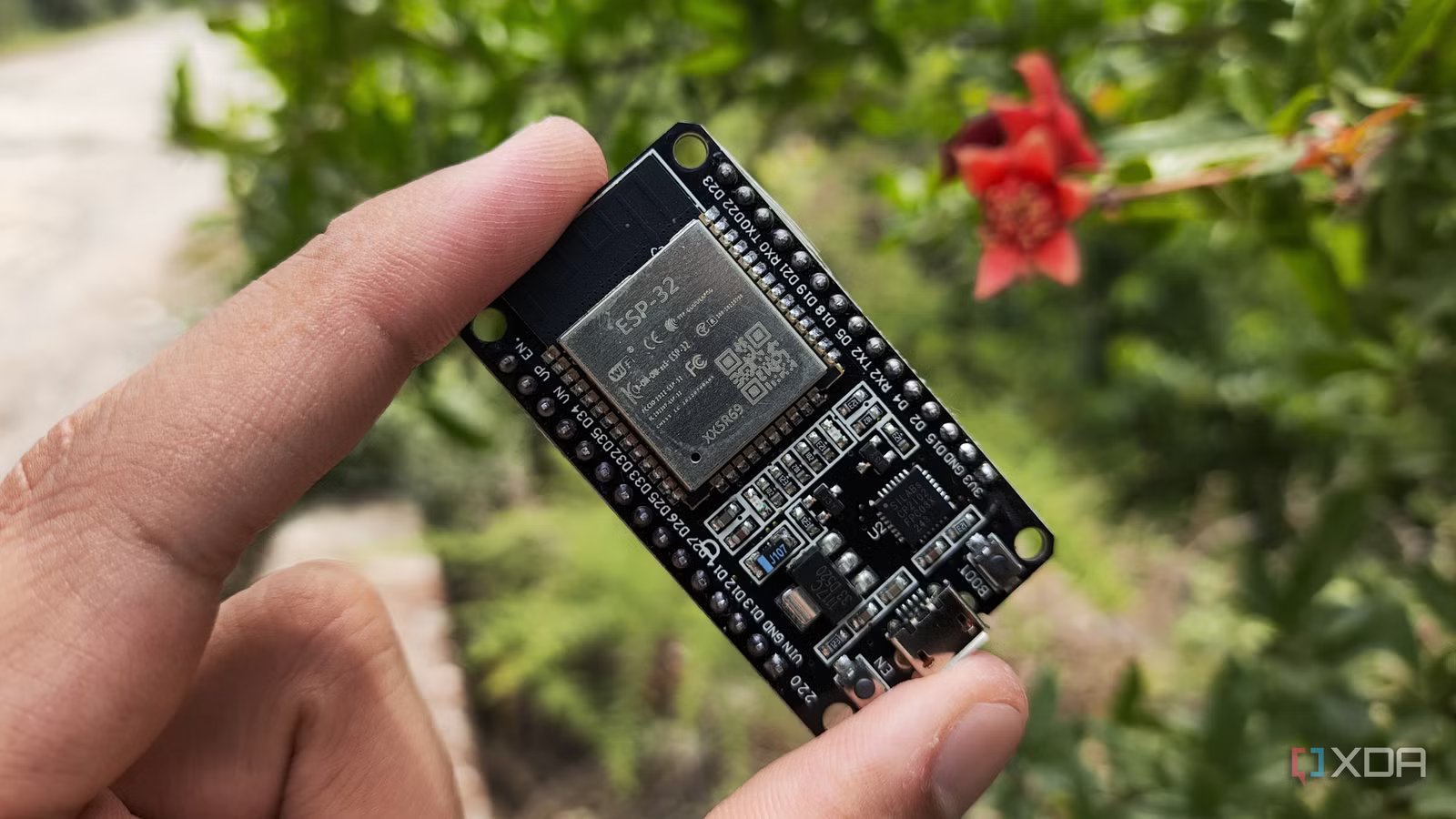
It has been an excellent few weeks for fans of both airplanes and DIY projects. We’ve seen several ESP32-based airplane trackers over the past few weeks, but not all of them are as easy to install as this one. All you need is a $35 ESP32 touchscreen and a web browser, and you’re good to go.
The ESP32Flight makes setting up your own flight tracker a breeze
No need for any subscriptions or soldering
Over on the ESP32 subreddit, user theqkash posted all the info on their newest project, the ESP32Flight. While other projects take some tinkering to get working, the ESP32Flight has the benefit of being really easy to set up and get running:
For the past days I have been building esp32flight: a desk flight radar that runs entirely on a Waveshare ESP32-S3 Touch LCD 7 (800×480, about $35). You plug in USB power, flash it from a browser tab, connect it to Wi-Fi on the touchscreen, and it shows every aircraft around you. No Raspberry Pi, no dongle, no accounts, no API keys required. MIT licensed.
The full project lets you spot planes from a custom distance, from 10 to 250 NM. It refreshes every eight seconds, and it can show you up to 80 aircraft, with the nearest ones taking priority. Each plane has its proper logo, type, registration, squawk, origin, and destination, and even shows a little progress bar showing how far they’ve got left to go.
If you’d like to make your own, be sure to check out the source code over on the ESP32Flight GitHub page and the browser-based installer.