3 free, open-source apps better than paid apps to try this weekend (July 17-19)
There’s an assumption that free software means you’re settling: fewer features, no support, and a worse experience overall. However, the open-source world is full of free apps that match—and sometimes beat—their paid counterparts. If you’ve got some free time this weekend, here are three worth installing.
Kdenlive
The video editor for everyday users
Kdenlive is a free and open-source video editor. Now, while I wouldn’t call it a replacement for professional non-linear editing tools like Adobe Premiere Pro or DaVinci Resolve, it’s comfortably a better alternative to the casual paid video editors most people reach for—Clipchamp, Filmora, and CapCut and the likes. To me, that’s more important because the average person just wants to cut together a family trip video, and having to pay for a hobby project shouldn’t be the norm.
Coming to its features, the app natively supports 4K editing. And in case your system isn’t powerful enough to handle it, you also get proxy editing, where Kdenlive generates smaller, low-resolution copies of your 4K clips to use while you edit. This way, the timeline stays smooth during the editing process, but when you’re done, it renders the final export from the original full-quality files. And of course, you won’t have to worry about any watermarks plaguing your final output.
Beyond that, you get an audio mixer, a huge collection of community-designed video effects, title templates, keyboard shortcuts, plus auto-captioning through VOSK and Whisper speech recognition. There’s built-in subtitle and marker support too—so you can generate SRT files, add subtitle files, and even work with chapter markers. There’s also basic color grading, not as extensive as what you’d get in DaVinci Resolve, but good enough for most hobby projects—and basic motion tracking as well.
The only area where it really lags behind the premium options is generative AI. Kdenlive runs completely locally with no cloud component, so it won’t generate AI video for you the way some paid editors now do. But the workaround is trivial: use a dedicated AI video generator, download the clip, and drop it into your Kdenlive timeline.
Kdenlive is available for Windows, Linux, and macOS.
KeePassXC
Complete control over all your passwords
KeePassXC is a free and open-source offline password manager. Like any password manager, it generates unique, complex passwords and saves them for you. However, everything happens locally on your computer—there’s no cloud component involved.
In terms of security, you’re getting the same caliber of protection you’d expect from premium password managers: AES-256 for data encryption, Argon2id for key derivation, and HMAC-SHA-256 for authentication. You can even pick your encryption method—AES-256 is the default, but ChaCha20 and Twofish are also available.
The main benefit is the local component—restricting your passwords to your local storage drastically reduces the attack surface. There’s no cloud, no account, no company server for a hacker to target. I learned this lesson the hard way when LastPass got hacked, and I had to spend an entire miserable weekend changing every single password I owned. I’m never putting myself through that again.
That said, since all your passwords are stored locally, on that specific computer, accessing them from a different system isn’t as straightforward. The easiest fix is to use a peer-to-peer file syncing tool like Syncthing and sync your password database between devices.
Speaking of which, KeePassXC is desktop-only and works on Windows, Linux, and macOS. On Android, you’ll need to use KeePassDX. On iOS, KeePassium and Strongbox are the community favorites, though I haven’t personally tested them.
A common criticism with local-only apps is that since everything is stored locally, a fire, flood, or drive failure could wipe out every password you have. The practical answer is to routinely back up your database and maintain a 3-2-1-1-0 backup policy. The alternative is Bitwarden, which is also FOSS but stores your passwords on its cloud servers.
It’s so much more than just a media player
You might think I’m cheating by putting VLC on this list. It’s already massively popular, and you probably already use it as the default media player on your system. But I’d bet you aren’t using it to anywhere near its full potential, because VLC is so much more than a thing that plays your movie files.
For starters, it can play online videos, not just local files. Go to Media > Open Network Stream, paste in a direct video URL, and VLC plays it like any local file—no browser or download required. In the same vein, it can play live IPTV streams, and it can record them while you watch, which is genuinely cool.
You can also flip that around and turn VLC into a personal streaming server. Load a file, go to Media > Stream, set HTTP as the destination, and VLC gives you a stream URL. Open that URL in VLC on your phone or another computer on the same network, and you’re watching whatever your PC is playing. By default, this works within your local network—both devices need to be on the same router—though it technically can extend over the internet if you set up port forwarding on your router and use your public IP.
Beyond streaming, VLC can convert media files from one format to another, so you don’t need a separate converter tool. You can also set a video as a live desktop background, replacing your static wallpaper with a video wallpaper.
And there’s more. You can create custom bookmarks inside a video—say you’ve ripped a movie and want to jump straight to your favorite scenes, you just bookmark them and hop between them. And speaking of movies, VLC can find and download subtitles for your videos directly from the web, so you never have to trawl sketchy subtitle sites and manually match files again. It’s all done from inside the player.
VLC media player is available for Windows, Linux, macOS, Android, and iOS.
FOSS: Where the apps are free—and you aren’t the product
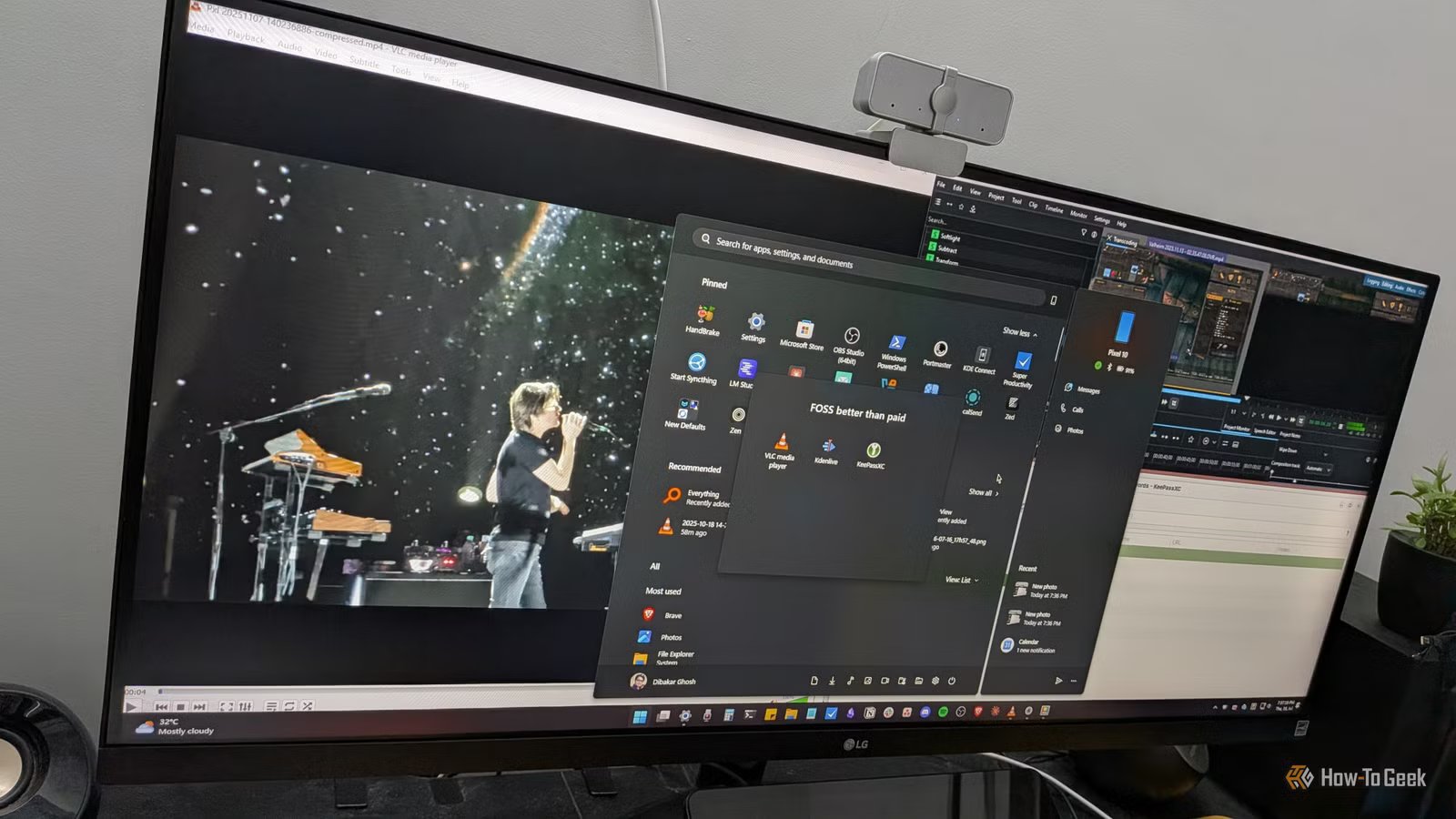
Kdenlive can realistically replace whatever freemium editor you’ve been tolerating, KeePassXC puts you fully in charge of your passwords, and VLC—well, you already have VLC, so this weekend is just about finally using it properly. None of these apps ask for a credit card, an account, or an internet connection to do their job. That’s the quiet appeal of open-source software: you install it, it works, and it stays out of your way.