Framework Laptop 13 Pro Review: A Repairable Notebook At The Top Of The Class
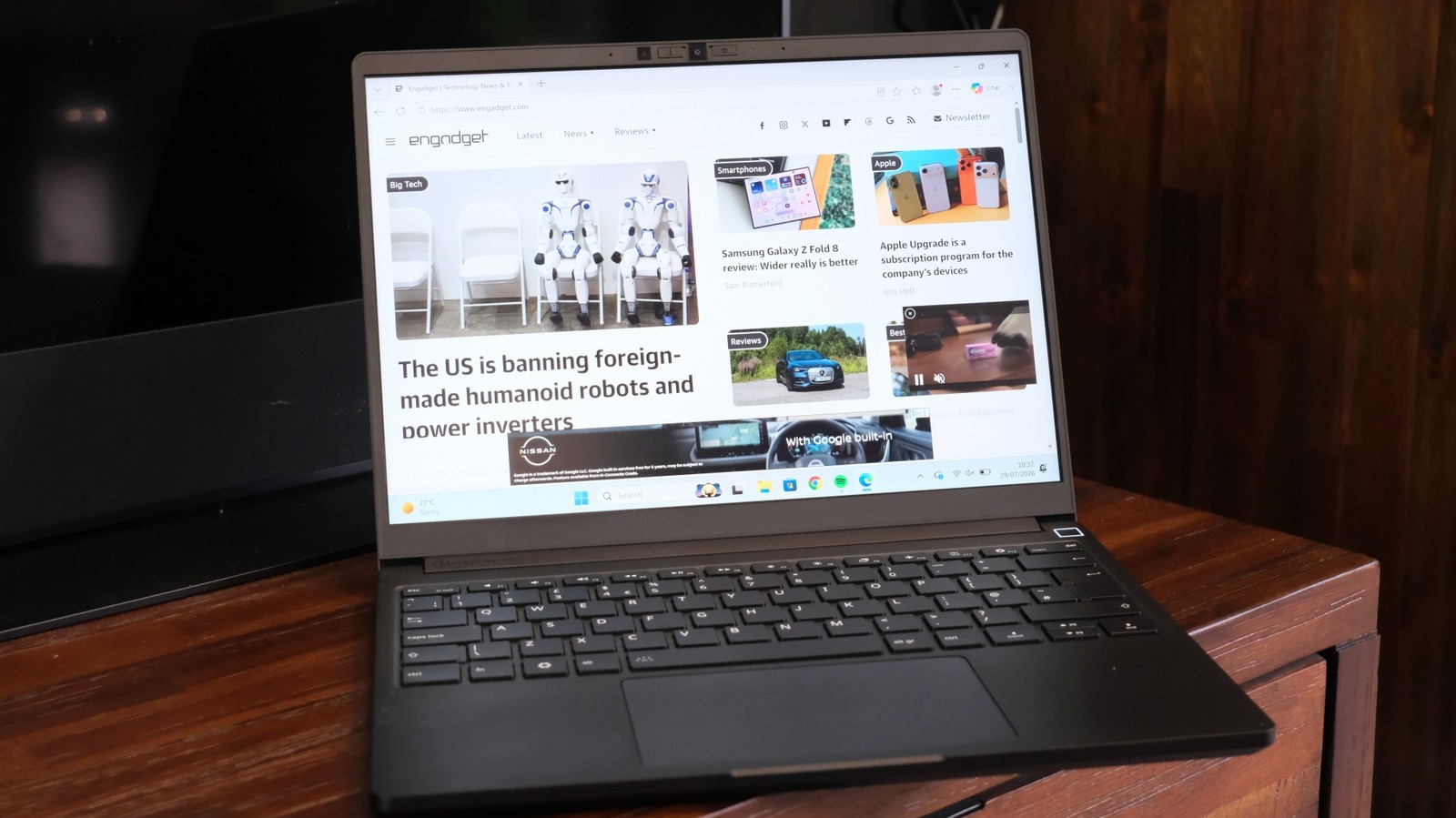
Framework’s mission was to build a single, 13-inch modular laptop that could be repaired and upgraded over time. The company’s product line has grown since then, and the launch of the 13 Pro would be an easy chance to go back on its promise. Instead, it’s held true to its principles, with every component more or less interchangeable with what’s gone before. It’s possible to take an original Framework Laptop 13 from 2021 and drop in the mainboard from 2026’s 13 Pro.
Now, there have always been some caveats to this, insomuch that some parts work better with others. For instance, if you swapped your Intel mainboard for an AMD one, you’d also need to swap the Wi-Fi module due to compatibility issues. Given the raft of improvements found in the 13 Pro, you’ll need to pick up a few extra bits if you are looking to upgrade.
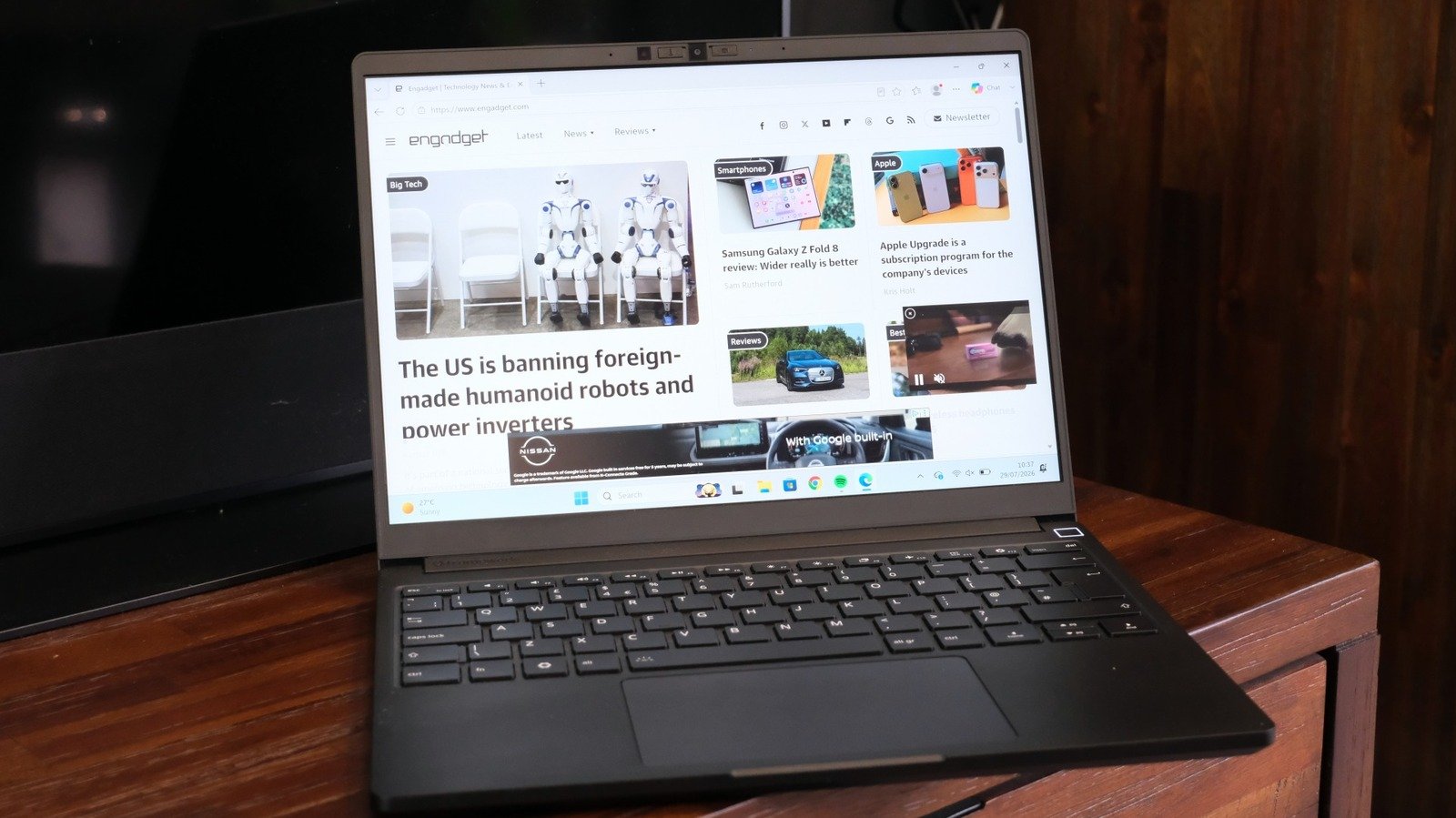
For instance, the 13 Pro is equipped with a new 74Wh cell, which isn’t just more capacious, it’s physically bigger than its predecessors. To make room, the bottom cover of the laptop has been redesigned with a shallower rake at the front. (Weirdly, despite making the laptop thicker, the change makes it look a lot nicer and less cheap than the older model.) So you’ll at the very least need a new bottom cover and the new type cover if you’re opting for the bigger battery.
Speaking of which, the new type cover uses the same 1.5mm chiclet keyboard found in every other Framework, although I could swear it’s a little punchier than its predecessors. It’s also the first to ship with a haptic touchpad. The company says it spent a lot of time working on this component in order to make a Windows/Linux laptop with a touchpad that rivals those found on the MacBook.
The new bottom cover also changes the locking mechanism for the four expansion card slots. Previously, the Laptop 13 had a hold-down-and-pray button for unlocking the cards to swap them around. Here, you get the same latch method as found on the Laptop 16 and it’s a neat quality of life improvement. As usual, you get four ducts with USB-C ports to connect to the mainboard, onto which you can connect any port of your choice, as well as the 3.5mm audio jack. And, as it’s the intel model, there’s no issue about which accessory goes into which port as all of them support Thunderbolt 4.
The company also added a 13.5-inch, 2,880 x 1,920 touchscreen display to the 13-inch series for the first time. As an upgrade, that just drops into every existing model of 13-inch Framework Laptop (barring the Chromebook). On the AMD side, the Framework 13 Pro can be specced with AMD’s Ryzen AI 300 series chips which use old-fashioned DDR5 RAM. These are the same mainboards which I tested last year when they came to the Framework 13, so I’ll not focus on them here.
And, of course, the advent of Intel’s new Panther Lake chips means the Intel version of the 13 Pro requires LPCAMM2 RAM. If you’re unfamiliar, LPCAMM2 is a removable format of the LPDDR5x RAM that would otherwise be soldered onto a machine’s mainboard. It’s a fairly new standard right now — one that’s caused the price of this machine to skyrocket — but means you can, at the very least, upgrade your RAM down the line without having to throw away your PC.