I gave up on Windows 11 and built a home server from a laptop I was ready to throw away
Summary
- I revived a 2019 Acer with Zorin OS Lite and turned it into a quiet, reliable home server.
- A single external HDD stores movies, frees SSD space, and keeps my PC off overnight.
- It’s a zero-risk self-hosting playground: backups, Jellyfin, Tailscale, Immich and more.
Windows 11 has a rather funny way of making perfectly functional laptops feel obsolete. When I got my first laptop in 2019 — a budget-friendly Acer Aspire — it came with Windows 10, and it got me through college (and the pandemic). Seven years later, I fished it out of storage, and an uninterruptible update installed Windows 11. Things went downhill immediately, as the laptop became sluggish, frustrating to use, and a real test of patience. Thankfully, I gave it a second life by installing Zorin OS Lite instead of sending it to e-waste.
After the novelty wore off, I still wasn’t getting practical use out of it. Then I shut down my gaming PC before a trip, accidentally interrupting a TV series my mum was watching through Jellyfin. I realized my media library lived on the wrong machine, and this old laptop became the perfect always-on home server.
One external hard drive solved two problems at once

The setup itself was pretty simple. I plugged a large external hard drive into the Acer Aspire, copied over my movies, TV shows, music collection, family photos, and years’ worth of home videos. Then I pointed Jellyfin at those folders, and it felt great to see Zorin OS Lite barely breaking a sweat while handling the workload. Serving files and media across a home network doesn’t demand particularly modern hardware after all.
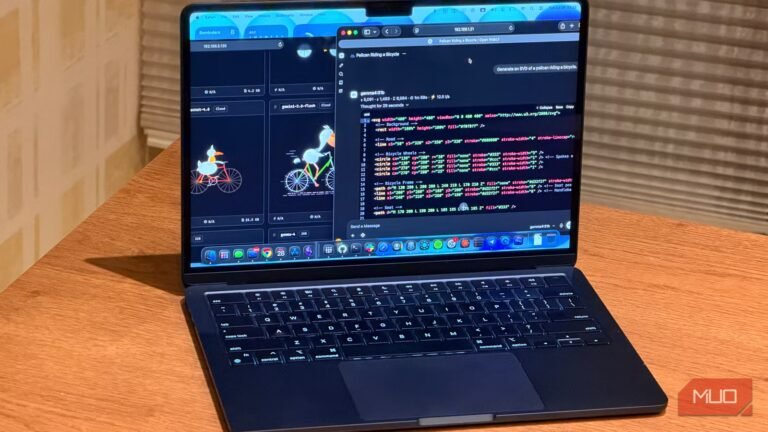
The move immediately solved another problem I hadn’t really planned for. My gaming PC no longer has to dedicate 200 GB of my SSD’s storage to media that I rarely access directly. Those files now have a new permanent home in a Seagate External HDD, all while freeing up more breathing room for games, work projects, and local LLMs to test in Ollama and Open WebUI.
Equally importantly, I no longer have to keep my PC turned on while I go to my living room to watch TV at the end of the day. The laptop just sits in the guest room now, connected to power and a LAN cable, doing one job and doing it perfectly.
A home server doesn’t need a powerful PC
My oldest computer turned out to be the most dependable one in the house

One thing this project taught me is that I had overestimated how much hardware a home server actually needs. Streaming movies, serving music, or sharing files across a local network simply isn’t demanding enough to justify leaving a gaming PC running all day. An old laptop with a lightweight Linux distro is more than capable of handling those jobs without feeling stretched, especially when that’s the only job it has to do.
In fact, my desktop was arguably the worst machine for the role. I reboot it after driver updates, shut it down when I leave the house, and regularly push it to its limits while gaming. I’ve had friends using my Jellyfin server through Tailscale complain, and it just hasn’t been reliable enough to truly depend on it as an around-the-clock server.
The Acer Aspire, on the other hand, only sips power, runs silently, and even has a built-in battery that doubles as a miniature UPS during brief power cuts. That’s how the oldest and weakest computer in my home is now just as dependable as the rest of them. I’m also surprised at how little performance matters in this new setup. The laptop is mostly just serving files over the network, spending its days doing its simple job remarkably well.
This old laptop is now a zero-risk self-hosting playground
One successful project opened the door to half-a-dozen more
Once Jellyfin was running the way I wanted, I started adding the plugins I needed to make the experience shine. That snowballed into the *arr stack, giving the server more polish. Of course, the hands-off workflow’s biggest benefit is that I still don’t have to spend too much time physically operating a seven-year-old relic. But while I’d kept self-hosting to Jellyfin and Moonlight on my gaming PC, this is where the paths diverged, and I’ve now begun recklessly experimenting with whatever I want on this Zorin-run laptop, simply because I have nothing to lose — it would’ve gone into the trash otherwise.
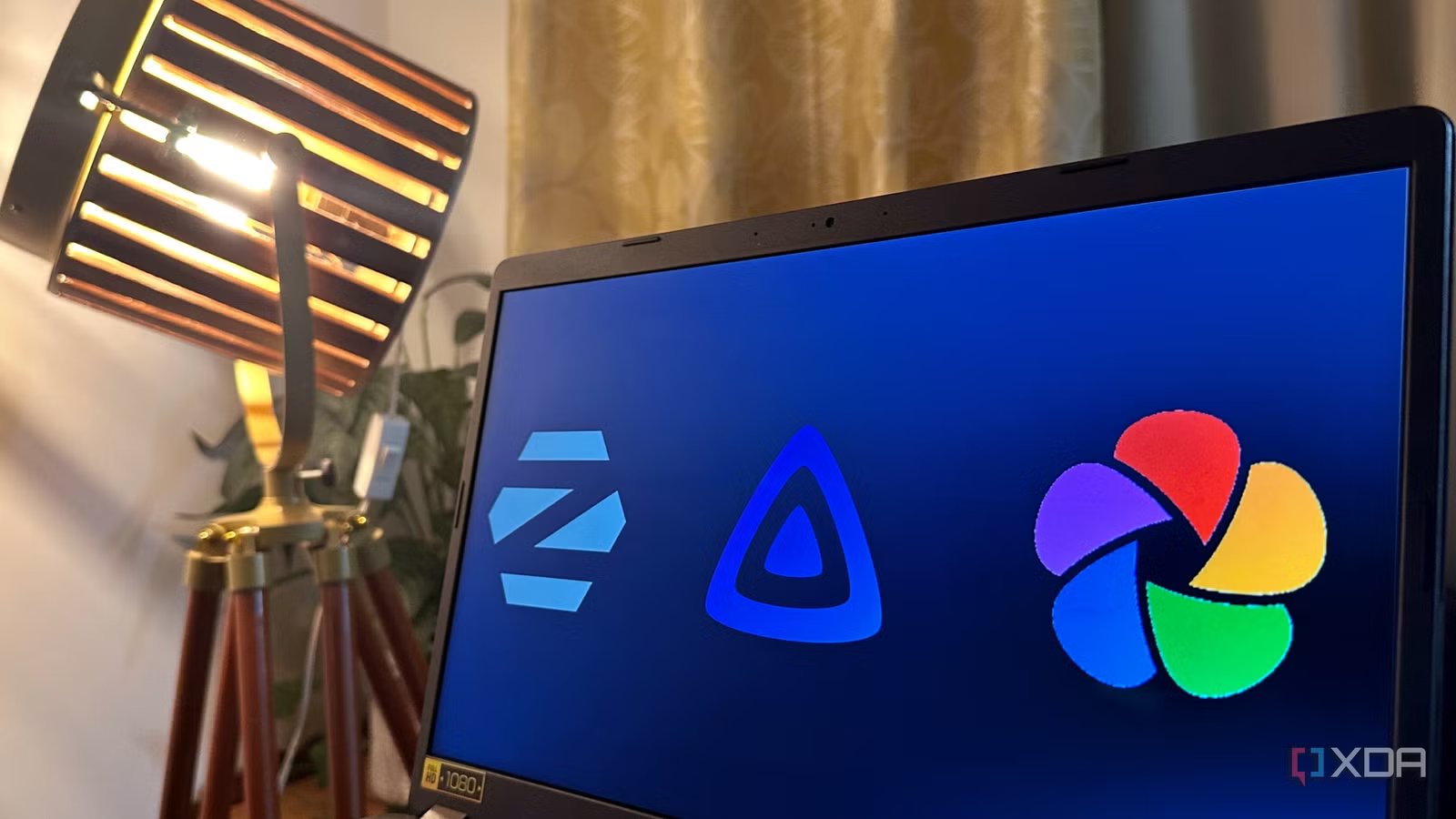
I’ve unsubscribed from iCloud and Google One after making this laptop server my image backup via Immich.
The next additions were easy decisions. I configured automatic backups from my desktop to the laptop, then installed Tailscale so I could securely access everything while traveling. Since the server already has a dedicated 2 TB hard drive that would’ve collected bit rot had I not fished it out of storage and connected it to this laptop, setting up Immich for image and video backup was the next obvious step. Come next month, both me and my partner are now unsubscribed from iCloud and Google One.
Every new service makes this laptop more useful than the last, converting it into the first proper home server I’ve ever had that serves no other purpose than self-hosting. AdGuard Home, Syncthing, and a few other self-hosted tools are already on my list to play around with once the weekend arrives, and the eventual goal is to run the machine completely headless to free up even more resources.
A left-for-dead laptop is now running my entire self-hosted library
I had no idea that I’d be building a Linux-based home server when I decided to look through my storage and randomly open a laptop I hadn’t used for years. Windows 11 had all but written this device off, and I would have either pawned it off on Facebook Marketplace or set it out for e-waste pasture.
Days later, a lightweight Linux distro and an external HDD gave it a new purpose. Every time I stumble across another interesting self-hosted service now, I don’t have to wonder where I’ll run it, because I already have the perfect machine waiting for me.