I set up a hardware security key and now phishing doesn’t work on my accounts
Phishing scams are becoming more convincing day by day. A prime example of this scenario is the fake DHL campaign that was making the rounds recently, and it seemed genuine enough that many people, including tech-savvy individuals, fell victim to it. Now, the ideal solution to avoid phishing scams would be to enable 2FA, but even then, some scam links are so foolproof that they would easily bypass that, too.
If you want stronger protection against phishing scams, a hardware security key is a much stronger alternative to conventional passwords, and, in a completely digital era, a physical key won’t ever fail you.
Phishing has outgrown SMS and app-based 2FA
Two-factor authentication isn’t a fail-safe
Phishing links used to be straightforward: you’d get a generic e-mail with broken English, and a broken URL that could easily be identified as a scam. However, scammers have adapted, and modern phishing links are nearly flawless, with professionally written e-mails and spoofing, in which just a single letter is swapped out to mimic a real sender or domain, enough to make the display name look the real deal.
Beyond cosmetics and surface-level changes, phishing scams now bypass 2FA verification as well. For an average user, 2FA may seem like the best security measure against unauthorized access: even if your password is stolen, you’d need a verification code sent via SMS or in an app like Google Authenticator. However, these fake login websites have also caught up, and now prompt for a 2FA code as a real website would, while in the background, giving hackers complete access to your information.
A hardware security key fills that gap
Hackers can’t do anything to bypass physical security

No matter how strong or weak, passwords are always susceptible to breaches, and for more robust protection, a hardware security key is a better option. It requires physical possession to grant access.
A hardware security key requires a website to prove its identity before allowing access to your information using cryptography such as FIDO2 or WebAuthn. When you use a hardware security key, it creates a private and public key that is stored locally and online for the specific website once you register the key with a website. To grant access, the site sends a challenge that your hardware security key signs, and the site verifies it with its own public key to authenticate the login.
Let’s suppose you click on a phishing link without realizing it as such, and the address is spoofed and looks authentic, e.g., billing@netflx-support.com (note the missing i in Netflix); you’ll blindly enter your login information without thinking twice. The hardware security key will deny access if the address doesn’t match the one it was registered with, helping keep your data from being accidentally divulged.
Since the private key lives on a physical device such as a USB or NFC chip, it cannot be copied and only serves to sign data, not to replicate it.
How to set up a hardware security key
It takes less time than thinking of a good password

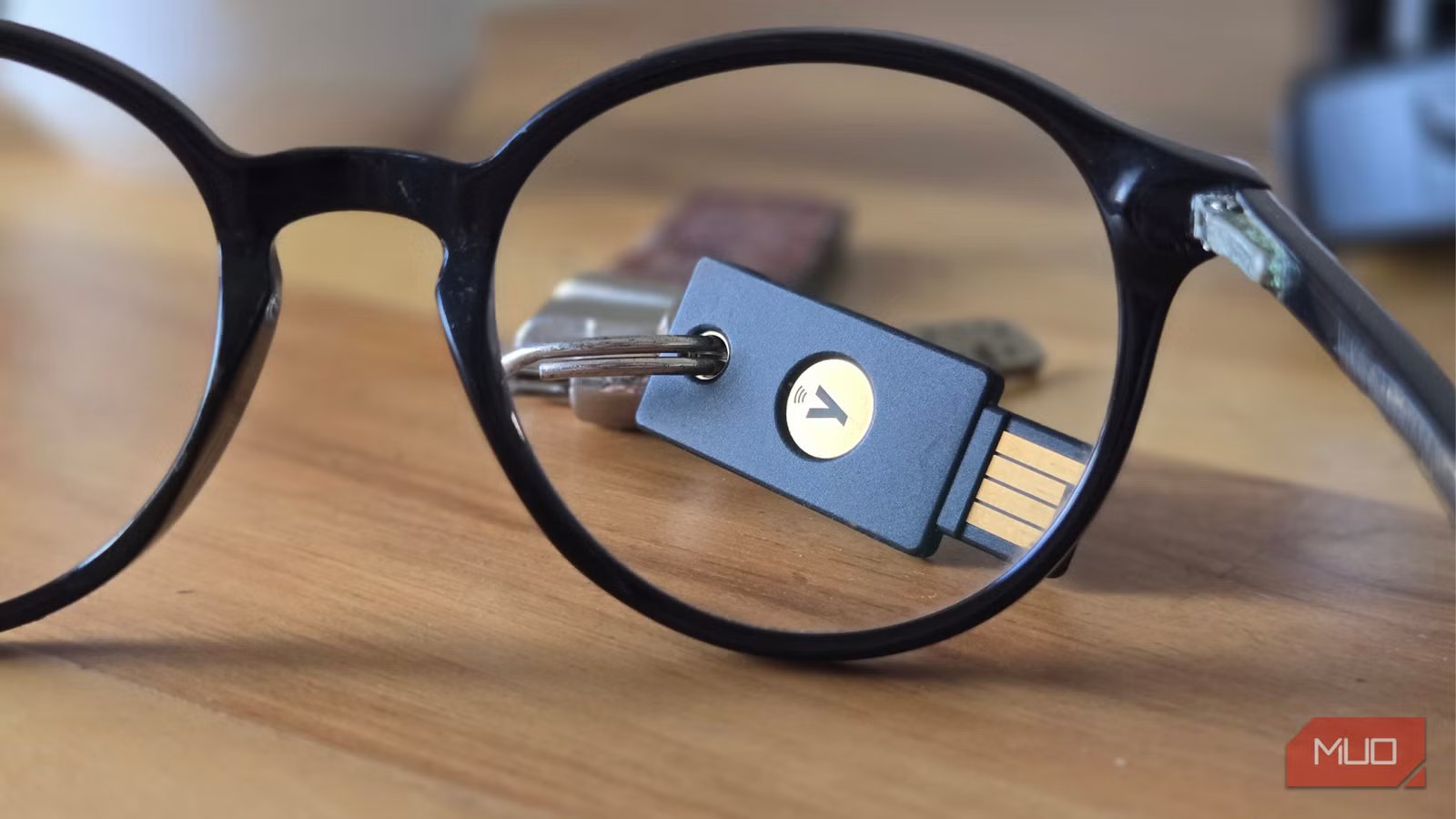
There are multiple options you could go for when setting up a hardware security key — they can either be USB devices or save on the NFC chips on your phones. Typically, the YubiKey or Google’s Titan Security Key is the choice most people make. Most online services, such as Google, GitHub, X (formerly Twitter), Dropbox, and Epic Games Store, support this security standard via FIDO2/WebAuthn.
Anyhow, setting up a hardware security key is relatively easy after you’ve chosen your option, whether it’s a USB device or an NFC tag.
- Open your account’s security settings.
- Look for an option labeled Security Key, PassKey, Hardware Security Key, or similar phrases.
- Insert your key or place your phone with the NFC chip against the computer to register a local key.
- Follow up with Bluetooth pairing if your computer asks for it.
Since you can install multiple keys for different websites on a single hardware security key, name your key so you can identify it later.
A small USB/NFC security key could be your best defense against phishing
If you’re tired of rotating passwords every few months, getting a hardware security key is a worthwhile investment. For a high-profile individual or someone with sensitive accounts, protection against unauthorized access is even more necessary, and a hardware security key eliminates the phishing risk associated with passwords.
However, losing your key poses a real risk, so as a fail-safe, you can register a secondary hardware security key or download recovery codes and note them down.