iPhone crash detection helps first responders reach Morgan County crash scene
A single-vehicle crash in Morgan County shows how iPhone crash detection can alert 911 and speed up emergency response.
MORGAN COUNTY, Ala. — Just after 11 p.m. Thursday, Flint City volunteer firefighters were dispatched to Norris Mill Road after an iPhone automatically sent a crash detection alert to 911. Crews arrived to find a Mustang off the road near Flint Creek Bridge.
The call is part of a growing number of automatic crash alerts local dispatchers say are giving first responders a head start before they reach the scene.

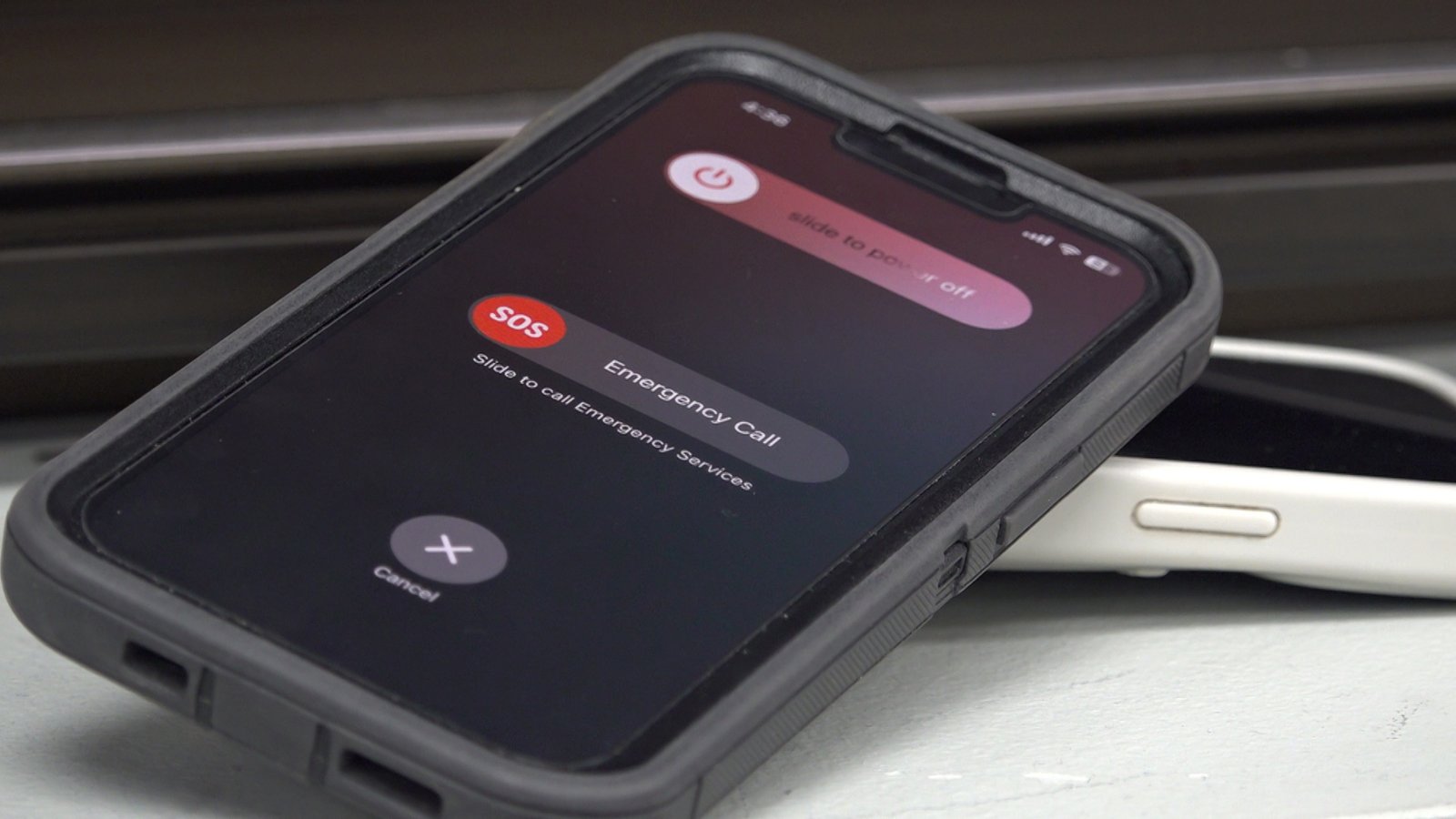
When a compatible iPhone detects a severe crash and the driver doesn’t respond, the device automatically contacts 911 and shares the vehicle’s location.
“We receive a call on 911, and it’s a recorded loop that gives us a statement saying that this is an iPhone crash notification, the coordinates of the person, and that they have potentially been in a severe collision,” said Morgan County Emergency Dispatch Director Jeanie Pharis.
Once the call connects, the phone’s microphone activates, allowing dispatchers to listen in and gather more information about the scene.
“When the speaker opens up, if we’re able to make contact with that person, then we can assess injuries, try to do some pre-arrivals, try to get better information, and be able to help them and responders as they’re going to the scene,” Pharis said. “It’s one of those things when you need it, it’s essential.”
The technology isn’t foolproof. Dispatchers say they occasionally receive false alerts, but every automatic call is treated as a potential emergency.
“One of the big things we see is people will set their cell phone in the seat beside them. They hit their brakes really hard, it falls on the floor, and it thinks they’ve been in an accident,” said Owens Cross Roads Deputy Fire Chief David Whitman. “But they’re also really beneficial, especially in remote areas, because somebody might not drop by and see.”
Drivers who are unharmed can cancel the emergency call before it’s placed. After the call ends, the phone can also notify emergency contacts with the user’s location, provided they’ve been set up in advance.
Adding an emergency contact ensures trusted people are notified and can access a user’s Medical ID during an Emergency SOS call or other urgent situation. To add one through the Contacts app, open the Phone app and tap the Contacts tab, select the desired contact, scroll to the bottom and tap “Add to Emergency Contacts,” choose a relationship label or a custom one, then tap “Done” to save the changes to the Medical ID.
Crash detection is available on iPhone 14 models and all newer models and is turned on by default.