I’ve been a Gboard fanatic for over 10 years, but this genius keyboard made me ditch it
As an Android user for over a decade, I’ve grown accustomed to Gboard. It’s the only keyboard I’ve consistently used on my phones, making it feel almost as essential as the operating system.
While I’ve given Samsung Keyboard and various third-party options a spin on my Samsung Galaxy devices over the years, I always found myself crawling back to Google’s keyboard app.
I appreciated its simplicity and deep integration with Android and Google services. It just works right out of the box with minimal tweaking required.
However, as I began juggling multiple devices, Gboard’s development has been stagnant.
It started falling behind on quality-of-life enhancements and adding new perks, such as a cross-platform clipboard and simultaneous multi-language support.
I eventually set out to find an alternative that could match Gboard’s core typing experience while offering the productivity features I was missing.
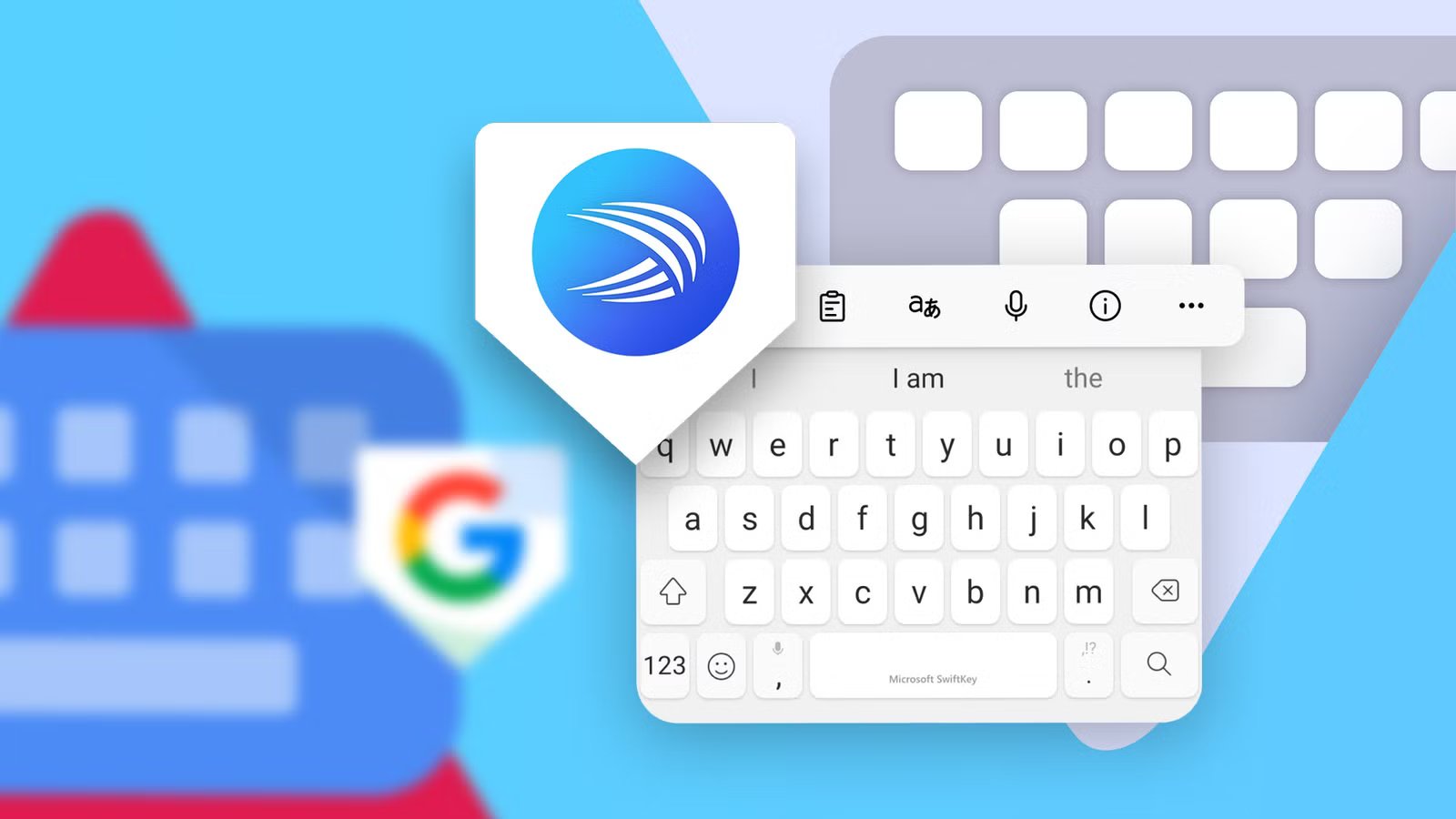
It didn’t take long to find a solid alternative: Microsoft SwiftKey. I didn’t expect to get hooked on it, especially knowing it came from Microsoft.
Yet, beyond delivering the exact capabilities I’d been looking for, it proved to be a better keyboard across the board.
I have used Gboard for over a decade
Before new enhancements stopped arriving

To be fair, I had tried SwiftKey once before, in 2017, shortly after Microsoft acquired it.
My primary memories of that era were its swipe gestures and predictive algorithms, but I didn’t stick around. Google’s native keyboard felt simpler and faster.
Since then, Gboard has remained my default option, even on devices like the Samsung Galaxy A54 and Galaxy Z Fold 5 I previously owned, and on my Google Pixel 9 Pro XL for over a year.
Setting it up from scratch on Samsung and other Android devices was always a chore given the lack of any feature to migrate or back up preferences.
However, I endured the process every time just to get Gboard running. Yet that wasn’t even my primary grievance with Google’s offering.
SwiftKey’s clipboard won me over
I stopped relying on cloud workarounds
Over the last couple of years, I’ve added more hardware to my daily routine. As a longtime Windows user, I constantly need to move text snippets, numbers, and images across several screens.
I used to rely heavily on Google Keep for text and links, alongside Google Photos and Drive for media. But as things progressed, manually copying and pasting content into a separate app grew frustrating fast.
While cloud storage works fine for files already uploaded, transferring a quick series of words on the fly is a completely different story.
This issue pops up constantly when I need to transfer a lengthy message from a mobile chat app to my PC instantly. I don’t always keep Phone Link running, so I had to find a smoother workflow.
SwiftKey’s auto-sync clipboard fills this major gap between my PC and mobile devices. It even works across multiple phones, like my Pixel 9 Pro XL and Galaxy Z Flip 7.
This bypasses the ecosystem lock-in of other clipboards, such as Samsung Keyboard, which is only available on Galaxy devices.
The cross-syncing operates smoothly between my PC and multiple Android devices, allowing me to copy clipboard entries from different Android devices onto my laptop.
In contrast, it works well when copying text on my computer, though there were a few hitches I need to solve, which I’ve shared below.
I also love the clipboard management in SwiftKey. I can reorder temporary and pinned items freely without messing with the other entries, which is a feature Gboard notably lacks.
Clipboard has its constraints
A simple toggle in Windows settings solved this

SwiftKey isn’t without its quirks. For example, its universal clipboard only syncs text snippets and URLs. Images like screenshots aren’t transferred, though they are copied onto the local clipboard.
That’s hardly a deal-breaker, since I can fall back on Google Photos or Phone Link for media transfers, but I still hope Microsoft adds cross-device image syncing in the future.
Beyond that minor gripe, I initially ran into trouble getting text from my PC to appear on my Android devices.
Despite being signed in to my Microsoft account on both my laptop and the SwiftKey app on my Pixel, copied text from my computer failed to appear.
Fortunately, while configuring Phone Link on my Windows laptop, I discovered a possible fix.
I needed to manually enable the Access PC’s clipboard toggle under Bluetooth & devices > Mobile devices in Windows settings.
When enabled, the text snippets appear in the clipboard across my devices.
In addition to enabling the Access PC’s clipboard, ensure that Clipboard history across your devices toggle is also turned on in Clipboard settings in Windows.
SwiftKey does multilingual typing better
It learns fast and provides sharper predictions


On Gboard, I usually keep multiple languages installed, but active typing limits you to a maximum of two languages at a time.
That gets even clunkier when I need to switch the keyboard layout or chat with contacts across multiple dialects.
New dialects won’t autocorrect, forcing me to manually add them or toggle language layouts to avoid constant typos.
SwiftKey addresses this friction. I can install multiple language packs, and up to five can run simultaneously on a single keyboard layout.
I no longer have to switch layouts mid-sentence when jumping between English and my local dialects.
SwiftKey is also noticeably more adaptive at learning local phrasing. Predicted words are shown on the suggestion strip after I type a couple of characters or so.
Plus, the suggested terms are better highlighted, making them easier to scan at a glance. It might seem like a subtle tweak, but for multilingual users, the difference is substantial.
SwiftKey has hidden gems


More than the clipboard, I also appreciate that SwiftKey offers granular privacy controls alongside better customization.
Gboard offers privacy settings, but it’s generally limited to a single toggle for personalization data, which is hidden under several sub-menus.
SwiftKey includes a dedicated Incognito mode that temporarily pauses data logging and typing history quickly.
Because the shortcut sits directly in the quick menu toolbar, I can toggle it on for specific chats without purging my entire learned dictionary.
Customization options are equally expansive. While Gboard offers decent theme presets, SwiftKey provides a wider variety of styles ranging from subtle, minimalist looks to vibrant themes.
While I rarely touch Copilot, having its web search integrated directly onto the toolbar is a nice touch. It lets me pull quick information without leaving an active app.
Still, SwiftKey’s voice dictation lacks the seamless fluidity of Google’s AI-powered voice typing, but that rarely impacts my everyday workflow.
I miss Gboard’s native Translate integration, but Copilot fills the gap well enough for quick lookups. At the end of the day, I could put up with Gboard’s minor shortcomings.
But what I can’t ignore is Google dragging its feet on basic productivity features power users have been requesting for years. And that’s where Google loses me.