I’ve been using Chrome for a decade, and one week of Comet convinced me to switch
Chrome still runs the internet by inertia. Something like two thirds of desktop browser share, and even if that number keeps slipping, it’s the default most people don’t think about, myself included, until pretty recently. Meanwhile, AI search engines had been chipping away at Google for a while, and then a whole new category of AI browsers showed up. One is a smarter search box, the other is a whole browser with an assistant that can actually act on the tabs you have open.
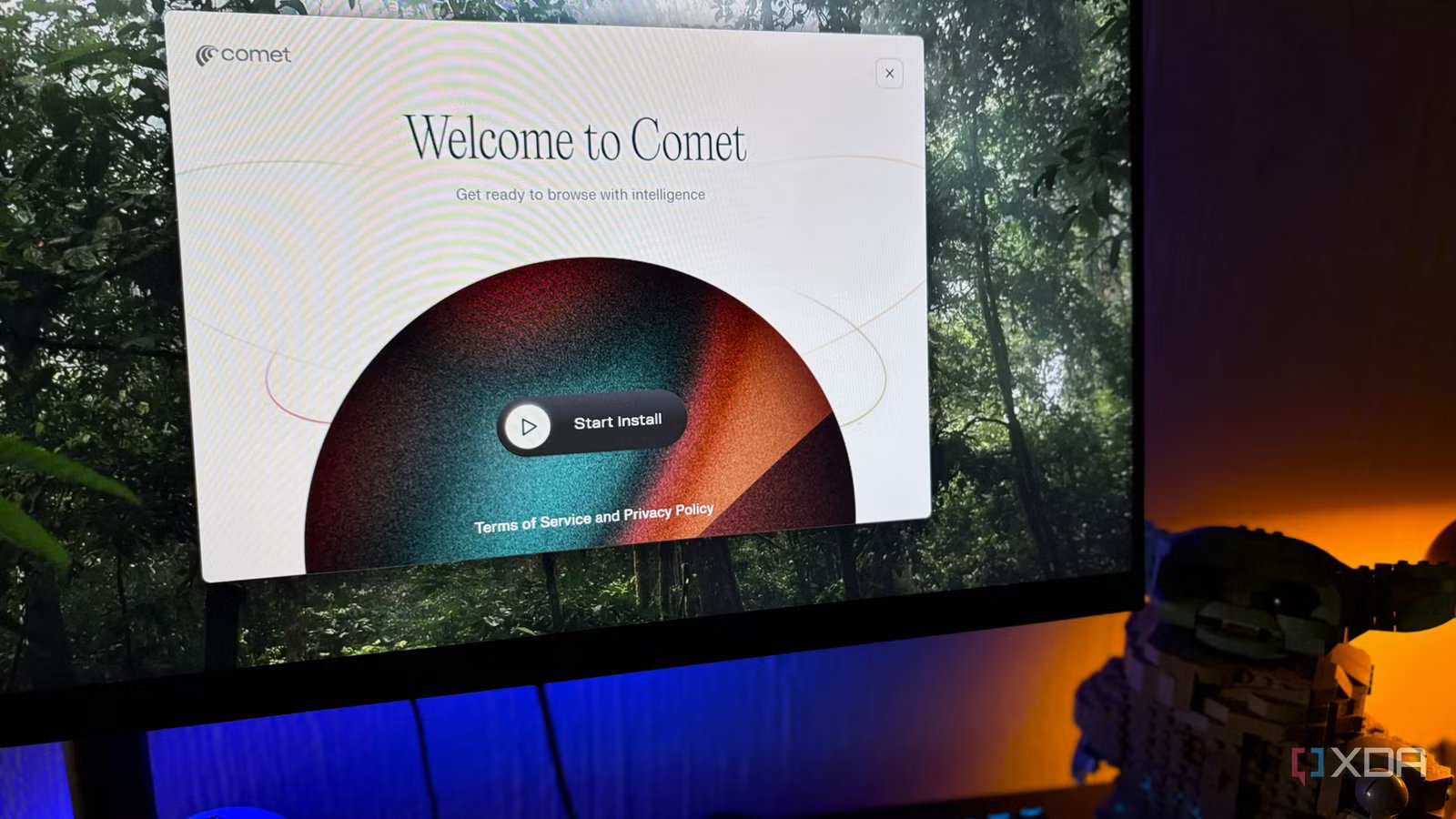
The frontrunner in that second category has been Comet, and I’d been ignoring it. Perplexity was already in my rotation; I even tried Pro for a month and let it lapse, so I figured I knew roughly what a Perplexity browser would feel like. I was wrong about that, and a week in, I already can’t picture going back to Chrome as my main.
Want to stay in the loop with the latest in AI? The XDA AI Insider newsletter drops weekly with deep dives, tool recommendations, and hands-on coverage you won’t find anywhere else on the site. Subscribe by modifying your newsletter preferences!
Chrome had the head start
But didn’t quite know what to do with it

Google’s integration of Gemini into Chrome has been genuinely good. There’s the sidebar assistant that works across open tabs, image transformations through Nano Banana without leaving the page, connected apps for Gmail and Calendar, and Skills you can reuse on any page. The sidebar hasn’t landed for me yet, which is strange because it officially rolled out to my region back in June. Might just be a slow rollout on my account; I honestly don’t know.
Chrome is still fundamentally a document viewer with AI added on top. Its whole architecture is about pulling web pages down and showing them to you, and Gemini is a helper sitting next to that. Auto browse, the actual agent that clicks through tasks for you, is US-only and gated behind AI Pro or Ultra. I’m on AI Plus which doesn’t include it anyway. So even a fully working Chrome sidebar wouldn’t get me the thing I actually wanted, which was for the browser to be able to handle itself.
The Comet Assistant alone is enough for me to switch
And the free tier gives me more than I expected
The Comet Assistant is the reason I’d keep using this browser even if nothing else worked. I’m on the free tier and I’ve stayed on it, mostly because I tried Perplexity Pro months ago but just didn’t see enough value in the subscription. Free gets you the sidebar assistant across every tab with one-click summaries and cross-tab awareness. Voice mode is also available, and you can plug in Gmail or Calendar if you want. Pro at $20 mainly lifts the caps and gives you priority routing during peak hours, plus unthrottled agentic actions when you get to them.
Most of what I use it for is skimming, so summaries mainly, but I’ll also ask it to rephrase something dense into simpler language when a research paper goes over my head. One of my favorite use cases is to get it to help me find similar products, articles, or whatever else I’m looking at. So I can pinpoint the assistant to something specific on a web page and ask it to direct me to places where I can buy that exact thing in my country, for example, a green desk. Or ask it where else I can read up on a specific topic that an article didn’t expand on enough. It can also pull specs from a long product review, translate a page that’s not in English, or dig into a follow-up question by browsing the web from inside itself. It’s a bit like having a little browser within a browser.
Yes, Google has Gemini and also AI mode, but the Comet assistant’s UX is way better because it just drops down right next to the web page (keep in mind, again, the Gemini side panel isn’t available to me at the moment).
Cross-tab intelligence
Asking one question across multiple tabs

Cross-tab intelligence on the free tier is where things get complicated. You get access, but with limits, and I don’t think those limits are documented, at least not anywhere I could find. Complex actions consume credits from a small pool, and heavy sessions hit rate limits before Pro users would. I’ve seen it work on most of my sessions, though, so it’s less of a hard-capped paywall and more of a soft ceiling to be aware of.
What cross-tab intelligence does is read the tabs you have open and reason across them together. The screenshots here are a demonstration of MacBook reviews. I had three review tabs open covering different models, and asked Comet to compare them against my actual use cases – you can ask in a new chat window or in the Assistant side window. It pulled specs and verdicts from each review and handed back a structured breakdown, no copy-pasting into a separate chat window needed.
Gemini in Chrome can do multi-tab context too, reportedly up to ten tabs, but Comet’s answers stay tied to Perplexity’s citations. I can see exactly where each claim came from, which almost matters more than the feature itself.
Everything past the assistant is where the agentic browsing shows up
Skills and Workflows are how you tell it to get work done

The rest of Comet fits under agentic browsing, which is the umbrella term for anything where the assistant actually does something rather than just tells you about it. Skills and Workflows live here. Skills are reusable capabilities you can build or borrow from the example library, so, for example, a research routine or a specific kind of document generation you’d rather not re-prompt every time.
Workflows are the guided multi-step ones with structured input forms, more like templates. Both are available on the free tier, which surprised me. Agent actions consume credits from a small pool, and heavier sessions throttle, so this is where Pro starts to make sense if you need to lean more on agentic browser tasks. The Max plan even adds Background Assistant, the autonomous scheduled version that runs while you’re not watching.
A week was enough to make Chrome feel outdated
I think Comet has earned the default slot for now, though I wouldn’t call it finished. The line between the assistant and the agent isn’t clearly drawn, and the free tier could confuse people who don’t already know what to expect, so you might be surprised one day and disappointed the next. Chrome will keep closing in on features, that much is obvious. But Comet was built around this idea from day one, and a week was all it took.