Plex, Jellyfin, and Kodi all fix the same TV problem, but I’d only recommend one
Growing up at the end of the last century, I had acquired a healthy DVD collection before streaming services came along, and all my favorite movies and TV shows were scattered across countless platforms.
Media servers let me bring everything together in one place, so Plex, Jellyfin, and Kodi all solved that problem, but after using each of them, there’s one I think gets the balance of features, convenience, and aesthetics just right.
What problem are Plex, Jellyfin, and Kodi actually solving?
Local media libraries still have a place alongside streaming services

Whether your movie collection is ripped from DVD, downloaded, or you have a substantial collection of home videos or action cam edits, each of these platforms gives you control over your own media library. You don’t have to juggle multiple subscriptions or worry about titles disappearing after a few months; your collection is at hand whenever you want to watch it.
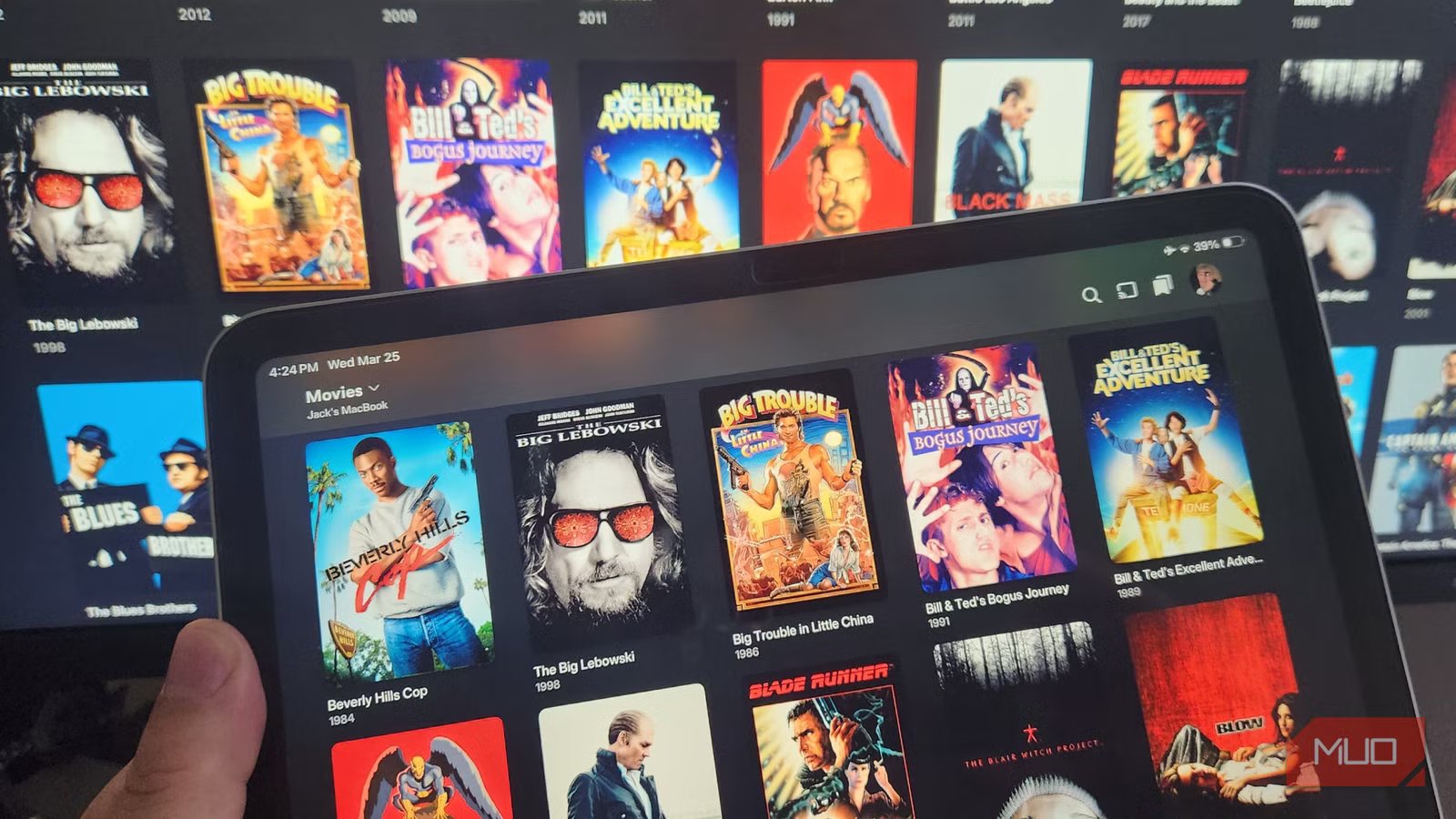
Each of the three platforms catalogs media, downloads artwork and metadata, and presents your library with an interface that looks and functions like a modern streaming service. It is how they approach this experience that sets them apart.
Simple setup, smart apps, and reliable access on almost any device
Having tried all three platforms, Plex is the one I’d recommend to anyone. It removes the complexities of running a media server: installation is straightforward, adding libraries takes just a few clicks, and the software’s ability to automatically identify even the most obscure movies and TV shows is nothing short of impressive.
However, Plex’s biggest strength lies in its ecosystem. It works across my smart TV, smartphone, tablet, streaming stick, and via web browser. I could even install it on my games console, if I thought it necessary. After setting up my server, I can access my library remotely, whether holidaying overseas or working away from home, simply by logging in, with no confusing configuration required.
All the features I’ve come to expect from streaming services are available, including watch history syncing, multiple user profiles, automatic subtitle downloads, and curated recommendations; the only difference being that I am in control of the content. And while I did sign up for the Remote Watch Pass to make remote access easier (though there are ways to circumvent it), the free version was more than sufficient for most of my needs.
Where Jellyfin and Kodi still have the edge
Open-source freedom and better customization come with trade-offs

While Plex ticks most boxes, there are some areas where Jellyfin and Kodi shine.
Many enthusiasts prefer Jellyfin because it’s completely free and open source. It comes with no premium service subscriptions, and there are no account requirements if you want to keep everything local. For tinkerers who prioritize privacy and full ownership, Jellyfin is often the top choice.
Kodi, on the other hand, adopts a different approach. Unlike the other two platforms, which act primarily as media servers, it is designed as a media center that runs directly on your playback device, whether that’s a smart TV with Google TV or Android TV, a streaming stick, a Mac or PC, or a Raspberry Pi. It comes with a huge library of add-ons and offers many customization options (including a Netflix-style “skin” that I love), which make it incredibly powerful and versatile, especially for those who enjoy tweaking every aspect of the interface.
Where Plex stands head and shoulders above these is its usability. Jellyfin has come a long way, but still lags behind Plex for usability and aesthetics. Meanwhile, Kodi can feel overwhelming for casual users and requires more work to achieve similar results to Plex and Jellyfin.
Why I’d recommend Plex to most people
The best balance of convenience, features, and functionality

I suspect that what matters to most people isn’t a blinding array of features, so much as refined looks and ease of use, and Plex strikes this balance better than Jellyfin or Kodi. It provides a refined interface, broad device compatibility, reliable remote access, and is highly automated so that managing a large media library doesn’t feel like a chore.
While all three platforms have their positives, with Jellyfish being the champion of open source software and Kodi being highly flexible and capable, having used all three extensively, I’d always recommend Plex when asked. It solves exactly the same problem as its competitors, but does so with greater simplicity and a refined look that makes it more enjoyable to live with in the long run.
Plex remains my preferred platform, wherever I happen to be
My goal has always been to simply watch my media collection with as little hassle as possible, and Plex remains the easiest solution. It may not be open source like Jellyfin or as customizable as Kodi, but it consistently delivers a refined experience that works effortlessly across every device I own.
If your priorities align with Kodi’s and Jellyfin’s strengths, both are excellent platforms that are well worth trying out. However, for most people, myself included, Plex easily hits the sweet spot between convenience, aesthetics, capability, and reliability, and that’s what makes it my go-to media server.

- OS
-
MacOS, Linux, Windows, iOS, Android
Plex is a powerful media management and streaming service that centralizes your personal media—like movies, music, photos, and TV shows—into one easy-to-access library. It also offers free streaming of movies, TV, and live channels, making it a versatile entertainment hub for all your content.