Your phone can text without a cell tower, and you may already have the feature
You’d be hard-pressed to find someone who doesn’t own a cell phone nowadays. Even if they don’t use it as most of society does for social media, as cameras, gaming devices, and basically everything but voice communications, a phone is one of your most essential communications tools. To communicate through calls and text messages outside of instant messaging and Wi-Fi calling apps like FaceTime and WhatsApp, you need a cellular connection. Or do you?
The common belief is that you need to be near a cell tower to send text messages. But your phone can actually do so without one thanks to satellite messaging. It’s rare that you’ll be somewhere without a nearby cell tower anyway, unless you’re off the grid in a rural area or there are cellular connectivity issues. Nonetheless, if you’re in a remote spot with no traditional connectivity and in trouble or need to reply to an important message, this is useful information to know.
iPhone users, check this out
iPhone satellite messaging can get you out of a jam
If you own an Apple iPhone 14 or later and have the latest OS (at least iOS 18), satellite connectivity is available as an option for connecting off-grid. It’s offered in partnership with Globalstar, Inc. Not only can you send text messages, but you can also send iMessages and even emojis and Tapbacks, like a thumbs up to confirm that you’re on your way but can’t get into why you’re late with a lengthy message. The recipient also needs to have an iPhone running iOS 18 or later. Because satellite communications uses, well, satellites, the catch is that you need to be outside with a clear view of the sky. It may take longer than usual for a message to send, about 30 seconds or potentially up to a minute if you’re under trees or there’s a lot of foliage in the way.
Use Connection Assistant in the Control Center menu, choose Satellite, and hold your phone in your hand. You don’t need to raise it to the sky, as much as your instinct tells you to do that. The phone may, however, direct you to move left or right to latch onto the best signal. Once you find it, try to send your message. It’s a good idea to run the demo and get familiar with the process before you ever actually need to use it. Available in the U.S., Canada, Mexico, and Japan, satellite messaging on iPhone requires a fee, but it’s free for the first two years after your new phone’s activation. So, if you activated a new iPhone in the last 24 months, you still have it.
Android phones have it, too
Satellite connectivity in a pinch
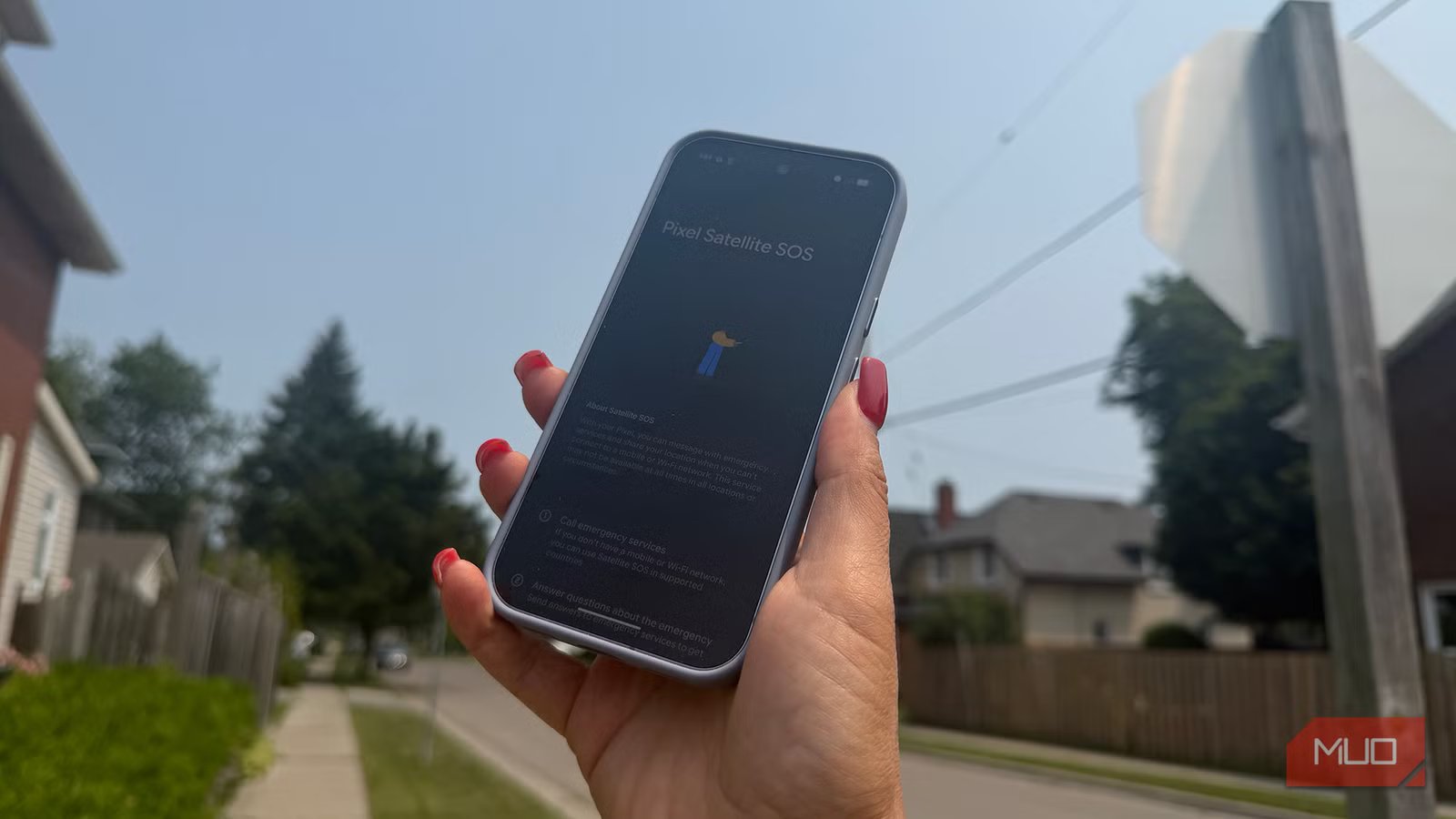
Android phones like the Google Pixel 9 series and above and Samsung Galaxy S25 series and higher feature satellite connectivity, too. Some work with any carrier and some require a specific carrier partnership. Google, for example, is partnered with Skylo while Verizon is partnered with the same company for satellite messaging, and T-Mobile works with Starlink, which allows virtually any phone to connect, even if it doesn’t have a satellite modem.
The same requirements for connecting apply to an Android phone as they do with an iPhone, including being outdoors with a clear view of the sky and away from heavy foliage and trees. Messages can take just as long to send, but the feature is equally easy to use. And most phones, like Google Pixel devices, let you run a demo to try it out. Like Apple, Google offers its services for free for the first two years.
Some carriers offer their own
Why didn’t I know this?

While phone manufacturers include satellite radio chips in their latest devices for satellite connectivity, as noted, some wireless carriers also offer their own satellite features. With carriers that offer it, satellite messaging works on any iPhone running the latest OS (iPhone 13 and newer) and newer Android phones. In the U.S., major carriers like AT&T, Cricket, Mint Mobile, T-Mobile, and Verizon offer satellite messaging, as do smaller regional carriers like Alaska GCI, Carolina West Wireless, and West Central Wireless. T-Mobile has its T-Satellite feature, which lets you message phones on other carrier networks, and it’s included with some plans or available as an add-on for others. Verizon also permits its satellite messaging for free.
In addition to sending and receiving messages when you’re in this “SAT” mode, activated by going to Settings, Cellular, Cellular Data Options (if your carrier offers it and your phone supports it), some carriers offer limited data usage as well. This is the same service that provides cellular connectivity to customers in the event of a disaster situation. So, you can rest assured that you can always connect, even in an emergency.
Run a demo now
You never know when you might need it

Explore your phone and run a demo of the satellite messaging feature to see how it works. While you’ll probably never need to use it, you might find yourself in an unexpected situation. Say you are heading to a friend’s remote cottage for the first time, and you’re lost with no signal. You can use satellite communications to at least get a message to them asking for directions based on what you see around you. You won’t be able to have a full-fledged conversation, but it will help ensure you get to your destination safely. Or maybe your teen is in a national park where cell service is weak, and they need to reach you to pick them up. It’s more of an emergency feature than one you’ll use every day. But satellite messaging could come in handy one day, so it’s valuable to know it’s there.